
Cross-platform analysis
Connect Google Ads, Meta, GA4, Search Console, and Stripe through one workflow, then query live data across platforms without exporting spreadsheets.

1ClickReport is a Claude-native marketing analyst for live data, dashboard building, and Google Ads management via conversation. Connect Google Ads, Meta, GA4, Search Console, and Stripe with OAuth.
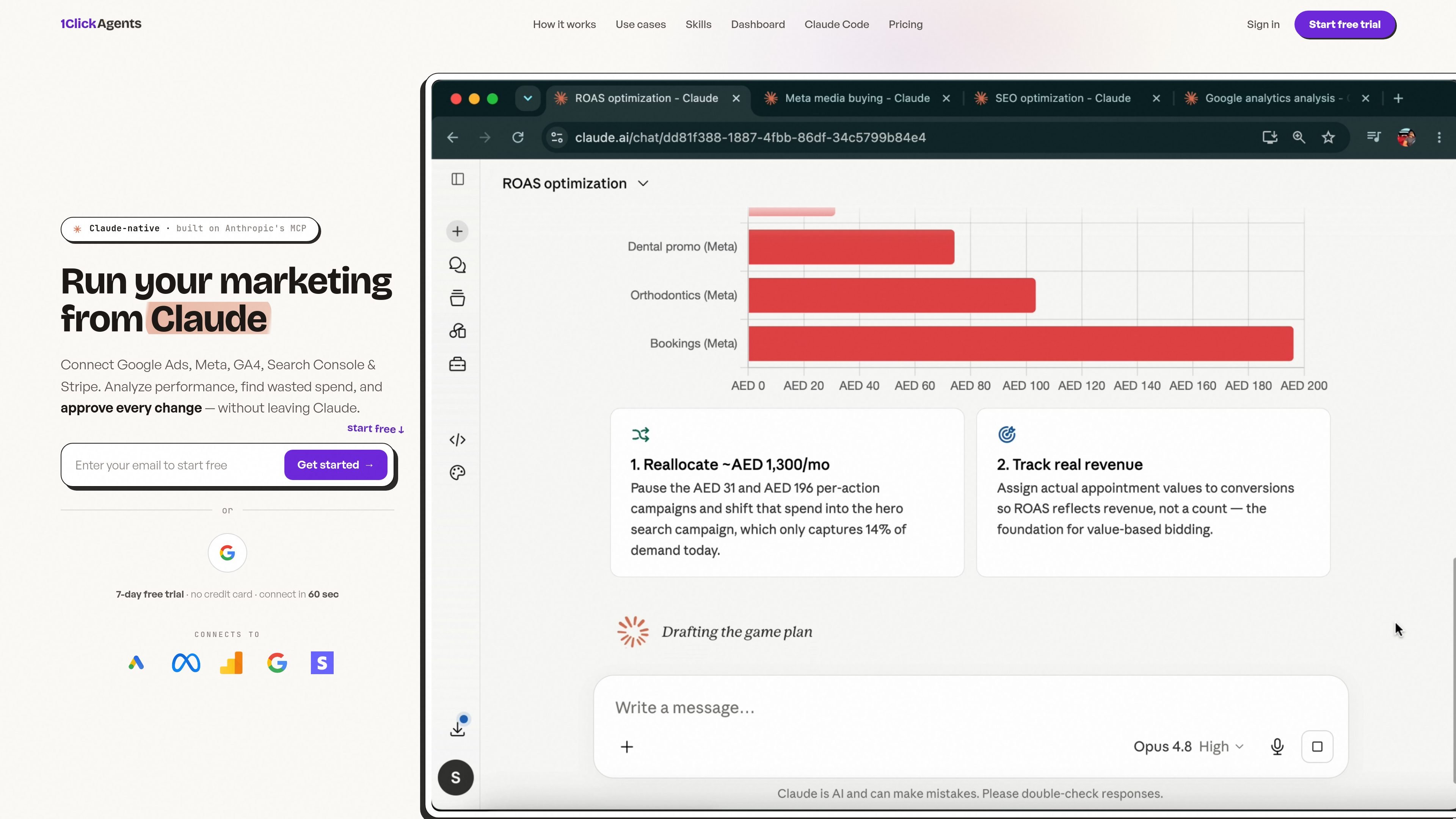
1ClickReport is a Claude-native marketing analyst that connects to live marketing data and lets users ask questions, review insights, and approve actions from conversation. The product is positioned for teams that want analysis, reporting, and campaign changes in one workflow rather than in separate dashboards and exports.
The site says it supports Google Ads, Meta, GA4, Search Console, and Stripe, with OAuth-based connection setup. Pro focuses on analysis and reporting, while Premium adds campaign creation and management for Google Ads and related optimization tasks.
Connect Google Ads, Meta, GA4, Search Console, and Stripe through one workflow, then query live data across platforms without exporting spreadsheets.
Ask marketing questions in Claude and get answers from connected accounts in plain English, with unlimited queries on paid plans.
Build marketing dashboards with drag-and-drop editing, templates, date comparisons, calculated metrics, funnels, export options, and whitelabel branding.
Share dashboards through links, with viewer access that does not require a login according to the dashboard builder page.
On Premium, Claude can create Google Ads campaigns and manage budgets, keywords, audience targeting, ad groups, and ads, with every action requiring confirmation.
The site positions MCP support as a way to use 1ClickReport in Claude and other compatible apps such as Cursor and Windsurf.
Marketers can ask which campaigns are wasting spend, which channels are driving revenue, and where performance is changing across platforms without exporting data first.
Agencies can build white-labeled dashboards for clients, share them by link, and use the same connected data for recurring reporting and ad hoc questions.
Teams on Premium can describe a Google Ads campaign in conversation, then create campaigns, ad groups, keywords, and ads with approval steps before anything is published.
Operators who need proof of revenue can connect Stripe and inspect which campaigns and channels are tied to actual purchases instead of only platform conversions.
Users who already work in Claude, Cursor, or Windsurf can query marketing data from inside their preferred MCP client instead of switching to a separate analytics interface.
Yes. Every plan includes a 7-day free trial with full access, and no credit card is required to start. Paid plans also come with a 14-day money-back guarantee.
Pro is focused on analysis, dashboards, and cross-platform reporting. Premium includes everything in Pro plus campaign creation and management in Google Ads, budget and keyword management, and audience targeting, with Meta campaign creation listed as coming soon.
1ClickReport connects through OAuth and supports Google Ads, Meta Ads, GA4, Search Console, and Stripe. The pricing page says all six connectors are included, and the site also describes Claude and other MCP-compatible apps as supported clients.
The site says you can connect once, ask questions in plain English, and review proposed changes before anything goes live. New campaigns are created paused, and every action requires your approval.
The pricing page says launch pricing is locked for the first 500 customers, and agencies managing 10 or more client accounts can contact the company for a custom plan.

PromptScout tracks how ChatGPT, Gemini, Google AI Overviews, and Perplexity mention your brand or competitors, then pairs those results with source analysis and website audits. It helps teams decide what to fix in content, positioning, or site readiness next.

ClayHog is an AI search visibility platform for tracking brand presence in ChatGPT, Gemini, Perplexity, Claude, and Google AI Overviews from one dashboard.

beehiiv is a newsletter platform for creators, publishers, and brands that want to build, grow, and monetize email newsletters and websites from one place. It offers a free Launch plan, plus paid tiers for more advanced growth, monetization, and support features.

Skayle is a content and AI search visibility platform that researches topics before writing, publishes structured content to a CMS, and tracks whether brands are cited in AI search. It is aimed at teams that want one system for publishing, schema-rich content, and visibility monitoring.

SaveMRR is a Stripe retention tool for SaaS teams that scans billing data for churn and MRR leaks, then automates recovery through dunning, cancel-save offers, win-back emails, and onboarding nudges. It is built for founders and bootstrapped teams using Stripe.

Hype is a web tool for finding trending YouTube topics by category, time range, and scoring mode. Spot emerging ideas and review source videos.