
Terminal match views
Shows live World Cup scores in the terminal and can print today's fixtures, next matchups, group tables, and individual match details from the CLI.

Claudinho shows 2026 World Cup live scores, fixtures, standings, and match data in the terminal, Claude Code, and MCP clients—no API key or signup.
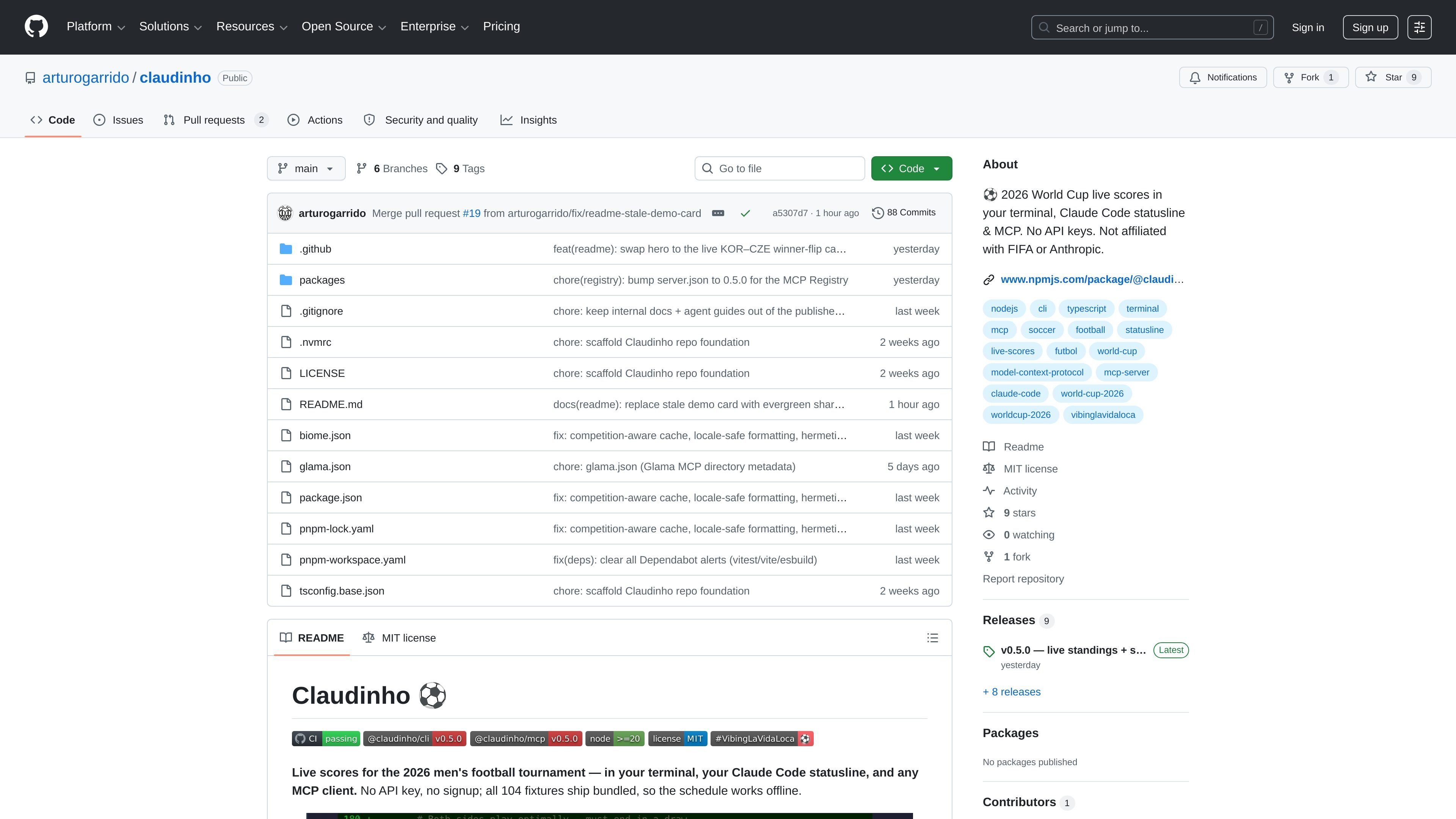
Claudinho is an open-source fan project for following the 2026 men's football tournament from the terminal, Claude Code, and MCP clients. It focuses on factual match data — scores, fixtures, standings, and selected market signals — and uses emoji flags rather than logos, kits, or player photos.
The project is built around low-friction access: the README says there is no API key or signup required, the schedule is bundled so it can work offline for those parts, and the CLI can be launched directly with `npx @claudinho/cli today`. It also publishes packaged releases and notes that the project is independent and not affiliated with FIFA or Anthropic.
Beyond live score viewing, Claudinho is meant to fit into coding workflows. It can update Claude Code's statusline, pass score context into Claude during matches, and connect to other MCP clients through a standard stdio configuration. The README also mentions that live data is attributed to ESPN and that market signals, when shown, come from Polymarket public data.
The project includes share commands for plain-text cards, supports multiple languages, and offers a small set of opt-in controls such as disabling market lines or dialing down commentary flair. A few planned features are mentioned in the README, but they are explicitly marked as not shipped yet.
Shows live World Cup scores in the terminal and can print today's fixtures, next matchups, group tables, and individual match details from the CLI.
Adds live score output to Claude Code's statusline, with a local micro-cache so the display stays responsive and does not block on the network.
Provides a score-aware UserPromptSubmit hook so Claude can receive the current match state during games, while staying silent off-match.
Exposes a read-only MCP server with tools such as `get_today`, `get_live`, `get_match`, `get_next_fixture`, `get_standings`, `get_market_signal`, and `get_share_snippet`.
Supports shareable text cards for match summaries and group standings, designed for clipboard use and group-chat sharing.
Includes language options for English, Spanish, Portuguese, and French, plus a configurable commentary style.
Check live scores, fixtures, and standings from the command line without signing in or creating an account.
Surface live match context in Claude Code while you work, using the statusline and score-aware hook during matches.
Connect a read-only sports feed to another MCP client through standard stdio settings when you want match data inside an AI workflow.
Copy plain-text match cards or group tables for chat threads, status updates, or quick team summaries.
Switch output language or commentary style when you need the same data in a different language or a quieter presentation.
No. The README says there is no API key or signup required, and `npx @claudinho/cli today` is meant to work immediately.
Partly. The schedule, `next`, and group skeletons are bundled with the project, but live scores still use the network.
Live scores come from ESPN's public scoreboard, and market signals use Polymarket public data when a reliable market exists.
Yes. The README says it works with other MCP clients, including Cursor, Codex, Claude Desktop, Windsurf, Zed, and VS Code.
The project notes that Windows is supported, but flag emoji rendering depends on the terminal and is described as best on macOS and Linux.

Ably Chat is a chat API platform for building custom realtime chat applications. It supports room-based messaging, typing indicators, presence, reactions, and message updates, with usage-based pricing options for different deployment stages.

Teloframe is an AI-powered football coaching platform for tactics, drills, session planning, and player development in one workspace. Free, Pro, and Club plans.

Ghost is a terminal-based AI assistant for chatting, code generation, and CLI tasks. Includes free models, supports Linux, macOS, Windows, and is open source.

AakarDev AI helps teams manage AI provider access, project-level setups, logs, and analytics from one dashboard. It supports BYOK workflows and lists providers including OpenAI, Google Gemini, Anthropic, Groq, Mistral AI, and Perplexity AI.

TrakMac is a voice-first macro tracking app for fitness-focused users on iOS. It estimates calories and macros from spoken meal descriptions, then helps users log food and stay aligned with their training goals.

DeepMotion is a web-based AI motion capture and 3D animation platform with Animate 3D for video-to-animation and SayMotion for text-to-animation. It helps creators and teams generate motion in a browser and export results in common production formats.