
Point-and-click element selection
Open the inspector with ⌃⇧1, hover over the live page, and click the element you want to work on. The site says this can include buttons, cards, sections, and individual lines of type.

Skisso is a browser-based tool for editing live web pages and generating structured patches for coding agents. Refine interfaces, including localhost prototypes.
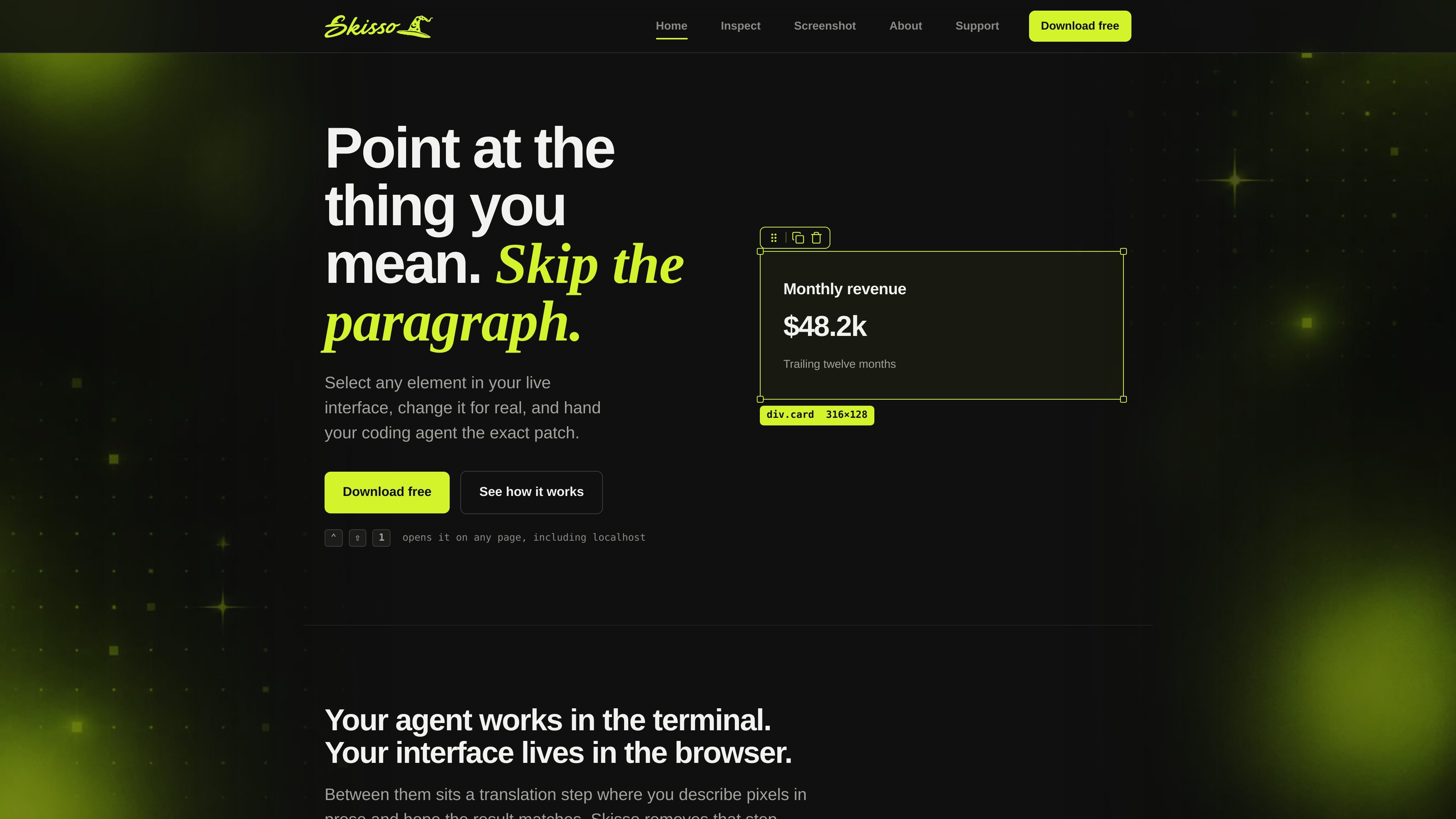
Skisso is a browser-based interface editing and patch-generation tool for people working with coding agents. It lets you select an element on a live page, adjust the rendered result directly, and copy a structured description of the change for the agent to implement.
The copied patch includes an address for the target element, the properties changed, and the old and new values. The site positions this workflow as a way to replace lengthy visual explanations with a concrete handoff, and says the inspector can be opened on any page, including localhost.
Open the inspector with ⌃⇧1, hover over the live page, and click the element you want to work on. The site says this can include buttons, cards, sections, and individual lines of type.
Modify spacing, color, typography, layout, and the copy itself directly on the rendered page instead of describing the intended result in prose.
Turn the changes into a clipboard-ready diff with an element address, each changed property, and its previous and new value.
The patch can include an optional screenshot alongside the structured change information, giving the coding agent additional visual context.
The workflow is designed to connect a browser-based interface with a coding agent working in the terminal, including pages served from localhost.
Select a card, button, heading, or section in a running local build, adjust its appearance until it matches the intended result, and give the resulting patch to the agent.
Make small visual corrections—such as changing spacing, colors, type, or layout—without spending time identifying the target in a written prompt.
Use the before-and-after values and target address as a concrete handoff when an agent is implementing a change from a browser-based review.
Include the optional screenshot when the structured patch benefits from additional visual context about the edited state.
Skisso is presented as a browser-based tool that opens with the keyboard shortcut ⌃⇧1 on any page, including localhost.
Hover over an element and click it to select it. The page describes selecting buttons, cards, sections, and individual lines of type.
You can adjust spacing, color, typography, layout, and copy directly on the live page. The changes are described as CSS changes made against the rendered interface.
Press Enter to copy a patch containing the selected element address, changed properties, old and new values, and an optional screenshot. That patch can then be handed to a coding agent.
The site explicitly mentions coding agents working in a terminal and says Skisso can open on localhost. It does not identify specific agents, integrations, operating systems, or browser requirements.

ByteAsk is a terminal-first AI coding agent for C and C++ that edits repos and verifies changes with compilers, debuggers, sanitizers, and tests.

Epherem scans web apps built with Lovable, Bolt, v0, Replit, Cursor, and Claude Code for security flaws in source code and dependencies, without running the app.

CreateOS Sandbox is an isolated compute environment for running code and agent workloads in Firecracker micro-VMs with private networking and SDK, CLI, or MCP control.

GitBot is a local browser workspace for reusable coding bots powered by Claude Code, Codex, or OpenCode, with persistent threads and configurable permissions.

hob is an independent workspace for coding agents, with local control over sessions, terminals, history, routing, and follow-up work.

Ably Chat is a chat API platform for custom realtime chat apps, with rooms, typing indicators, presence, reactions, message updates and usage-based pricing.