

Slashspace
Slashspace is an AI canvas workspace for deep work, research, and learning. Keep chats, sources, and tools organized on one local canvas instead of scattered tabs.
What is Slashspace?
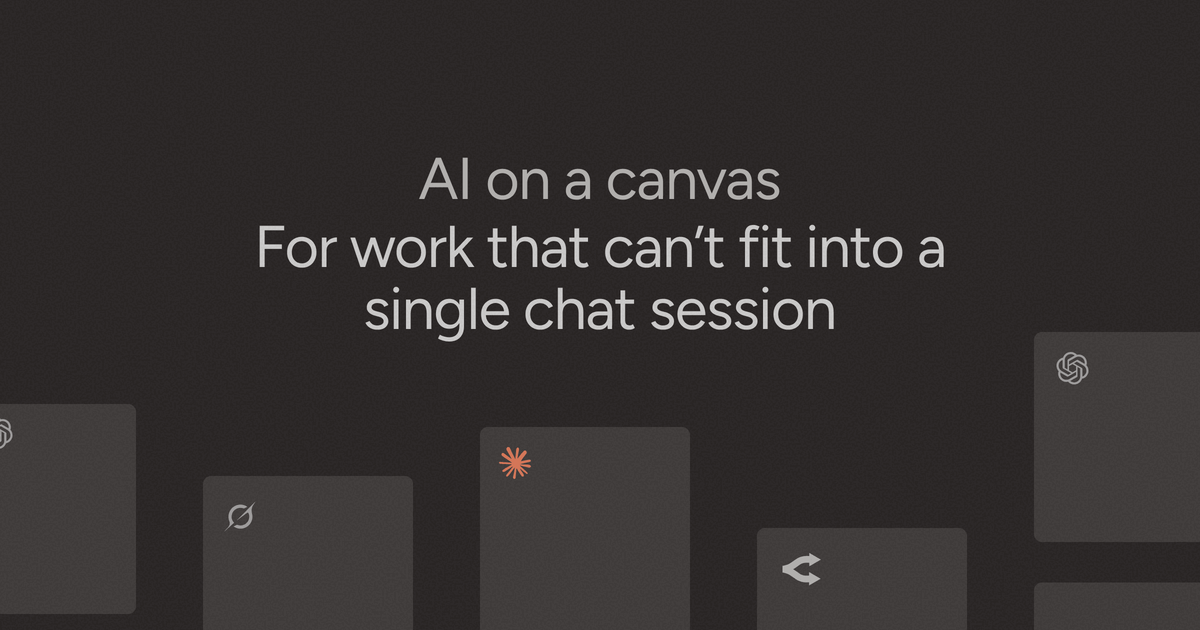
Slashspace is an AI canvas workspace for running multiple chats, agents, tools, and sources in one place. It is designed for deep work, research, learning, and other tasks where a single chat thread is not enough.
Instead of moving prompts, answers, and references between disconnected apps, Slashspace keeps conversations and related materials on a spatial canvas. The product stores data locally on the user’s computer and supports working with models, tools, documents, websites, and other sources from the same workspace.
Key Features
- Run multiple AI chats and agents on a single canvas, which helps keep related work organized together instead of split across tabs.
- Connect tools and sources to the canvas, including email, Slack, calendar, PDFs, websites, YouTube videos, and spreadsheets, so the context stays alongside the work.
- Branch, drop, and arrange content spatially, which makes it easier to compare outputs, revisit prior paths, and see the structure of a project at a glance.
- Use multiple AI models, including access to frontier models as they launch, so users can choose the model that fits the task.
- Run deep research workflows that synthesize information across many sources, which is useful for work that requires gathering and organizing evidence.
- Store data locally on the device, with offline use and private local storage described in the product page.
- Generate and iterate on images directly in the canvas workspace.
- Connect a Cursor API key to run coding agents directly on the canvas.
How to Use Slashspace
A typical workflow starts by creating a canvas and bringing in the materials you want to work with, such as notes, documents, web pages, or connected tools. From there, you can open several AI chats or agents on the same canvas and place their outputs where they fit best.
Users can then branch ideas, compare responses, and keep sources visible while they refine a draft, run research, or work through a technical problem. The canvas is meant to preserve context so you can return to the same workspace later without rebuilding it from scratch.
Use Cases
- Research and synthesis: gather information from multiple sources, run multi-step research, and keep citations or reference material near the working notes.
- Founder's desk work: manage investor research, competitive analysis, financial modeling, and strategy work in one shared workspace.
- Writing and editing: draft, revise, and compare versions of text while keeping source material and feedback on the same canvas.
- Technical and development work: connect coding agents, reference documentation, and keep related prompts and outputs organized during problem solving.
- Teaching and learning materials: assemble summaries, explanations, and variations of educational content without switching between separate chats and tools.
FAQ
What kind of product is Slashspace? Slashspace is an AI canvas application for organizing chats, sources, and tools on a spatial workspace rather than in isolated chat threads.
Does Slashspace store data locally? Yes. The product page says data stays on the user’s device and is stored locally.
Can I use different AI models? Yes. The page says Slashspace supports multiple models, including frontier models as they launch.
What kinds of sources and tools can it connect to? The page mentions email, Slack, calendar, PDFs, websites, YouTube videos, spreadsheets, and Model Context Protocol servers.
Is Slashspace only for research? No. The site also positions it for writing, development, image generation, and general deep work.
Alternatives
- Traditional AI chat apps: these are better for simple, linear conversations, but they do not provide the same spatial workspace for keeping many threads and sources together.
- Research notebook or note-taking tools: these help collect information, but they usually do not run AI agents and connected tools in the same way.
- Automation or agent platforms: these are useful when the main goal is orchestration, but they may not emphasize a visual canvas for human-in-the-loop work.
- IDE-based AI assistants: these fit code-heavy workflows well, while Slashspace is broader and also targets research, writing, and mixed-source work.
Alternatives
SignalLEMO
SignalLEMO helps teams and solo users organize, track, and share work in one place. It manages five data types, including signals.

Biji
Biji is a versatile platform designed to enhance productivity through innovative tools and features.

Carbon Voice
Carbon Voice is an asynchronous voice messaging app for teams with people and AI agents, plus transcribed updates, voice or text replies, and desktop, mobile, watch, and widget access.

Lasso
Lasso is an AI-first PIM for ecommerce teams that enriches product attributes and descriptions, processes supplier data, and monitors competitors via app or API.

Struere
Struere is an AI-native operational system that replaces spreadsheet workflows with structured software—dashboards, alerts, and automations.

garden-md
Turn meeting transcripts into a structured, linked company wiki with local markdown and an HTML browser view. Sync from supported sources.