

SnapEdit
SnapEdit is an AI online photo editor for quick retouching—remove objects, remove backgrounds with templates, enhance photos & HD export.
What is SnapEdit?
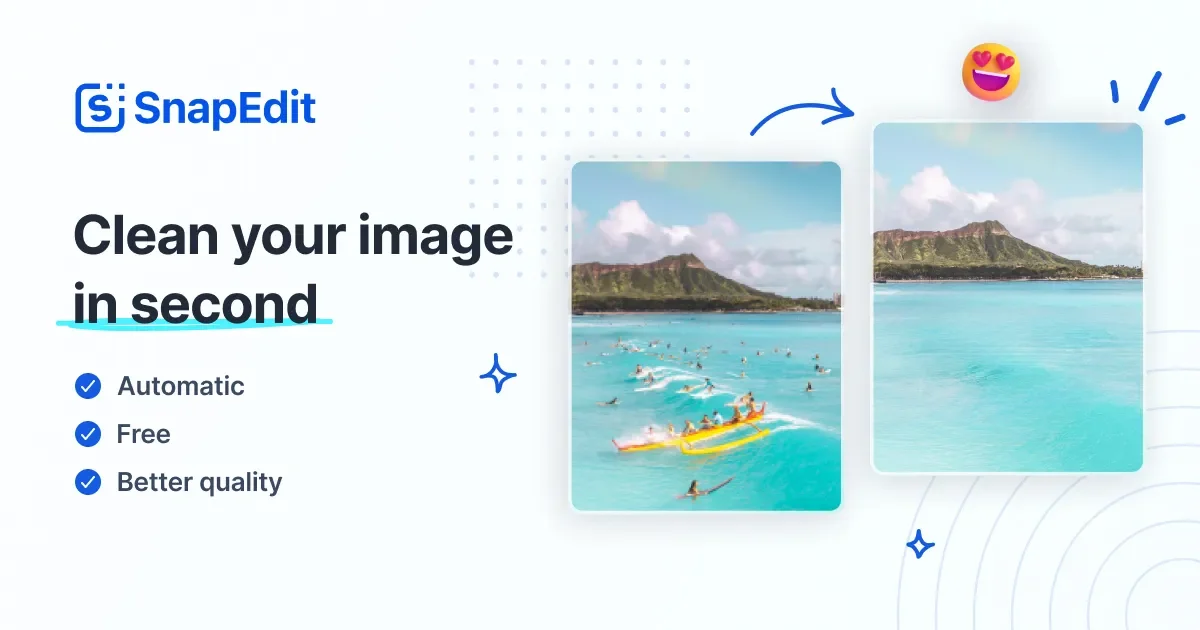
SnapEdit is an AI-powered online photo editor for retouching and improving photos quickly. It provides a set of editing tools designed to remove unwanted elements, enhance image quality, and adjust backgrounds without requiring advanced editing skills.
The core purpose of SnapEdit is to let users edit photos in a straightforward workflow using AI features—such as object removal and background removal—while also offering additional retouching and cleanup options in one place.
Key Features
- Remove Objects (one-touch AI object remover): Detects and removes unwanted details from a photo with an AI-assisted workflow.
- Enhance Photo (upscale/clarify): Upscales and enhances images, including blurry or low-resolution photos, with a one-click approach.
- Remove Background: Removes photo backgrounds and lets you change the background using 100+ pre-designed templates.
- AI Skin retouch: Retouches skin by removing acne and blemishes and improving overall skin appearance.
- Remove Text: Removes text from pictures to create a cleaner image.
- Remove Wirelines: Removes unwanted wires/electric lines from photos.
- HD exports: Save and download edited images in HD quality.
How to Use SnapEdit
- Open SnapEdit in a browser (online photo editor).
- Upload a photo to start editing.
- Choose an AI tool based on your goal (for example, remove an object, remove background, enhance photo, or retouch skin).
- If background replacement is needed, select one of the provided templates.
- Review the results and download the edited image to your device in HD quality.
Use Cases
- Product photos for online stores: Remove unwanted objects or wires from product images and place the product on a clean background using templates.
- E-commerce background replacement: Quickly swap a photo’s background for multiple template options while keeping the workflow in a single editor.
- Portrait retouching for social sharing: Use AI Skin retouch to reduce acne/blemishes and improve skin appearance.
- Cleaning up distracting elements in photos: Remove wires or unwanted details that detract from the main subject.
- Improving low-quality images: Enhance blurry or low-resolution photos by upscaling and increasing overall quality with one-click tools.
FAQ
Is SnapEdit an online photo editor?
Yes. SnapEdit is presented as an online photo editor, with editing available via the web app.
What can SnapEdit remove from photos?
Based on the available tools, it supports removing objects, backgrounds, text, and wirelines/electric lines.
Can I replace a removed background?
Yes. After removing the background, you can change it using 100+ pre-designed background templates.
Does SnapEdit offer enhancement for blurry images?
Yes. SnapEdit includes an enhance photo feature aimed at upscaling and restoring blurry or low-resolution images.
Can I download edited images?
Yes. SnapEdit supports saving/downloading edited images in HD quality.
Alternatives
- Online background removal tools: If your main goal is background removal and background replacement, these tools focus more narrowly on the cutout workflow than on broader retouching features.
- General-purpose photo editors (web or desktop): Traditional editors may offer more manual control, but can require more skill compared with SnapEdit’s AI one-click tools.
- AI retouching tools for portraits: For skin and portrait cleanup, portrait-focused AI tools may streamline retouching tasks, while SnapEdit also bundles cleanup (objects/text/wires) and background templates.
- AI photo upscalers: If your primary need is improving resolution, upscaling-focused tools can be simpler, but may not include object/background removal in the same workflow.
Alternatives

Pixelcut
Easy-to-use AI tools to make your photos stand out!

Airbrush
Airbrush is an AI-powered portrait editor to enhance, retouch, erase, remove backgrounds, and reshape photos—online and via mobile/desktop apps.
Aaavatar
Aaavatar is a Mac tool for team portrait photos—one-drop background removal, background customization, and one-click retouching for export to LinkedIn and Slack.

Upscale.media
Upscale.media AI image enhancer upscales photos (2x/4x) and improves clarity with sharpening, deblurring, dehazing, portrait face enhancement, and restoration.

PhotoAid AI Image Enlarger
Resize images online without losing quality using advanced AI technology.

BgSub
BgSub is an AI-powered tool that automatically removes or replaces image backgrounds in just seconds, all while ensuring user privacy.