
AI background removal
The product automatically removes image backgrounds using AI, reducing manual cutout work for common image-editing tasks.

BgSub is a browser-based AI tool for removing or replacing image backgrounds. Fast cutouts, background replacement, and color adjustment for product images, photos, and web visuals.
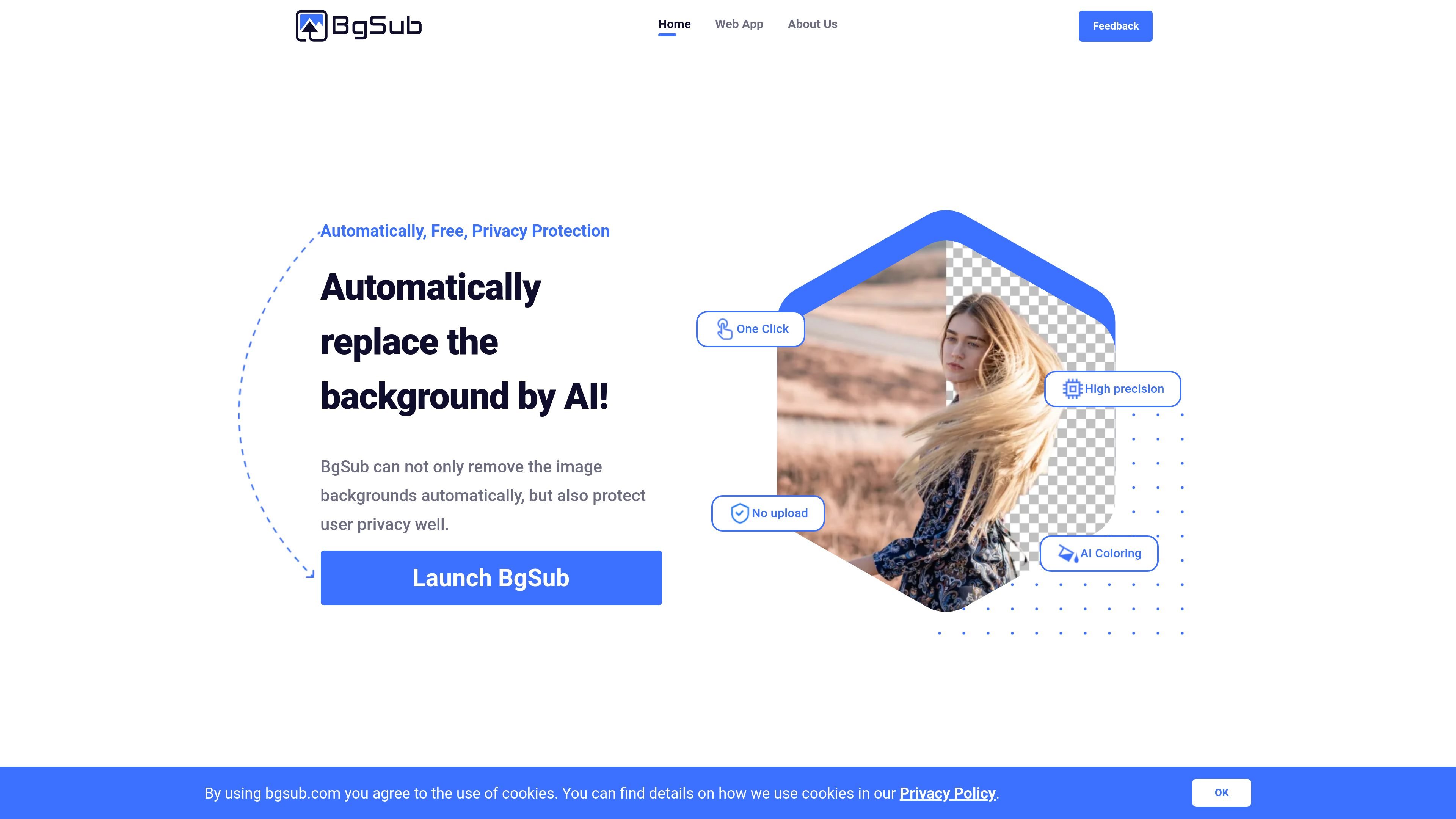
BgSub is an AI-powered browser tool for removing or replacing image backgrounds. It is positioned as a fast editing utility for people who need clean background changes without moving image files into a separate desktop workflow.
The site says the product can automatically remove backgrounds, replace them with colors, gradients, or images, and adjust colors intelligently to fit the result. Its web app supports opening an image, dragging in a file, pasting an image, or providing a URL to begin editing.
The product automatically removes image backgrounds using AI, reducing manual cutout work for common image-editing tasks.
It can replace the background instead of only deleting it, with support for color, gradient, or image-based backgrounds.
The site says the tool intelligently adjusts colors so the foreground and background feel more cohesive after editing.
Users can make manual adjustments to size, position, and mirroring after the automatic result is generated.
The product includes artistic effects for users who want a more stylized final image beyond a simple cutout.
BgSub is presented as a browser-based workflow that aims to avoid the need to upload images in the conventional sense.
People editing photos for social profiles or personal pages can change backgrounds quickly without learning a full design workflow.
Web and app teams can create cleaner images for interfaces, landing pages, and app assets that need a consistent visual style.
Photographers can change a subject’s background even when a green screen was not used.
E-commerce sellers can replace product backgrounds to make listings more visually consistent and attention-friendly.
Media and marketing teams can attach more distinctive backgrounds to posts, blogs, and ads when they need a more creative visual.
The site presents BgSub as an AI tool for removing or replacing image backgrounds. The home page and web app flow indicate you can open an image, drop a file or URL, or paste an image to start editing.
The source pages state that BgSub works in the browser and does not require you to upload your images in the usual sense. The site also says it protects user privacy, but it does not provide deeper technical details in the captured text.
The FAQ section on the site asks about free and commercial use, but the captured text does not include the answer. Based on the pricing page being unavailable in the captured sources, pricing and plan limits cannot be confirmed from this evidence.
The site says it can remove or replace backgrounds and mentions automatic color adjustment, free adjustment of size and position, mirroring, and artistic effects. It does not provide a published maximum resolution in the captured text.
The site includes a question about API or batch processing, which suggests those workflows are considered, but the captured text does not confirm whether they are available or how they work.

Slazzer is an AI photo editor for automatic background removal, with web app, API, desktop software and plugins, plus upscaling and restoration tools.

Pixelcut is an AI photo editor for product images, social content and video assets. Free and paid plans; mobile app and browser access for individuals and teams.

Magic Eraser is an AI-powered tool that allows users to quickly remove unwanted objects, people, text, and blemishes from photos with ease.

Airbrush is an AI photo and portrait editor for web, desktop, and mobile. Retouch portraits, remove backgrounds, and enhance images with credit-based AI tools.

Aaavatar is a macOS portrait editor for teams. Remove backgrounds, apply brand colors or presets, and export consistent staff photos to LinkedIn, Slack, and email.

Petalica Paint is a web service for automatic line-art coloring and tracing drawings from photos, with commercial use allowed under stated terms.