
One-press voice capture
Start dictation with one press, speak normally, and send text into the active app without switching screens.

SpeakON is an iPhone voice typing device and app that turns spoken input into cleaned text inside the active app. It removes fillers and backtracks, supports tone adaptation and translation, and is designed to work offline or on the move.
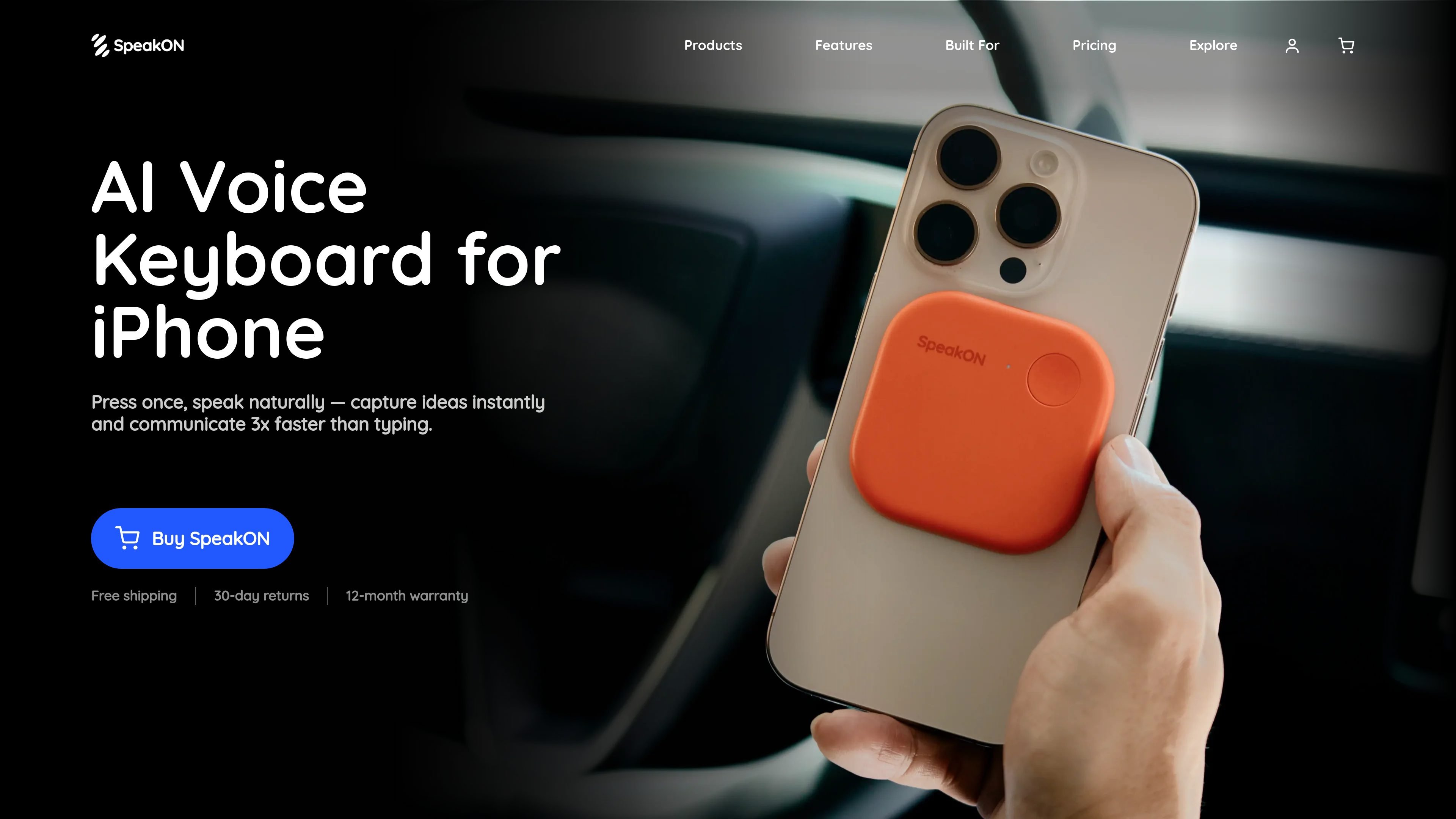
SpeakON is an iPhone voice typing device and companion app built to turn spoken ideas into clean text inside the app you are already using. The homepage positions it as a one-button workflow: press, speak naturally, and get text that is ready to send without manual cleanup or app switching.
The product pages describe several layers of processing. Smart Polish removes filler words, repeated phrases, and self-corrections; Attune adapts tone to the context of the app you are writing in; Translation can place translated text directly into the active app; and Voice Edits lets you revise the output by speaking follow-up instructions. The site also says the device works locked, offline, and on the move, with recording on-device and sync later.
Start dictation with one press, speak normally, and send text into the active app without switching screens.
Removes filler words, repeated phrases, and self-corrections so the output is closer to something you would send as written text.
Detects the app you are writing in and adjusts tone to match contexts such as email, Slack, or social apps.
Converts spoken input into translated text and places it directly into the current app, with 12 languages mentioned on the product page.
Lets you reshape the output by voice, such as asking for a friendlier or longer version, without using the keyboard.
Supports locked, offline, and on-the-move use, with on-device recording and later sync called out on the product page.
Use SpeakON when you want to capture an idea quickly between meetings and send a polished message without stopping to type.
Dictate emails, Slack messages, or similar updates and let Attune adjust the tone to better fit the app and audience.
Speak rough thoughts, then have Smart Polish strip out filler words and corrections so the result reads more cleanly.
Use the translation workflow to speak in one language and place translated text directly into the active app.
Refine an already-generated draft by voice, asking for changes such as friendlier wording, more detail, or a different style.
SpeakON is designed for voice input on iPhone. You press the device, speak naturally, and the cleaned text lands in the active iOS app.
Smart Polish removes filler words, repeated phrases, and mid-sentence self-corrections from spoken input before the text is inserted into your app.
The source says SpeakON works in any iOS app with a text field, and its text can land in messaging, email, notes, and other active apps.
The product pages describe a Starter plan included with the device and a Pro plan with unlimited words and other expanded limits. The pricing page itself was not available.
The site says your voice is never stored, shared, or used to train AI models, and it also states SOC 2 Type II and HIPAA certification.

Sanota is an app that turns spoken memories, reflections, and interviews into clear written stories. It supports personal storytelling, family history, and shared memories, with guided prompts and subscription pricing.

Carbon Voice is an asynchronous voice messaging app for teams and individuals, with transcripts, AI catch-up, and cross-device access. It helps people and agents communicate without needing a live call.

Speech to Text Converter is a browser-based transcription tool for live dictation and uploaded audio or video files. It offers a free tier for short tasks and a Pro plan for unlimited transcription, AI summaries, translation, speaker identification, and advanced exports.

Tavus is an AI video platform for building real-time, face-to-face agents, digital twins, and AI companions. It combines APIs, custom replicas, and multilingual conversational workflows for developers and teams.

ProWritingAid is a writing assistant for storytellers that offers grammar checking, style editing, paraphrasing, and story analysis inside popular writing apps. It includes a free plan, paid tiers, and tools for chapter critique, manuscript review, and collaborative editing.

Paperpal 是一款面向学术写作的 AI 工具,提供文献阅读、语言润色、引用、查重、AI 检测和投稿前检查。它适合需要在英文论文和学术材料上进行写作、修改与合规自检的学生、研究人员和教师。