
Product-to-video workflow
Convert a product URL or uploaded image into a multi-scene ad. The platform analyzes the product and builds the ad structure around it.

Specteon Ads turns product URLs or images into multi-scene AI video ads. Create historical POV videos with a credit-based subscription model.
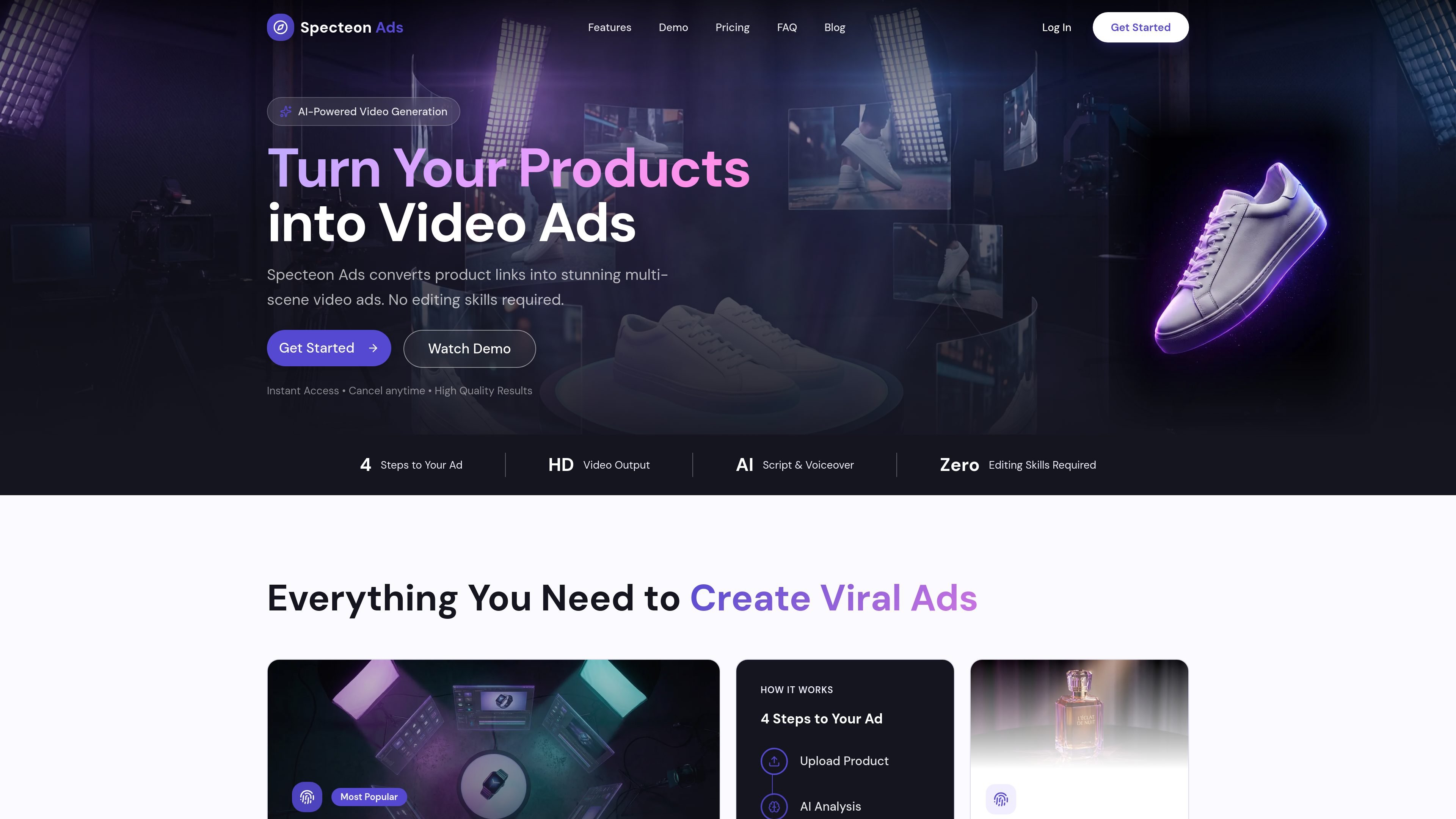
Specteon Ads is an AI video generation platform for turning product links or uploaded images into multi-scene video ads. The homepage says it converts product URLs into high-quality video ads, while the FAQ describes it as also supporting historical POV video generation based on a topic or historical figure.
The product is built to reduce manual editing. It generates scripts, images, scenes, and voiceovers automatically, then exports the finished video in MP4 format at HD quality. Pricing information shows a credit-based system and paid plans with higher limits and optional priority rendering on higher tiers.
Convert a product URL or uploaded image into a multi-scene ad. The platform analyzes the product and builds the ad structure around it.
Generate scripts and voiceovers automatically, including voiceover and scene-level content tailored to the target audience.
Create multi-scene narratives with storyboarded scenes, transitions, effects, and music synchronization for a finished ad output.
Produce videos in minutes rather than manually editing footage, which supports faster iteration on ad concepts.
Use credits to understand creation cost: scripts are included, images are billed separately, and video is billed by the second.
Access shared subscription and credits across Specteon apps through one login, according to the Specteon Network hub.
Turn a product page link or product image into a short ad that includes scenes, voiceover, and music without manual editing.
Generate ads or stories with multiple scenes when a single static image is not enough to explain the product or message.
Produce educational or historical narrative videos from a topic or historical figure using the platform’s historical POV workflow.
Use the credit system and higher-tier rendering options to produce more videos when you need recurring output each month.
Access Specteon Ads from the broader Specteon hub when you want a shared account, subscription, and credit pool across apps.
Specteon Ads is an AI-powered video generation platform that creates immersive historical POV videos. You provide a topic or historical figure, and the system generates scripts, images, and video clips.
After signing up, open your dashboard and select "New Project." From there you choose a historical topic or figure, adjust settings, and let the platform generate the video.
No technical skills are required. The product is designed so you can describe what you want while the system handles script writing, image generation, and video creation.
All videos are exported in MP4 format at HD quality (1080p). The FAQ also notes that Pro and Viral King plans include 4K image generation for scene frames.
Credits are used for content creation. Script generation is free, images cost 5 credits each, and video costs 5 credits per second. Credits refresh at the start of each billing cycle, and unused credits do not roll over.

topple.lol is a public pay-to-rank leaderboard where listings start at $1 and bid balance decays over time and clicks for short-term visibility.

VIDEOAI.ME is an AI video generator for spokesperson videos, ads, explainers, and social content from a script without filming.

Video Effects SDK adds real-time webcam effects like background blur, replacement or removal, denoising, framing, beautification, and color grading for live video apps.

Official HeyGen API docs for AI avatar videos, video translation, lipsync, and interactive video-agent sessions via API, MCP, and CLI workflows.

DeepMotion is a web-based AI motion capture and 3D animation platform with Animate 3D for video-to-animation and SayMotion for text-to-animation.

艺映AI is a free AI video creation tool for text-to-video, image-to-video, and video-to-video creation for short social and promo clips.