
Real-time posture scoring
Uses your webcam and on-device AI to analyze posture in real time and assign a score from 0 to 100.

SuperShrimp uses your webcam and on-device AI to catch slouching, with live posture scores, alerts, and habit tracking on macOS, Windows, and Linux.
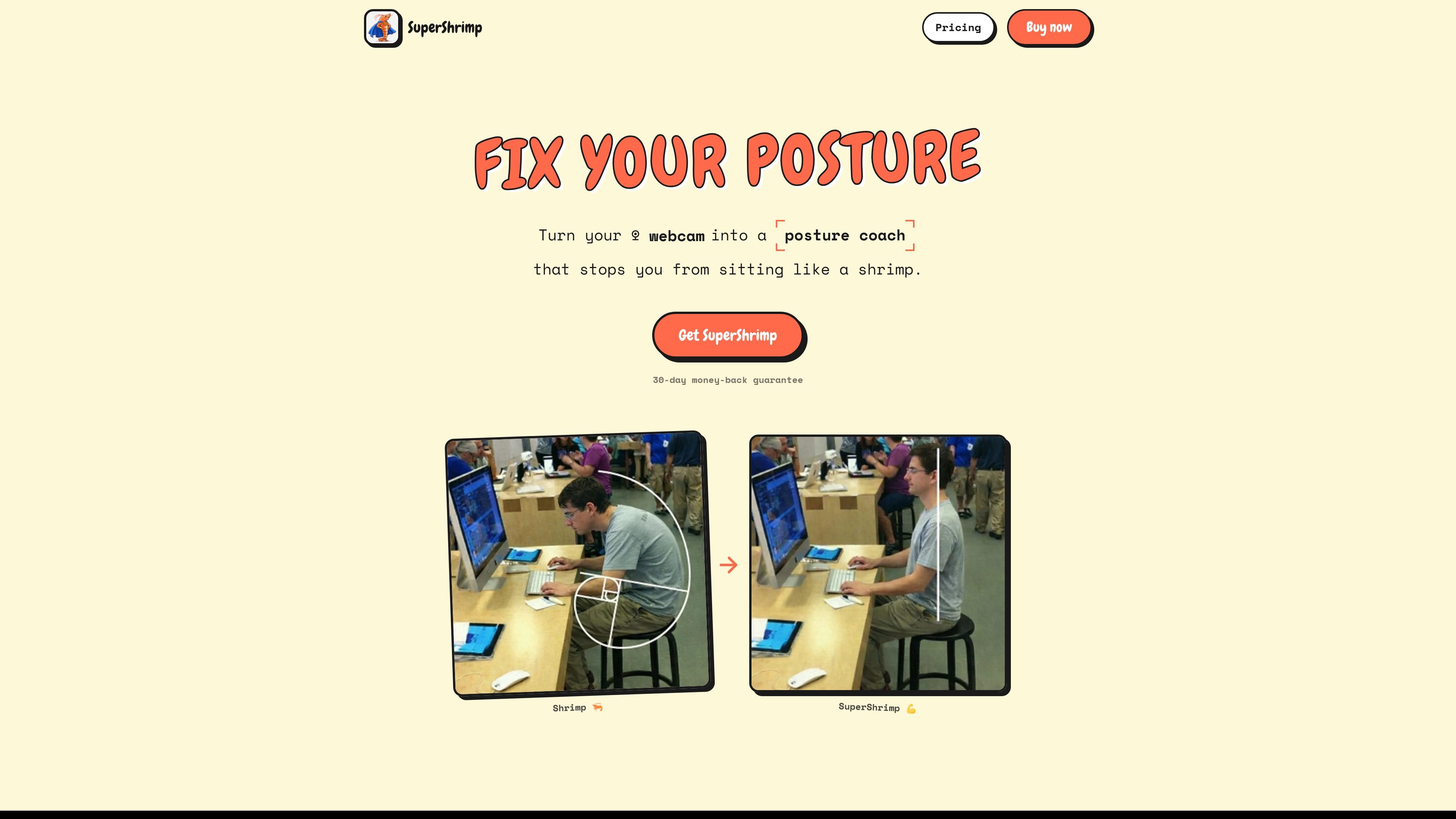
SuperShrimp is a posture coach that uses your webcam to monitor how you sit while you work. It analyzes posture locally on your computer, gives you a live score, and notifies you when it detects slouching.
The product is designed for people who want a low-friction way to build better desk posture without wearing a device or manually checking in. It also adds habit tracking, XP, levels, and a leaderboard to make progress visible over time.
Uses your webcam and on-device AI to analyze posture in real time and assign a score from 0 to 100.
Sends a notification when your posture drops so you can correct it without keeping the app open.
Tracks good versus bad posture time, plus daily and weekly score trends, to show how habits change over time.
Rewards good posture with XP and 10 shrimp levels, adding a simple progression system to the habit loop.
Works with a built-in laptop camera, an external USB webcam, or an iPhone continuity camera, and auto-detects the camera source.
Runs locally on macOS, Windows, or Linux with no internet required for posture detection and no stored webcam images.
Use SuperShrimp during daily desk work to catch slouching as it happens and correct posture before it becomes a long stretch of bad habits.
Use the score, trends, and good-versus-bad posture breakdown to review how your sitting habits change across days and weeks.
Keep the app running in the background while you focus on other tasks, letting notifications prompt quick posture corrections without constant attention.
Use the XP, levels, and leaderboard to make posture practice more motivating for people who respond well to progress markers and light competition.
SuperShrimp uses your webcam and on-device AI to analyze posture while you work. It shows a real-time score, sends a notification when you slouch, and tracks your posture habits over time.
The product says webcam data stays on your computer, with no images captured or stored and no internet needed for posture detection.
The source says SuperShrimp supports macOS, Windows, and Linux.
The source describes a one-time license for one device. The support page also includes license access and transfer questions, but it does not state multi-device licensing terms.
The support page includes refund help, and the home page states a 30-day money-back guarantee.

Teloframe is an AI-powered football coaching platform for tactics, drills, session planning, and player development in one workspace. Free, Pro, and Club plans.

LeanUp is an AI calorie tracker and meal-planning app for logging meals, tracking macros, and getting personalized nutrition guidance with scan, snap, search, and recipe reuse.

TrakMac is a voice-first macro tracking app for iOS that estimates calories and macros from spoken meal descriptions to help you log food and stay on track.

Padel Chess is a web-based platform for improving padel tactics with puzzle-based practice in realistic court scenarios.

PitchHighway helps singers learn songs with real-time pitch feedback, guided drills, and free browser tools for range testing, warm-ups, key finding, and note practice.

what do i wear ✶ run suggests running outfits based on your location and current weather, using temperature, wind, humidity, UV, and rain, with hourly updates.