
Realistic typewriter sounds
Each keystroke plays a typewriter sound so the writing experience feels closer to a mechanical typewriter than a standard text editor.
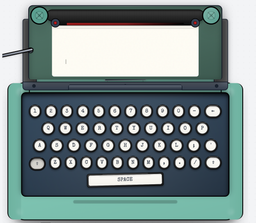
Typeletter is a free browser-based typewriter simulator for letters, notes, and journals, with realistic sounds, vintage visuals, and easy save, email, download, or share options.
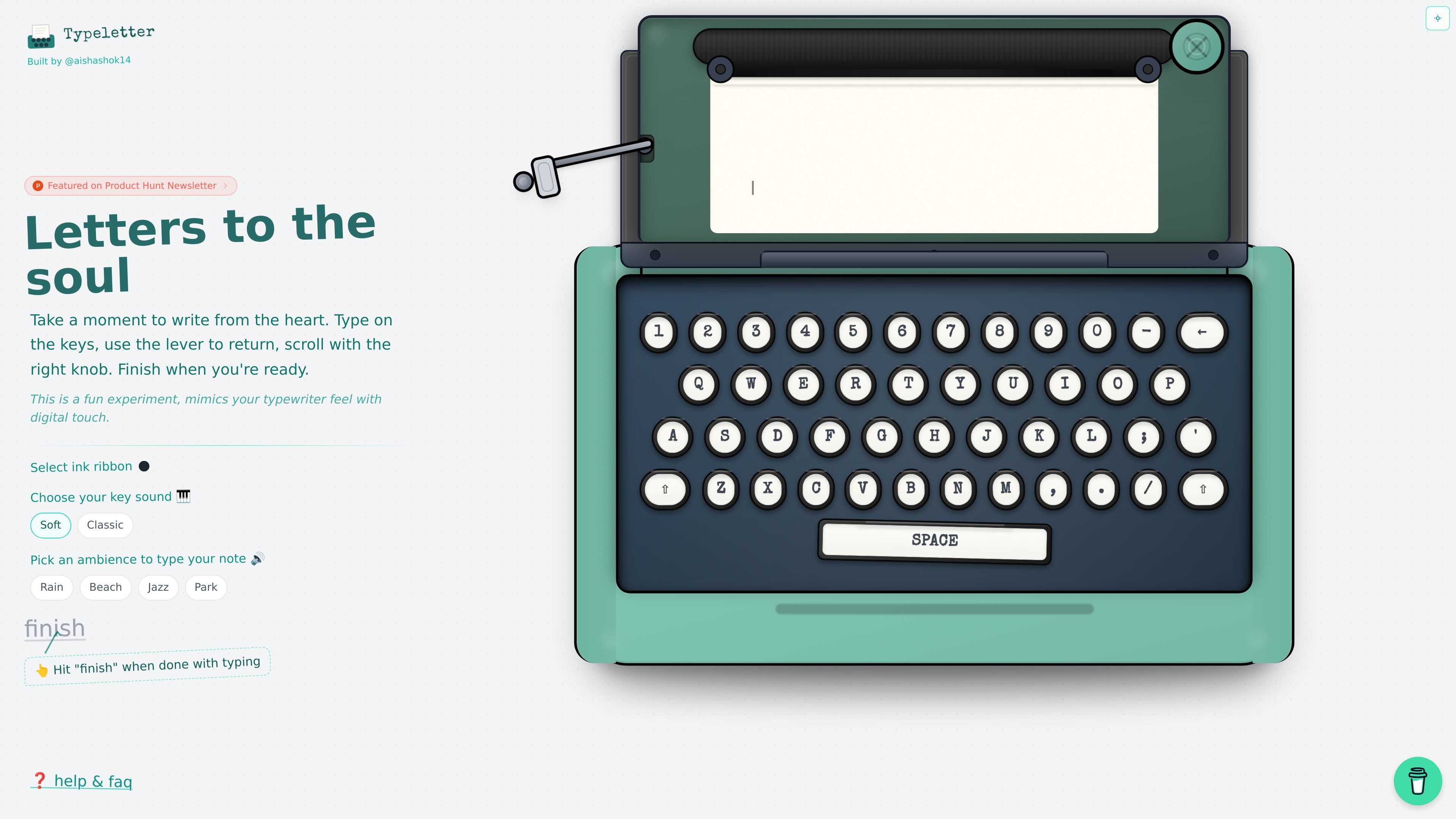
Typeletter is a free online typewriter simulator for writing letters, notes, and journals in the browser. It is designed to recreate the feel of a vintage typewriter with realistic sounds, nostalgic styling, and a simple writing workflow.
The app emphasizes focused writing rather than feature-heavy editing. Users type directly on the page, move to a new line with Enter or the carriage return lever, navigate the paper with the scroll knob, and finish a note by saving, emailing, or sharing it.
Each keystroke plays a typewriter sound so the writing experience feels closer to a mechanical typewriter than a standard text editor.
Choose from Black, Red, Blue, or Sepia ink to change the appearance of the typed page.
Add a vintage-style wax seal stamp for letters that need a more formal or handwritten look.
Finish a note and send it by email, download it as an image, or share it to Twitter or LinkedIn.
Switch between Rain, Beach, Jazz, and Park ambient sounds while you write.
Use it on mobile or desktop without downloading or installing anything.
Write journal entries in a slower, more deliberate format that encourages focused reflection instead of rapid editing.
Draft personal letters with vintage styling, typewriter sounds, and a wax seal option for a more traditional presentation.
Use the simulator for short creative pieces where the writing environment matters as much as the text itself.
Create a low-distraction writing session with ambient sound choices and a browser-only workflow.
Open it when you want a nostalgic typing experience without installing software or setting up an account.
Yes. The homepage says Typeletter is completely free to use, and the pricing URL currently returns a 404 page.
You use it directly in the browser. The page says there is no download or installation required.
The page describes typing on your keyboard, using Enter or the carriage return lever for a new line, and dragging the scroll knob to move through the paper.
The homepage says you can finish a note and then save it, email it, or share it. It also mentions downloads as images.
The source only shows the browser-based homepage and does not provide team, admin, or integration documentation.

Magic Notebook is a desktop writing app for bloggers, journalists, and authors who want to write in local files without a cluttered interface or cloud workflow.

Sudowrite is an AI writing partner for fiction authors. Brainstorm, outline, draft, revise, and expand long-form stories in one fiction-focused workflow.

Scribeist is an AI writing platform for novels, blogs, essays and notes, with project-aware AI, fiction continuity tools, SEO blog tools and publishing integrations.

Goldfish is an AI memory app for macOS that helps you reply, write, summarize, and continue with context already on your Mac. It stores memory locally and writes in your tone.

ProWritingAid is a writing assistant for storytellers with grammar checking, style editing, paraphrasing, and story analysis in popular writing apps.

Paperpal is an AI tool for academic writing, offering literature reading, language polishing, citations, plagiarism checks, AI detection, and pre-submission review.