
Story Bible workflow
Start with an idea and move through outline, chapter beats, and drafted prose in Story Bible, which the site presents as a step-by-step path from concept to a long-form draft.

Sudowrite is an AI writing partner for fiction authors. Brainstorm, outline, draft, revise, and expand long-form stories in one fiction-focused workflow.
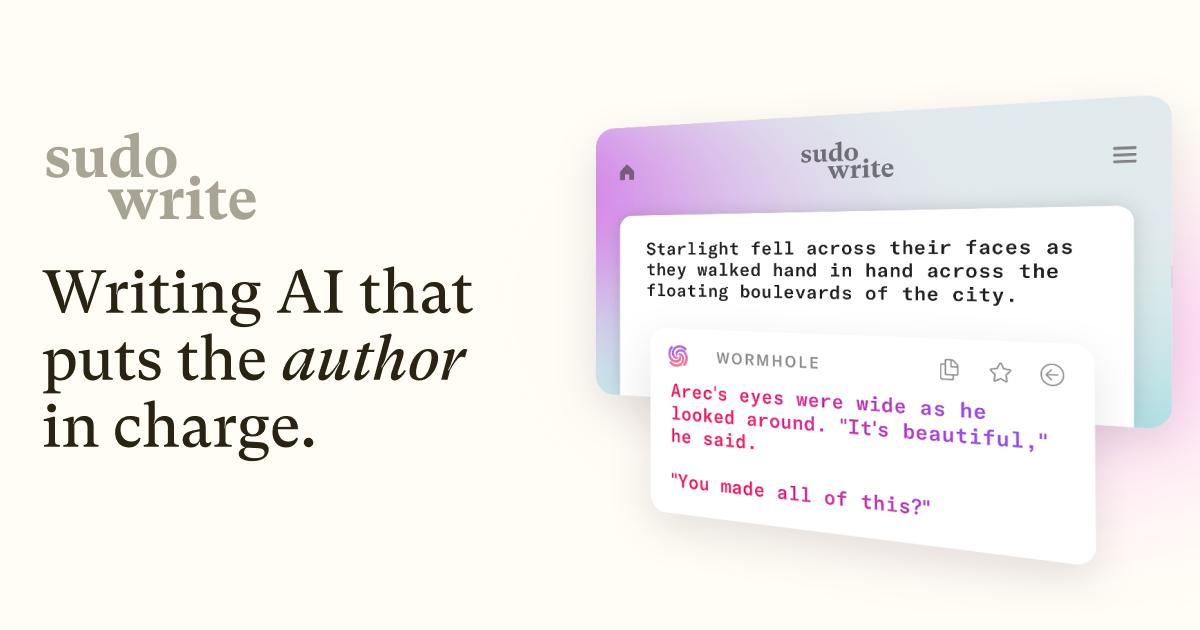
Sudowrite is an AI writing partner built for fiction authors. The product pages position it as a tool for moving from idea to outline, draft, revision, and polish inside one fiction-focused workflow.
Its core features are centered on long-form storytelling: brainstorming, story structure, drafting, rewriting, feedback, scene expansion, and a plugin system for custom writing tools. Sudowrite also says it has its own fiction model, Muse, and uses multiple AI models behind the scenes to support its writing features.
Start with an idea and move through outline, chapter beats, and drafted prose in Story Bible, which the site presents as a step-by-step path from concept to a long-form draft.
Ask for the next stretch of prose in your own style. The Write feature analyzes characters, tone, and plot arc, then suggests the next words with options to choose from.
Expand can build out scenes that feel rushed so pacing stays steady and the story does not read as compressed.
Rewrite and Feedback help with revision by rephrasing sentences, applying direction, and returning specific areas for improvement on a draft.
Brainstorm, Canvas, Describe, and Visualize support ideation, plot exploration, richer description, and image-based character or worldbuilding work.
Plugins add custom AI tools, including user-built plugins with no code and more advanced multi-stage workflows for power users.
Use Story Bible to move from a raw premise to an outline and chapter beats before drafting longer sections in your own voice.
Use Write, Expand, Describe, and Rewrite when a scene needs more momentum, more detail, or a cleaner sentence-level pass.
Use Brainstorm, Canvas, and Plugins to explore names, plot points, character secrets, twists, and custom workflows tailored to your process.
Use Feedback to get a concise read on a draft and surface specific improvement areas without relying on beta readers for every pass.
Use chat and plugin tools to explore story questions, talk through ideas, or build a custom assistant for a specific fiction task.
Sudowrite is an AI writing partner for fiction writers. The source pages describe tools for brainstorming, outlining, drafting, rewriting, feedback, and revision inside a fiction-focused writing workflow.
Sudowrite says it can work with text written in almost any language and will match that language when offering suggestions in its Write feature. It may fall back to English in some other features when it is not sure.
Sudowrite says it does not claim rights over user writing or generated output. It also says it does not use user writing to train Sudowrite or OpenAI’s AI models.
The pricing page shows monthly plans for Hobby & Student, Professional, and Max, plus an Enterprise option that asks users to get in touch. The site also says users can start free and cancel anytime.
Sudowrite says projects remain accessible after cancellation, but AI features require a paid plan. The subscription can be canceled from the subscription page.

MidReal is an AI story generator for creating novels and stories from a single sentence. Now sunset; see Macaron.

FeelFish is a PC client for AI-assisted novel writing, helping writers plan characters and settings, draft and revise novels, and manage story context.

Goldfish is an AI memory app for macOS that helps you reply, write, summarize, and continue with context already on your Mac. It stores memory locally and writes in your tone.

ProWritingAid is a writing assistant for storytellers with grammar checking, style editing, paraphrasing, and story analysis in popular writing apps.

SpeakoFlow is a free, open-source desktop voice-to-text app for Windows, macOS, and Linux. Dictate into any app, use Flow, cleanup, translation, and a screen-aware assistant.

Paperpal is an AI tool for academic writing, offering literature reading, language polishing, citations, plagiarism checks, AI detection, and pre-submission review.