
AI Studio for thumbnails
Create or manage thumbnails through the AI Studio included in the product’s creator workspace.

Creator OS is a workspace for creators with AI thumbnails, brand deal CRM, Instagram automation, video pipeline management, and analytics for YouTube and Twitch.
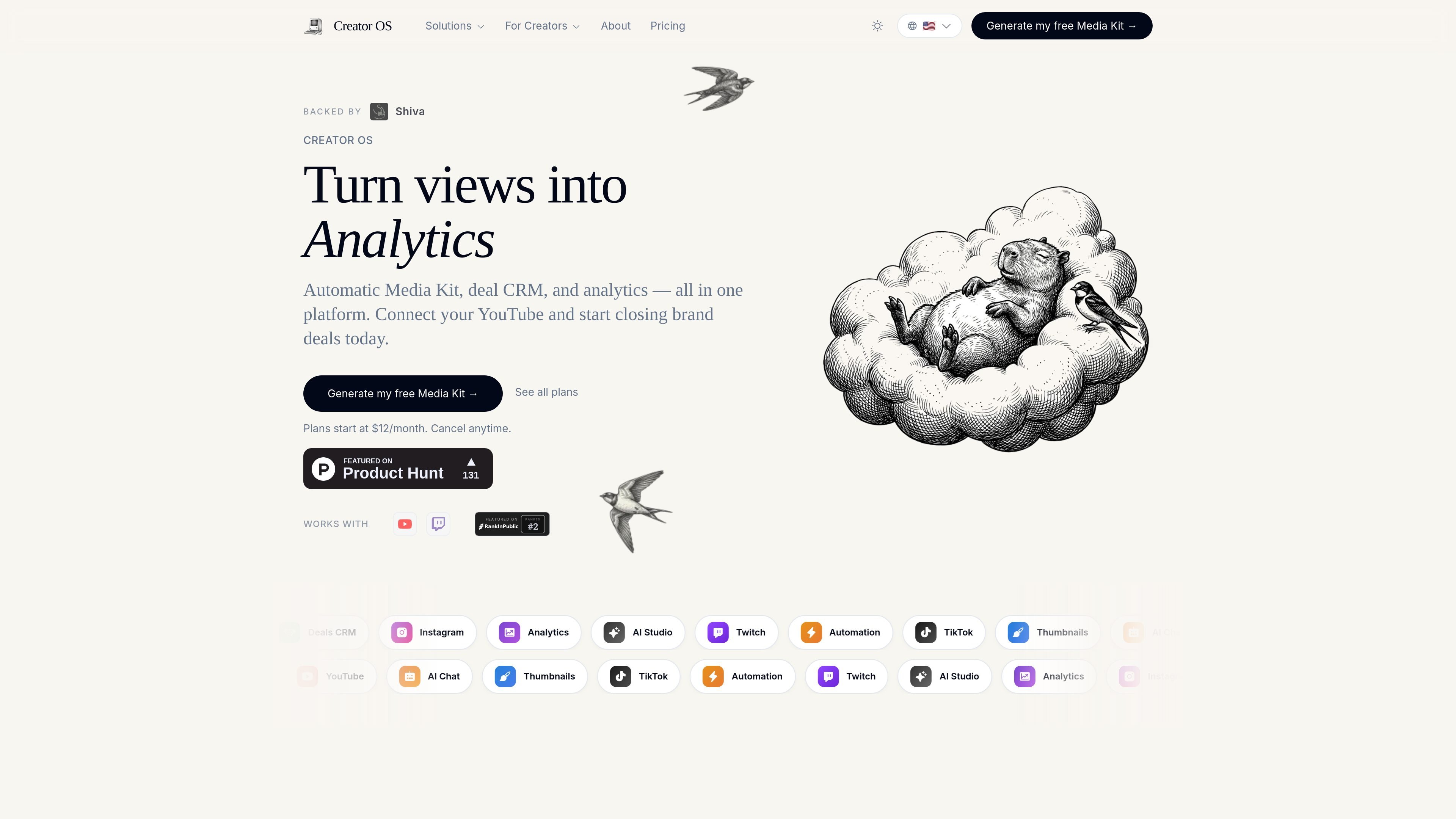
Creator OS is an operating system for content creators that brings several business workflows into one workspace. The homepage describes it as a place for AI-powered thumbnail work, brand deal management, Instagram automations, a video pipeline, and analytics.
The product is positioned for creators who want to manage both content production and the business side of their channel from one place. The site specifically calls out a free media kit flow, a brand deal CRM, and support for YouTube and Twitch.
Create or manage thumbnails through the AI Studio included in the product’s creator workspace.
Organize sponsor outreach and deal tracking with the brand deal CRM and media kit flow.
Automate Instagram-related tasks within the same workspace used for other creator operations.
Manage the steps involved in producing and publishing videos using the video pipeline tools.
Review creator performance with analytics presented alongside the rest of the business workflow.
Use the workspace to keep thumbnail creation, video workflow, analytics, and business management in one place instead of switching between separate tools.
Create and share a media kit, then track brand conversations and deal status inside the brand deal CRM.
Use the product’s Instagram automations to handle repetitive social tasks alongside your publishing workflow.
Monitor channel performance with analytics while working on content and partnerships in the same environment.
Creator OS is built to help content creators manage thumbnails, brand deals, Instagram automation, video workflow, and analytics in one workspace.
The source shows Creator OS works with YouTube and Twitch.
The site indicates plans start at $12 per month and can be canceled anytime.
The homepage highlights a free media kit flow and a brand deal CRM, suggesting it is meant to help creators present themselves to sponsors and track deal activity.

PromptScout tracks how ChatGPT, Gemini, Google AI Overviews, and Perplexity mention your brand or competitors, with source analysis and website audits.

SaveMRR is a Stripe retention tool for SaaS teams to scan churn and MRR leaks, then automate recovery with dunning, cancel-save offers, win-back emails, and onboarding nudges.

Hype is a web tool for finding trending YouTube topics by category, time range, and scoring mode. Spot emerging ideas and review source videos.

Sleek Analytics is a privacy-friendly web analytics tool with real-time visitor tracking, Core Web Vitals, and revenue attribution.

Struere turns spreadsheet data into structured operational software with dashboards, alerts, and automations for teams replacing manual spreadsheet workflows.

ClayHog is an AI search visibility platform for tracking brand presence in ChatGPT, Gemini, Perplexity, Claude, and Google AI Overviews from one dashboard.