
Text-to-Video and Image-to-Video
Generates video from text prompts or from an input image, giving developers two practical creation paths.

Veo 3.1 Lite is Google’s cost-focused video generation model for developers, available in paid preview via the Gemini API and Google AI Studio.
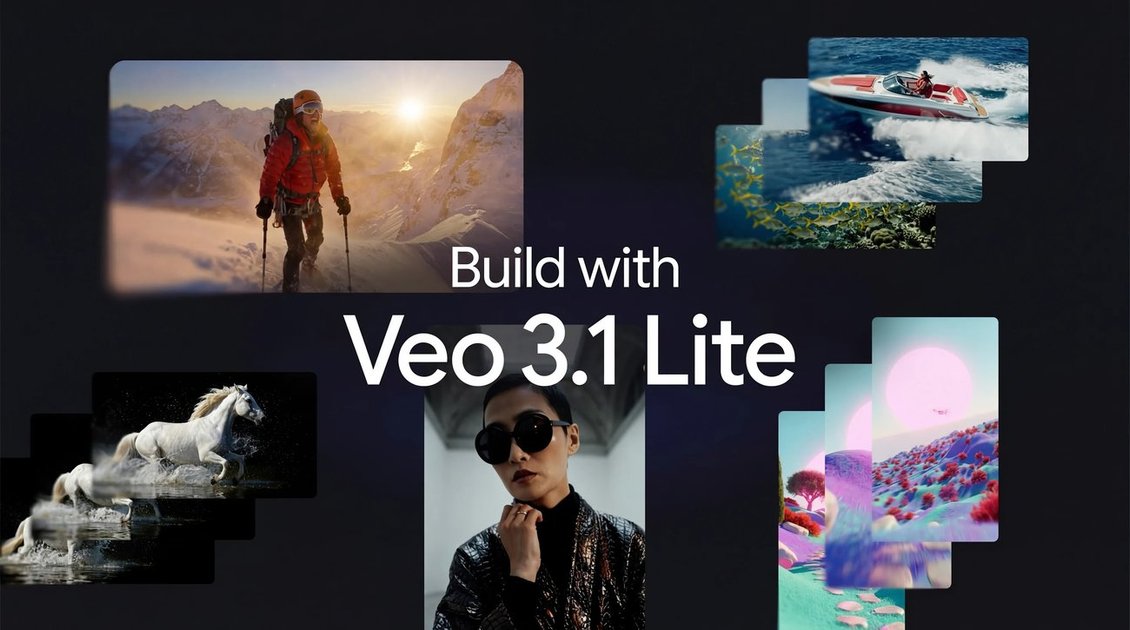
Veo 3.1 Lite is Google’s most cost-effective video generation model, introduced as part of the Veo 3.1 family for developers building video-enabled products. The model is available in paid preview through the Gemini API and can also be tested in Google AI Studio.
The announcement positions Veo 3.1 Lite for practical, high-volume video workflows where cost matters. Google says it offers the same speed as Veo 3.1 Fast while costing less than 50% as much, and that it supports both text-to-video and image-to-video generation in common landscape and portrait formats.
Generates video from text prompts or from an input image, giving developers two practical creation paths.
Supports landscape 16:9 and portrait 9:16 framing so outputs can fit common web and mobile formats.
Offers 720p and 1080p output resolutions for different quality and delivery needs.
Lets developers choose 4-second, 6-second, or 8-second durations, with cost changing by length.
Built for developers creating high-volume video applications, with the article emphasizing cost efficiency and the same speed as Veo 3.1 Fast.
Build applications that need to generate many short videos without moving to a higher-cost model.
Turn images into short motion clips for product demos, social posts, or iterative creative testing.
Generate prompt-based video concepts when a team wants to explore multiple visual directions quickly.
Produce web- or mobile-ready clips in either landscape or portrait framing, depending on where the video will be shown.
Veo 3.1 Lite is available through the Gemini API paid tier and for testing in Google AI Studio. The article says developers can access it there as it rolls out today.
The page says Veo 3.1 Lite supports Text-to-Video and Image-to-Video, with landscape (16:9) and portrait (9:16) framing options.
Developers can choose 4s, 6s, or 8s durations, and the article says cost adjusts accordingly.
The article describes Veo 3.1 Lite as Google’s most cost-effective video model and says it costs less than 50% of Veo 3.1 Fast while keeping the same speed.
The announcement says Veo 3.1 Fast pricing will be reduced on April 7, but the page does not provide exact prices or usage limits.

VIDEOAI.ME is an AI video generator for spokesperson videos, ads, explainers, and social content from a script without filming.

ByteAsk is a terminal-first AI coding agent for C and C++ that edits repos and verifies changes with compilers, debuggers, sanitizers, and tests.

CreateOS Sandbox is an isolated compute environment for running code and agent workloads in Firecracker micro-VMs with private networking and SDK, CLI, or MCP control.

hob is an independent workspace for coding agents, with local control over sessions, terminals, history, routing, and follow-up work.

Ably Chat is a chat API platform for custom realtime chat apps, with rooms, typing indicators, presence, reactions, message updates and usage-based pricing.

MIRA vision develops synthetic-data-driven AI for pathology image analysis, with privacy-compliant training data, automatic annotations and controlled data generation.