
Video-to-video style conversion
Convert videos into a different visual style using nearly 20 style options, including anime, live action, Pixar-like looks, caricature, and more abstract transforms.

VMagic is a web-based AI video and image tool for style conversion, face swap, image effects, and short clip generation. Create new clips from text or images.
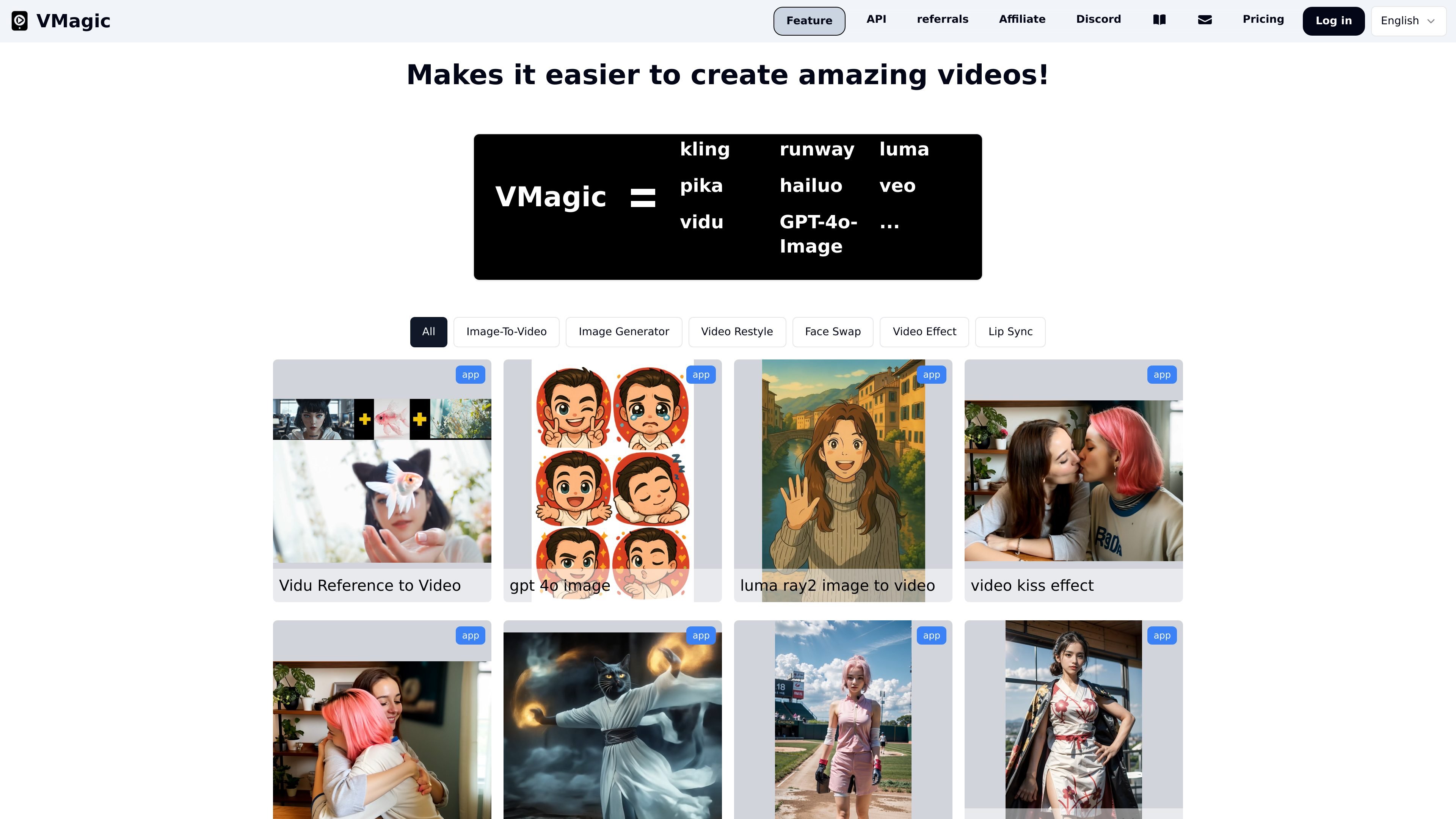
VMagic is an AI video and image creation site built around short-form generation and editing workflows. The public pages show tools for video-to-video style conversion, video face swap, image effects, text-to-video, and image-to-video generation.
The product’s main purpose is to let users transform existing media or generate new clips from prompts and images without leaving the site. The source emphasizes quick tasks such as selecting a style, uploading a video or image, choosing a time segment, and generating a short output.
Convert videos into a different visual style using nearly 20 style options, including anime, live action, Pixar-like looks, caricature, and more abstract transforms.
Swap the face in a video with a face from an uploaded image. The flow supports uploading a video, uploading a source face image, choosing a time segment, and generating the result.
Change the appearance of a video using image-based effect presets such as Squish, Hodouken, Cakeify, Gun Shooting, Crush, and Deflate.
Turn text prompts into short generated videos. The site says the output is suited to storytelling, marketing, or creative work and can generate 5- or 10-second clips.
Convert static images into short videos with motion. The site describes this as a way to add natural movement and produce 5- or 10-second clips from still images.
A credits-based workflow is used across tools, and the pricing page shows that some edit modes support relax queue on higher plans.
Creators can convert a dancing clip, sports clip, or meme into anime, Pixar-like, live-action, or abstract styles when they want a different visual tone for sharing.
Users can replace a face in a video by uploading a source clip and a face image, then choosing the segment they want to generate for a face-swap result.
Marketers or storytellers can turn short text prompts into generated clips for social posts, concept tests, or quick visual drafts.
People working from still images can add motion to a photo to make a short animated clip without starting from a full video recording.
Users can apply image effects such as Squish or Cakeify to create playful edits for social content or visual experiments.
Yes. The pricing page says you can try VMagic for free, and the homepage FAQ asks about free use and paid subscription benefits. The source does not spell out every free-tier limit, so it is safest to treat free access as available but limited.
The pricing page states that paid plans provide monthly credits, and some plans add support for relax mode with unlimited usage on video restyle and face swap. The source does not list every feature difference beyond those plan notes.
Relax queue is mentioned on the site as an option for supported pro plans, but the source does not provide a full technical explanation. Based on the pricing and tool pages, it appears to be a queue mode that can run certain edits without using credits.
The site lists questions about subscription renewal in its FAQ, but the collected text does not include the full answer. The safest inference is that subscriptions renew on their billing cycle unless cancelled, but this is not explicitly detailed in the source.
VMagic appears to target people who want to create or transform short videos and images with AI, including creators working with face swap, video style transfer, video effects, and text-to-video workflows.

Official HeyGen API docs for AI avatar videos, video translation, lipsync, and interactive video-agent sessions via API, MCP, and CLI workflows.

艺映AI is a free AI video creation tool for text-to-video, image-to-video, and video-to-video creation for short social and promo clips.

Coursebox AI Training Video Generator creates training videos from scripts, slides, or avatars for course authors and teams—no filming equipment or manual editing needed.

Vizard Agent is a web-based AI video creation tool that makes finished videos from footage or prompts, with templates and blank-project workflows.

Wallie is an open-source AI streamer that watches your screen, hears chat, and delivers live commentary in a configurable persona. Runs locally with your own keys.

VIDEOAI.ME is an AI video generator for spokesperson videos, ads, explainers, and social content from a script without filming.