
Rules-based Collections
Build a Collection by combining a scope with rules such as file kind, dates, names, extensions, tags, or status. The resulting view stays current as files move, so you can return to the same working set later.

Voyager is a macOS file manager for saved, rules-based Collections that keep files organized as they move. In beta for Mac users.
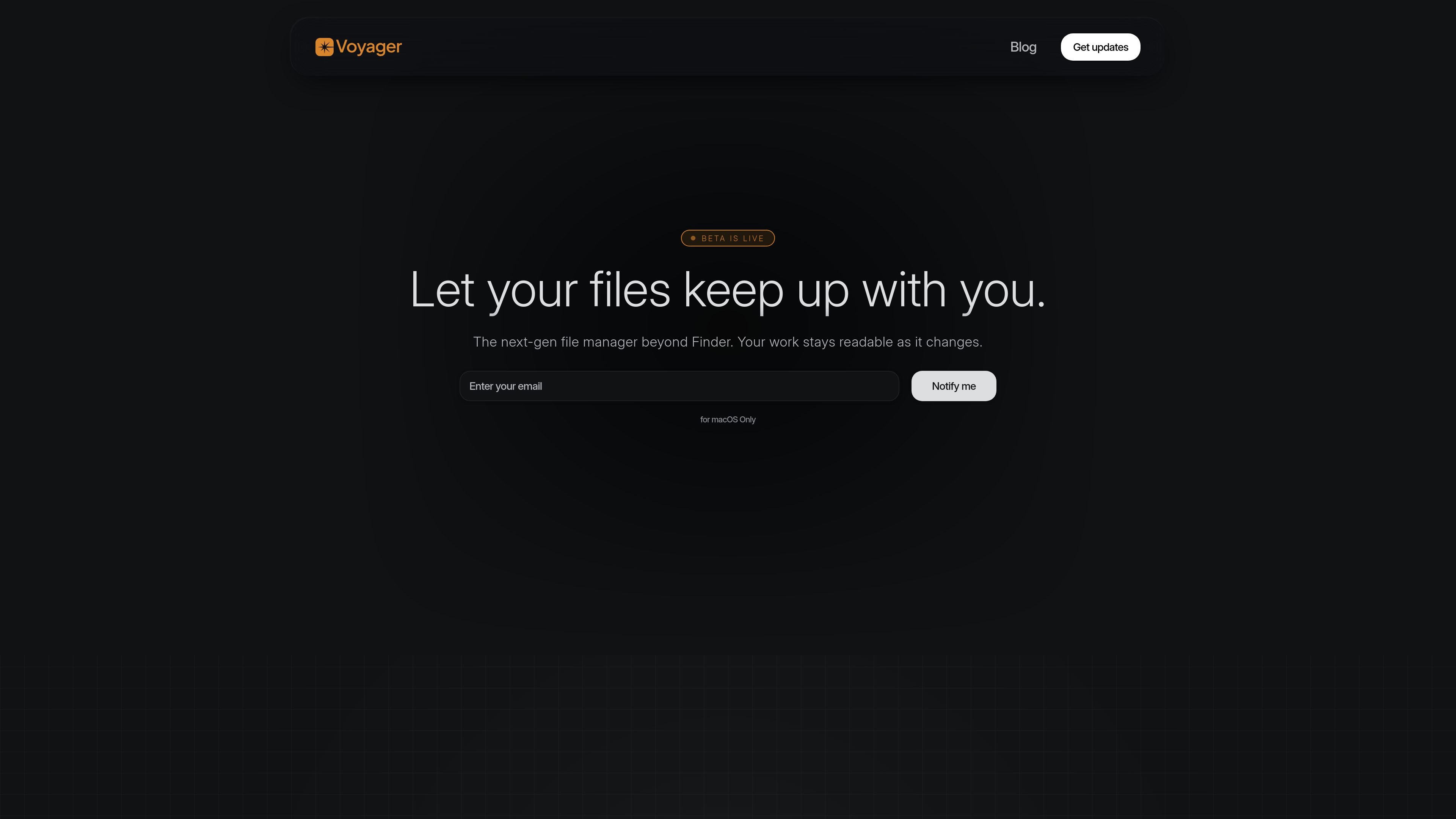
Voyager is a macOS file manager positioned as an alternative to Finder. Its main job is to help people organize and revisit files through saved, rules-based views called Collections rather than relying on static folders alone.
The product is built around the idea that work moves across apps, versions, and download locations. In Voyager, you define a scope, add rules such as file type, name, date, or tags, and save the view so it stays current as files change location or new files appear.
The homepage shows the product in beta and says it is currently live for macOS only. A separate roadmap section lists future features such as chat in the file browser, tab browsing, split panes, reusable organize commands, smart properties, and semantic search.
Build a Collection by combining a scope with rules such as file kind, dates, names, extensions, tags, or status. The resulting view stays current as files move, so you can return to the same working set later.
Start from a folder, drive, or subtree and limit the view to that area. This makes it easier to focus on one project or one part of a drive without rebuilding the same search every time.
Turn plain-language examples into structured filters. The homepage shows prompts like finding files opened today, screenshots from last week, or receipts from Downloads, then maps them to rule conditions.
Previewed roadmap items include chat in the file browser, tab browsing, split panes, reusable organize commands, smart properties, and semantic search. These are presented as upcoming or later features rather than current capabilities.
The product is designed for macOS and presents itself as a next-gen file manager beyond Finder. The privacy policy also indicates the app collects basic device and app information for beta access and diagnostics.
Create a saved view for active project files that spans multiple locations, so you can keep seeing the latest relevant documents without moving them into a single folder.
Filter by dates, names, and file kinds to find recent screenshots, receipts, installers, or files opened today, then reuse the same view later.
Limit a Collection to Downloads, a drive, or a subtree when you want to clean up one area of the system without affecting everything else.
Use the product’s current beta as a way to evaluate a Finder alternative if you want rule-based browsing and a more persistent workspace model on macOS.
Voyager is a macOS desktop app for managing files beyond Finder. It is currently described as a beta product on the website, with an invite-only beta noted in the blog.
Voyager uses rules-based Collections. You choose a scope such as a folder, drive, or subtree, add filters like file type, dates, names, or tags, and save the view so it updates as files move.
The site describes Voyager as a macOS-only product and says beta access is live. The pricing page currently returns a 404, so the public site does not show pricing details in the collected source.
The current public pages do not describe third-party integrations. The privacy policy does mention the app, waitlist and beta access, and diagnostics services used to support the product.
The roadmap on the homepage lists planned features including chat in the file browser, tab browsing, split panes, reusable organize commands, smart properties, and semantic search.

ArtDeck is a visual reference board app for iPhone, iPad, and Mac. Collect mixed references on one canvas and study them with ToolBox lenses. Offline, optional iCloud sync, one-time purchase.

Goldfish is an AI memory app for macOS that helps you reply, write, summarize, and continue with context already on your Mac. It stores memory locally and writes in your tone.

Biji is a versatile platform designed to enhance productivity through innovative tools and features.

Malyatko is a baby tracker for feeding, sleep, growth, teething, and milestones. Use it on iPhone, Apple Watch, and widgets offline, with iCloud sharing.

Codex Plugins bundle reusable skills, app integrations, and MCP servers into workflows you can install in the Codex app or use from Codex CLI.

Redline is a budgeting tool for Claude Code that paces sessions by time, tokens, cost, or plan percentage, helping them end with a usable result.