UStackUStack
Wafaa icon

Wafaa

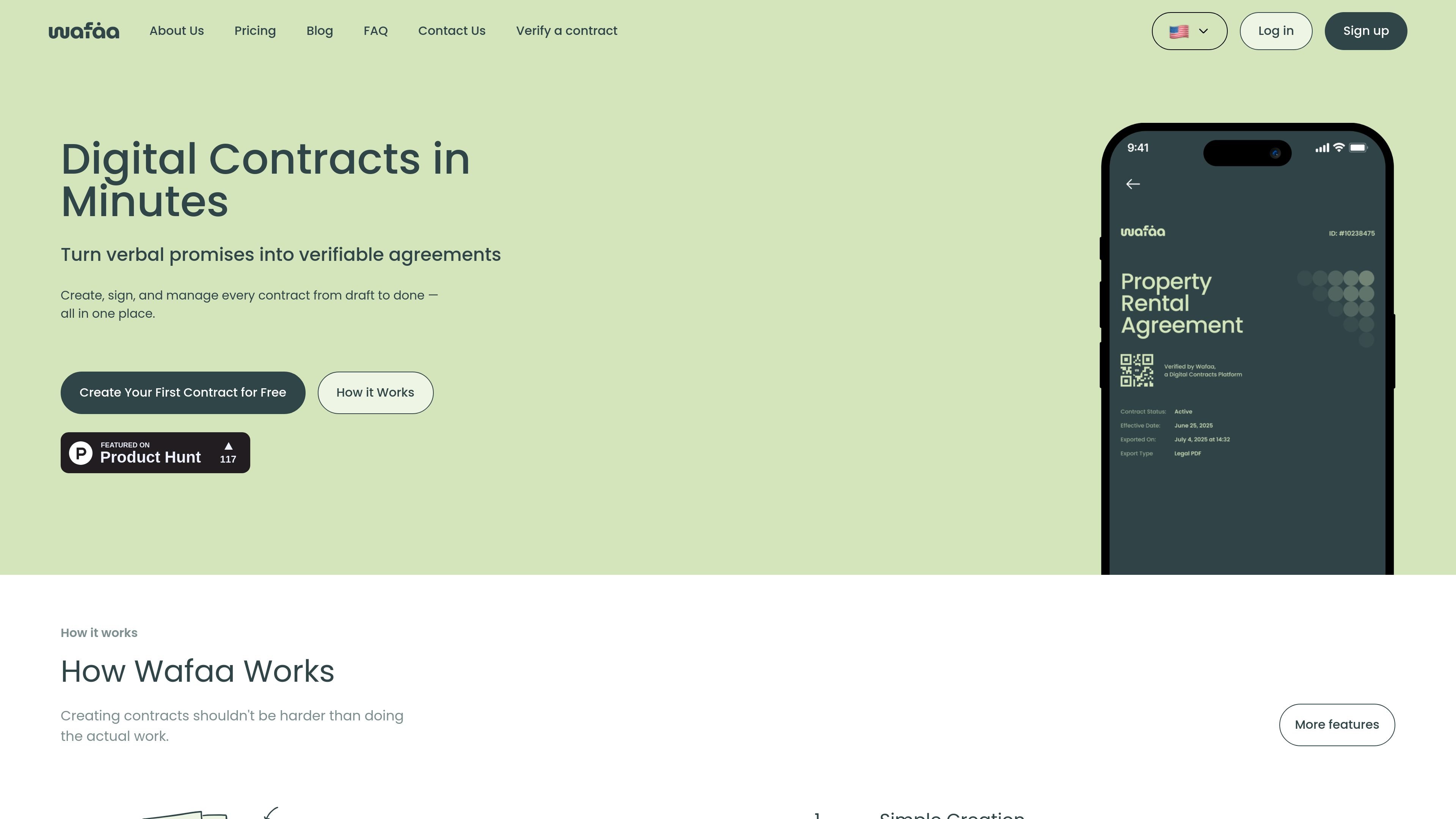
Wafaa helps you create, sign, and send secure contracts—an organized alternative to informal handshakes that holds up better.
Wafaa

What is Wafaa?

Wafaa is a tool for creating, signing, and sending secure contracts. Its core purpose is to help people replace informal agreements with a contract workflow that is designed to hold up more reliably when disputes arise.

Based on the page copy, Wafaa focuses on the practical steps of drafting a contract, getting it signed, and delivering it to the other party through a streamlined process.

Key Features

  • Create secure contracts in a guided workflow to reduce friction from drafting to sending.
  • Sign contracts through Wafaa so parties can complete the agreement in one place.
  • Send contracts after signing to support a clear handoff between parties.
  • Designed around the idea that “handshakes don’t hold up in court,” emphasizing the need for more formal contractual documentation.

How to Use Wafaa

  1. Start by creating a contract in Wafaa.
  2. Share the contract with the intended signer(s) through the workflow Wafaa provides.
  3. Complete the signing step within Wafaa.
  4. Send the signed contract to the other party once the agreement is finalized.

Use Cases

  • Two parties need to replace an informal “handshake” agreement with a documented contract that can be signed and exchanged.
  • A freelancer or small business wants a repeatable way to draft a contract, collect signatures, and deliver the final document.
  • A team or organization needs a straightforward process to get contracts signed and distributed without manual back-and-forth.
  • An individual or business preparing an agreement for another party wants to ensure the document is properly created, signed, and sent as part of a single workflow.

FAQ

  • What does Wafaa do? Wafaa helps users create contracts, get them signed, and send them using a secure contract workflow.

  • Do I need to sign contracts through Wafaa? The page describes signing as part of the Wafaa workflow, implying that signatures are collected through the platform as you create and send the contract.

  • Can I send the contract after it is signed? Yes—Wafaa’s process is described as creating, signing, and sending the contract.

  • Is Wafaa intended for legal disputes? The page highlights that handshakes don’t hold up in court, positioning Wafaa as a way to formalize agreements. It does not provide specific legal assurances.

  • How long does it take to create a contract? The page title states “in minutes,” indicating the workflow is designed to be fast, but no precise timing is provided.

Alternatives

  • Digital document signing platforms: Alternatives that focus on collecting signatures electronically and producing a signed document for exchange, typically used for agreements between parties.
  • General-purpose contract lifecycle management (CLM) tools: Tools that manage contract creation, review, approval, and storage across teams; these may offer broader workflows but can be more complex.
  • Secure document sharing tools with signature workflows: Solutions that combine secure sharing of documents with signing steps, aimed at reducing manual emailing and version confusion.
  • Template-based contract generators: Services centered on generating contract documents from templates; they may reduce drafting effort but may rely on separate steps for signatures and sending.
Wafaa | UStack