
Reads feed posts aloud
Turns an X feed into spoken audio so posts can be consumed without looking at the screen.

Xeder is a Chrome extension that reads your X/Twitter feed aloud, so you can listen instead of scrolling while you work.
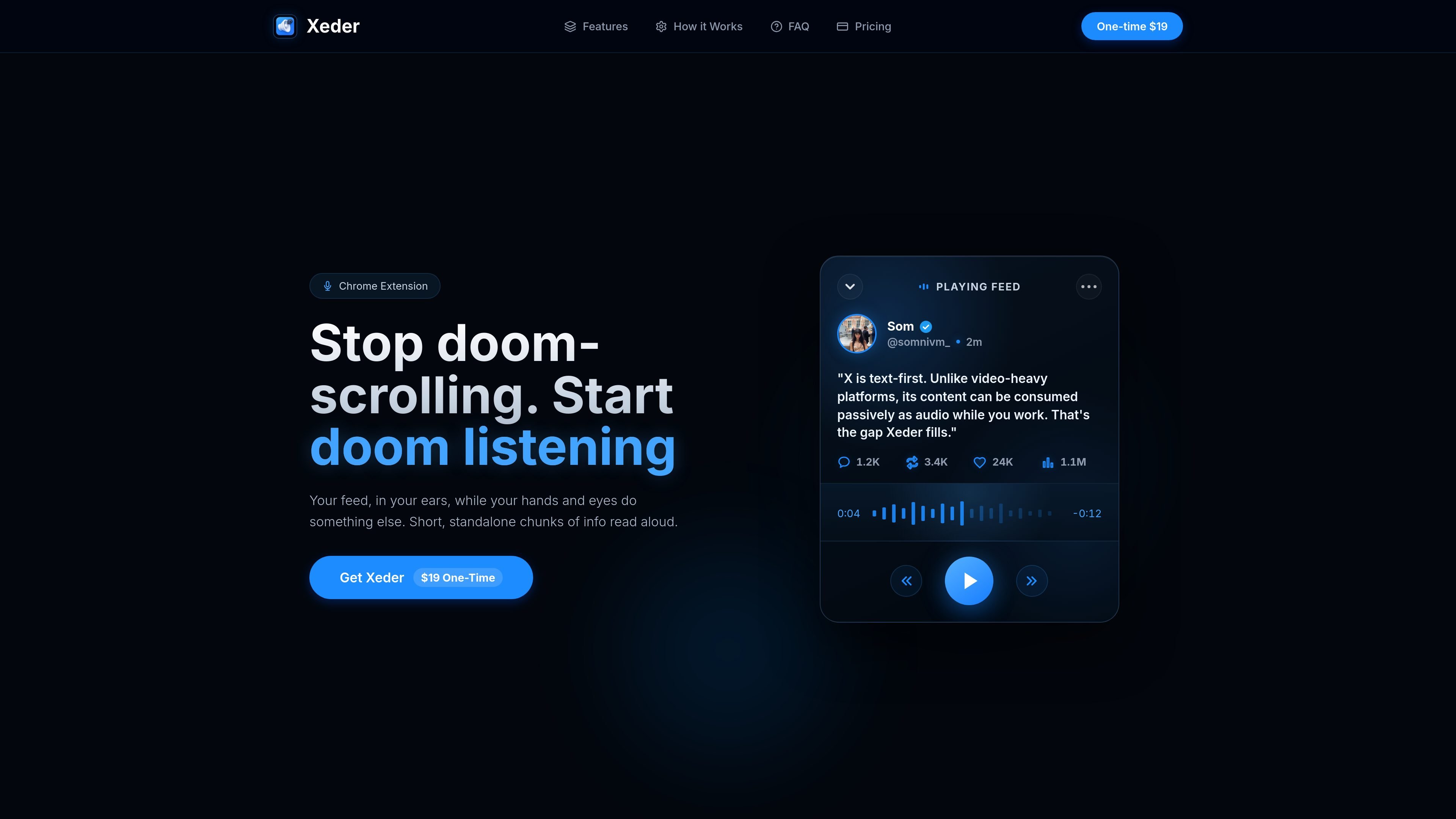
Xeder is a Chrome extension for turning an X/Twitter feed into spoken audio. The homepage positions it as a way to stop doomscrolling and keep up with short feed updates while doing something else.
The product page says it reads standalone chunks of information aloud, which makes it fit for passive listening during work or other hands-busy tasks. The site also presents Xeder as a one-time $19 purchase, although the dedicated pricing URL currently returns a 404 page.
Turns an X feed into spoken audio so posts can be consumed without looking at the screen.
Designed for short, standalone chunks of information rather than long-form media.
Lets you listen while your hands and eyes are busy with other work.
Presented as a Chrome extension rather than a standalone app.
Offered as a one-time $19 purchase on the public homepage.
Listen to X updates while working, coding, or handling other tasks that keep your hands busy.
Catch up on short posts without staring at a feed for long stretches, which aligns with the product’s anti-doomscrolling positioning.
Turn text-heavy feed content into audio when you want to consume updates passively instead of actively scrolling.
The source describes Xeder as a Chrome extension. It is presented as a one-time $19 purchase, but the pricing page itself is not available on the site.
The product page says Xeder reads your X/Twitter feed aloud so you can listen while your hands and eyes do something else.
The public page does not list supported browsers beyond Chrome, and the pricing page returns a 404 error, so compatibility details beyond Chrome are not confirmed.
The site frames Xeder as a way to consume short, standalone feed updates as audio while you work.

Fylom is an AI podcast generator that turns topics or questions into researched, narrated episodes with voice selection and recurring listening.

Gemini 3.1 Flash TTS is Google’s preview text-to-speech model for expressive AI speech with fine-grained style and delivery control across Gemini API, Google AI Studio, Vertex AI, and Google Vids.

蓝藻AI is an online AI voice generation and dubbing platform that turns text into speech and supports self-service voice cloning for short videos and audiobooks.

Ondoku is a browser-based text-to-speech tool that turns text into downloadable .mp3 audio, with free and paid plans, multilingual reading, image reading, and commercial use options.

Typecast is an online AI voice generator that turns text into life-like speech with emotional delivery and hyper-realistic voices.

Noiz AI is an AI text-to-speech, voice cloning, and voice design tool for lifelike speech from text, with emotion control in one workflow.