
Browser-based upload and transcription
Upload an MP4 or MOV in the browser and the service transcribes the audio with Deepgram Nova-3, which the site describes as a highly accurate speech-to-text engine.

AnimateCaptions is a web app for animated word-by-word captions and burned-in MP4 exports for TikTok, Reels, and YouTube Shorts.
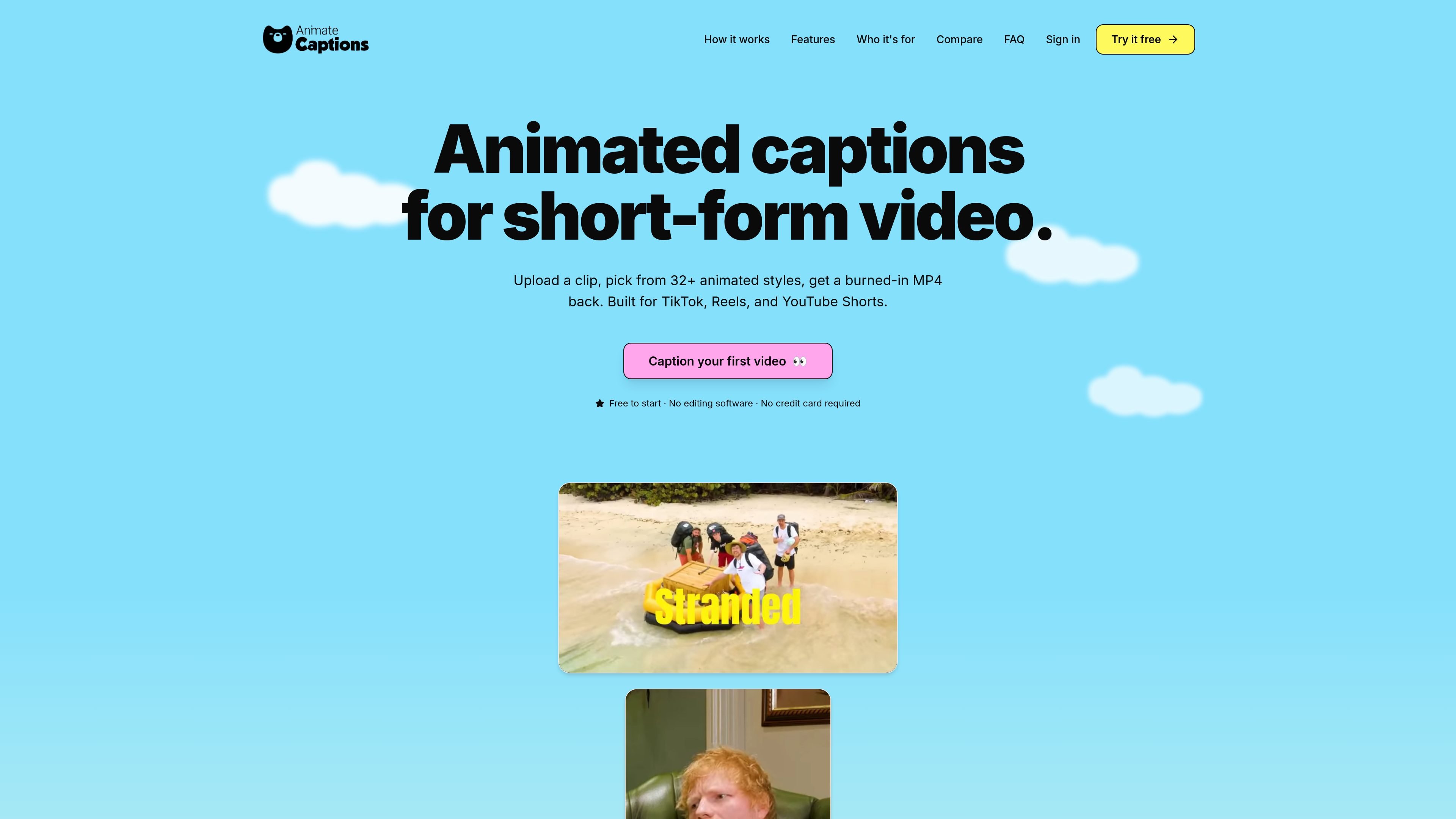
AnimateCaptions is a web-based captioning tool for short-form video. It takes uploaded MP4 or MOV files, transcribes the audio, and burns animated captions directly into the video so the result is ready to download as a finished MP4.
The workflow is built around fast social-video editing: upload a clip, choose from more than 32 animated caption styles, adjust the transcript or visual styling in the browser, and export a captioned file for TikTok, Reels, or YouTube Shorts. Rendering runs on the company’s servers, so users do not need to install editing software or rely on a powerful local machine.
Upload an MP4 or MOV in the browser and the service transcribes the audio with Deepgram Nova-3, which the site describes as a highly accurate speech-to-text engine.
Choose from 32+ animated presets, including styles such as Beast, Hormozi, Pulse, Crafty, Lyric, and Verse, with live previews before export.
Adjust font family, base colour, highlight colour, stroke, shadow, background, and per-line position. Saved tweaks can be reused as a theme.
Correct words, merge or split lines, hide segments, and drag captions in the in-browser transcript editor before rendering.
Captions are rendered on the service’s servers with ffmpeg and Remotion, so the output is a finished, burned-in MP4 rather than an editable project file.
The transcript and caption render follow the source language, with Deepgram supporting 36+ languages and automatic language detection.
Add word-by-word captions to TikTok clips, Instagram Reels, or YouTube Shorts and export a file that is ready to upload without additional editing.
Batch-caption multiple podcast clips from a longer episode, using the transcript editor to correct names or terminology before rendering.
Create a consistent caption look across recurring posts by reusing a saved theme with the same font, colours, and positioning.
Turn instructional or course clips into captioned lessons and fix technical terms in the transcript before export.
Produce captioned clips for clients without local editing software, relying on the browser editor and server-side rendering workflow.
AnimateCaptions is a web-based tool that transcribes short videos and burns animated captions into them as a finished MP4.
It supports .mp4 and .mov uploads up to 500 MB and a 2-minute maximum clip length per upload.
Yes. The editor lets you correct words, merge or split lines, hide segments, and drag captions before export.
Yes. You can change font family, base colour, highlight colour, stroke, shadow, background, and per-line position, and save the result as a reusable theme.
The core captioning workflow is free to start with no credit card required. The pricing page shows Google or email sign-in, and the site says paid tiers may come later.

FlexClip is an AI-powered online video maker and editor for creating videos from templates or from scratch with browser-based editing, scripting, voiceover, subtitles, translation, and background removal.

Bansi is an AI video editor for long-form content that turns raw footage into a polished first draft with cuts, captions, zooms, and audio cleanup.

Dina is a macOS app for polished screen recordings with automatic zoom, cursor smoothing, captions, transcript editing, and presentation-ready layouts.

CAMB.AI Streams dubs live audio in real time for YouTube, Twitch, X and other platforms, using existing live workflows and no post-production.

Video Effects SDK adds real-time webcam effects like background blur, replacement or removal, denoising, framing, beautification, and color grading for live video apps.

DeepMotion is a web-based AI motion capture and 3D animation platform with Animate 3D for video-to-animation and SayMotion for text-to-animation.