
Battle-style model comparison
Users can chat with models in a battle-style format and compare responses side by side before voting on outcomes.

Arena is a public AI model comparison and ranking platform for chatting with frontier models, voting on outputs, and browsing leaderboards across text, image, code, video, and agent tasks.
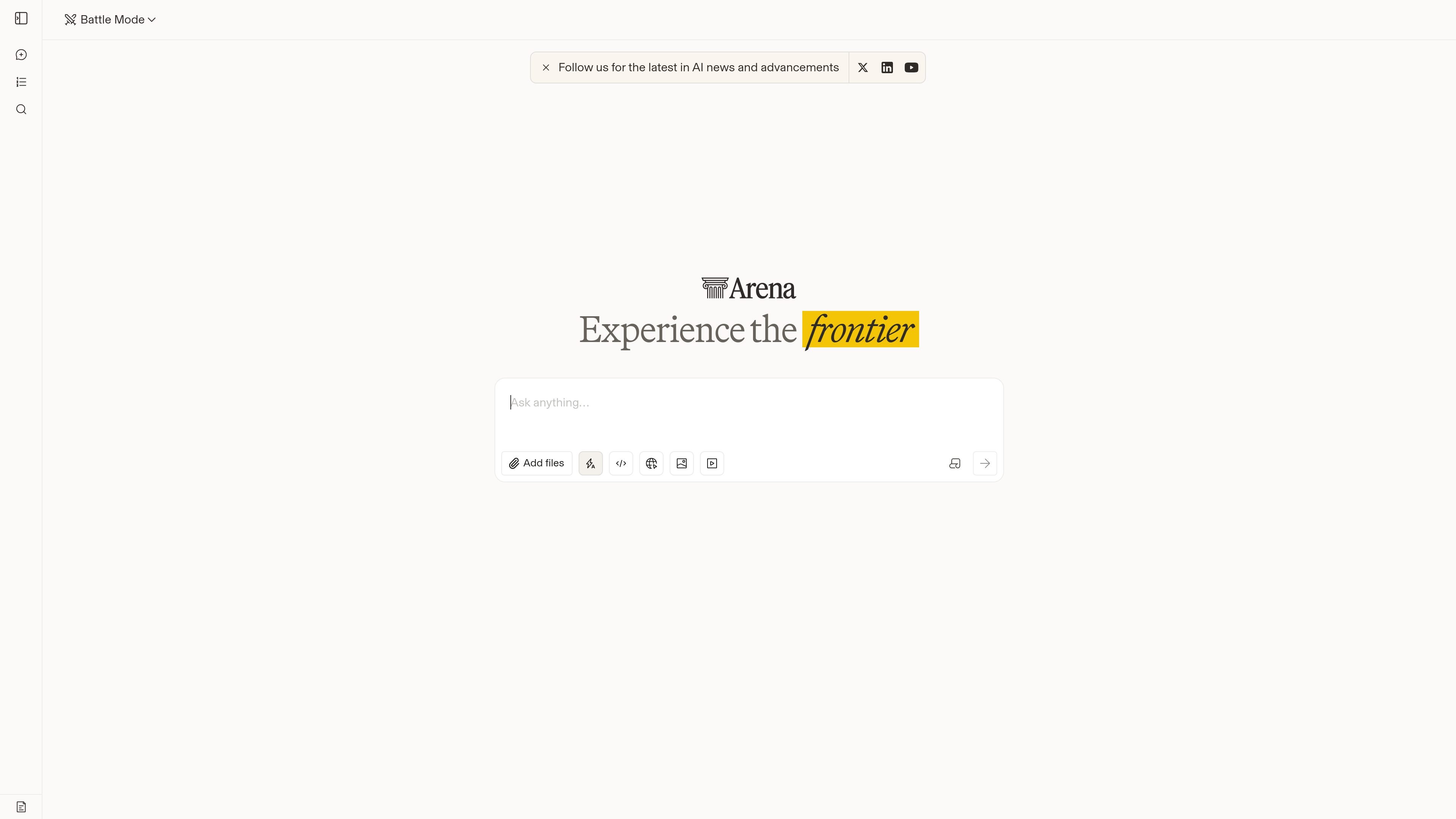
Arena is a public AI ranking and comparison platform that lets people chat with frontier models, compare their outputs, and vote on results. It positions itself as a community-driven leaderboard for LLMs as well as image, code, video, and agent models.
The product is organized around arena-specific leaderboard views, including a general leaderboard and an Agent Arena page with task-oriented signals and methodology links. A search page also suggests users can revisit chats and archived sessions, while the site’s notice makes clear that prompts and some personal information may be shared with providers and may be visible publicly.
Users can chat with models in a battle-style format and compare responses side by side before voting on outcomes.
Dedicated pages surface rankings across multiple arenas, including text, web development, vision, document, search, image, video, and agent tasks.
The leaderboard views show ordered model lists with scores and uncertainty ranges, making it easier to inspect how models compare within each arena.
The Agent Arena page breaks performance into signals such as task completion, tool reliability, steerability, bash recovery, and tool hallucination.
A chat history search page lets users find prior conversations and archived items across categories like battles, code, image, and video.
The site includes methodology and leaderboard navigation so users can inspect how results are presented and move between arena views.
Inputs are processed by third-party AI providers, and the site warns that conversations may be disclosed publicly as part of the community workflow.
Compare responses from frontier models side by side and vote on which output is better for a given prompt.
Review leaderboard snapshots when you want a quick sense of how models are performing across specific task categories.
Inspect the Agent Arena when you care about tool use, completion, steerability, or failure recovery in agent workflows.
Search previous chats and archived sessions to revisit prior experiments or inspect earlier comparisons.
Use the public leaderboard as a community reference point when choosing which model to try for text, code, image, or video work.
Arena is a public leaderboard and comparison platform for AI models. It lets people chat with models, compare their responses, vote, and explore rankings across text, image, code, video, and agent tasks.
The site shows battle-style chat and comparison workflows, plus dedicated leaderboard views. Users can also search chat history and explore model rankings by arena or task type.
Arena presents multiple leaderboards, including a general model leaderboard and an Agent Arena leaderboard for agentic tasks. The ranking pages show model order, scores, and per-signal metrics, with a methodology link on the agent page.
The available pages emphasize community evaluation and public sharing of conversations. The homepage warns that inputs are processed by third-party AI and that conversations and certain personal information may be disclosed publicly, so sensitive information should not be submitted.
The pricing page URL currently returns a 404 in the provided evidence, so a pricing model is not confirmed from the sources used here.

AakarDev AI helps teams manage AI provider access, project setup, logs, and analytics in one dashboard. BYOK support included.

BookAI allows you to chat with your books using AI by simply providing the title and author.

Skills Janitor is a GitHub-hosted set of slash commands for auditing, tracking, and cleaning up Claude Code and OpenAI Codex skills.

FeelFish is a PC client for AI-assisted novel writing, helping writers plan characters and settings, draft and revise novels, and manage story context.

Benchspan is an AI agent security platform that discovers agents, blocks prompt injection and data exfiltration in real time, and supports pre-launch red teaming.

ChatBA is a generative AI tool for instantly creating slide decks from prompts, with help on templates, sharing, and data sources.