Basedash Actions icon

Basedash Actions

Basedash Actions lets Basedash’s AI BI agent make approved changes in connected databases and MCP tools, so teams can analyze and act in one governed workflow.

Basedash Actions

Overview

Basedash Actions adds write capabilities to Basedash’s AI BI agent. Instead of stopping at analysis, the agent can now make governed changes in connected databases and external tools, using the same conversational interface that already reads your data.

The product centers on two action paths: SQL database editing for connections an admin has enabled, and MCP actions for remote tools in apps like Stripe, HubSpot, Resend, Linear, Slack, GitHub, and Notion. In both cases, the system keeps a human in the loop by requiring review and approval before consequential actions run.

Core capabilities

SQL database edits

Admins can turn on Allow edits for a SQL database connection so the agent can write and run SQL, not just read data. The announcement emphasizes bulk and multi-row changes, such as extending trials, archiving records, or inserting demo data.

MCP-based tool actions

Connect remote MCP servers so the agent can act in external systems, including tools exposed by services such as Stripe, HubSpot, Resend, Linear, Slack, GitHub, and Notion. The agent can combine a database lookup with a tool action in the same conversation.

Human approval before execution

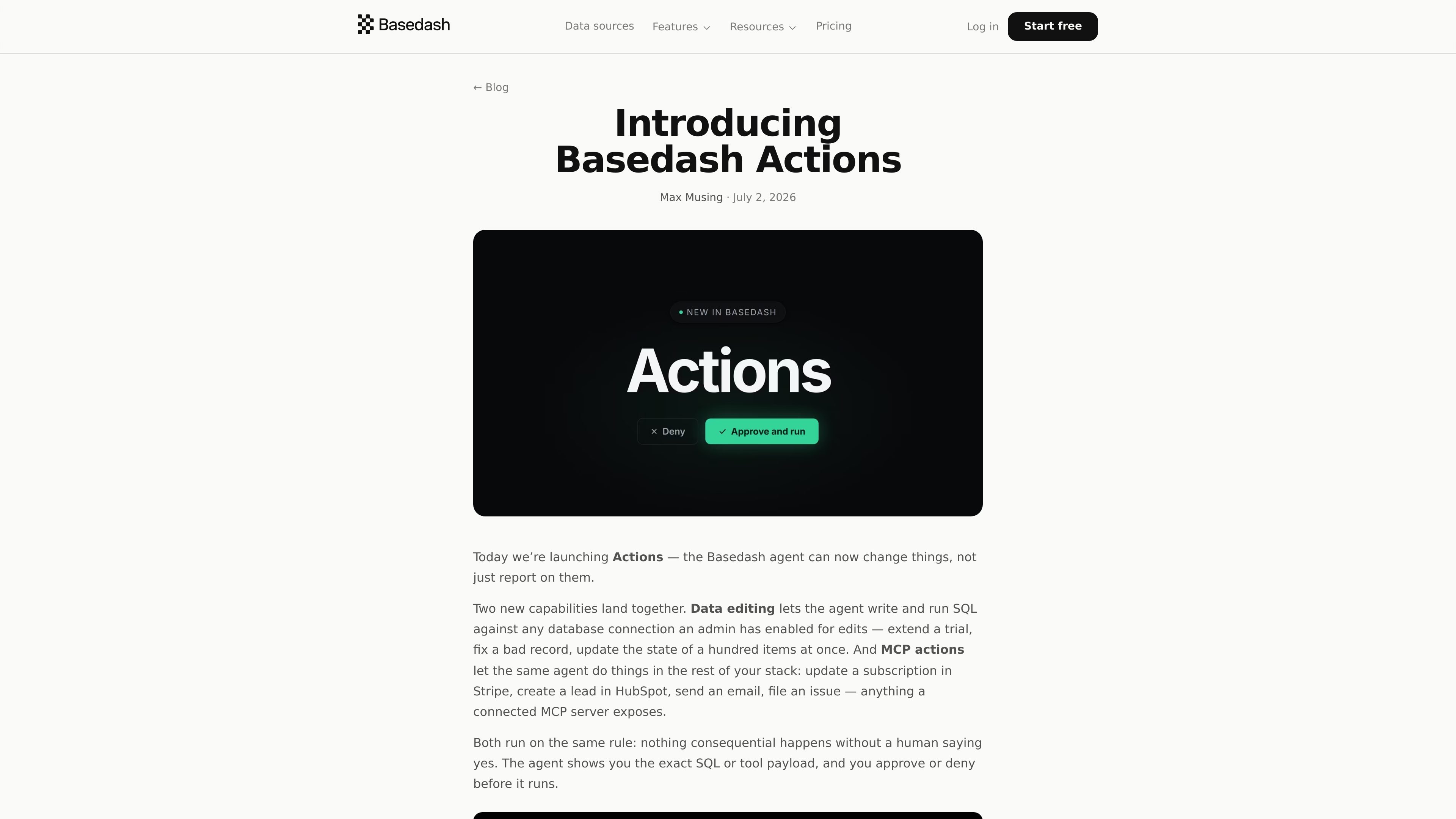
Every consequential database change pauses on an approval card that shows the data source, a plain-language description, and the exact SQL. Nothing executes until a human approves it.

Per-tool permission modes

Each MCP tool can be set to always allow, needs approval, or blocked. New tools default to needs approval, while trusted tools can run without interruption and sensitive tools can be disabled.

Reusable multi-step skills

Actions can be packaged into reusable Skills that describe multi-step workflows. The example in the source combines a Postgres lookup, a Stripe update, a customer email, and a structured report back to the user.

Works with automations

The same MCP tools available in chat can also be used in Automations, letting a one-off action become a scheduled workflow such as daily welcome emails or regular lead updates.

Practical use cases

  • Database maintenance and bulk edits

    Extend a customer trial, correct a bad record, or update many rows at once by asking the agent to write the SQL and then reviewing the approval card before it runs.

  • Cross-system account updates

    Look up an account in the database, then update the matching subscription in Stripe or the corresponding lead in HubSpot without switching tools manually.

  • Operational follow-through from analytics

    Generate a personalized welcome email, issue a Slack update, or file a Linear task based on data the agent just gathered from your database.

  • Reusable internal workflows

    Turn repeatable workflows into Skills, such as trial extensions, offboarding, or demo environment setup, so the agent can follow the same steps each time.

  • Scheduled actions

    Move a one-off action into Automations when it should recur on a schedule, such as daily welcome emails or weekly lead refreshes.

Pros and Cons

Pros

  • Lets the agent move from answering questions to making governed changes in data and connected tools.
  • Shows the exact SQL or tool payload before execution, which makes review more concrete.
  • Supports per-tool permissions for MCP connectors, including always allow, needs approval, and blocked.
  • Can combine reads and actions in one conversation, reducing context switching across database, billing, email, and issue-tracking tools.
  • Includes reusable Skills for multi-step workflows, which is useful for repeatable operational tasks.

Cons

  • The source is an announcement post, so some implementation details are still partial in the public materials, especially around broader workflow limits and supported environments.
  • Database editing requires an admin to enable Allow edits on a connection, so it is not an out-of-the-box write path for every data source.
  • MCP tools rely on the capabilities exposed by each connected server, so the exact actions available depend on the app or internal server you connect.

FAQ

How do Actions work in Basedash?

Basedash Actions lets an admin enable edits on a SQL database connection and connect MCP servers for external tool actions. Once configured, users can ask the agent to make a change, review the approval card, and approve or deny it before anything runs.

What kinds of actions can the agent take?

The source describes database edits and MCP tool actions. Database edits are controlled by an admin setting called Allow edits, and MCP tools can be set to always allow, needs approval, or blocked depending on how much supervision you want.

Is Actions available on every workspace?

Yes. The pricing page says Basedash offers a 14-day free trial with no credit card required, and the Actions announcement says Actions are available today for all Basedash workspaces.

What does the approval flow show before an action runs?

For database changes, you see the exact SQL the agent wants to run. For MCP tools, you see the tool payload and the action pauses unless the tool is set to always allow.

Which tools or apps can be connected?

The source mentions Stripe, HubSpot, Resend, Linear, Slack, GitHub, Notion, and any other remote MCP server that exposes tools. It also says you can point Basedash at your own internal MCP server.

Quick Facts

Category
AI BI / agentic analytics
Product
Basedash Actions
Availability
Available for all Basedash workspaces, according to the announcement
Pricing
Basedash offers a 14-day free trial and a Startup plan at $1,000/month plus AI usage
Integration model
SQL database connections plus MCP connectors
Source domain
basedash.com