
Prompt-based presentation generation
Start with a presentation title or prompt and Decktopus AI generates a designed deck. The site also says it can do research, copywriting, and image generation for the first draft.

Decktopus AI is a web-based AI presentation maker that creates branded slide decks from prompts, text, or PDFs for teams and enterprises.
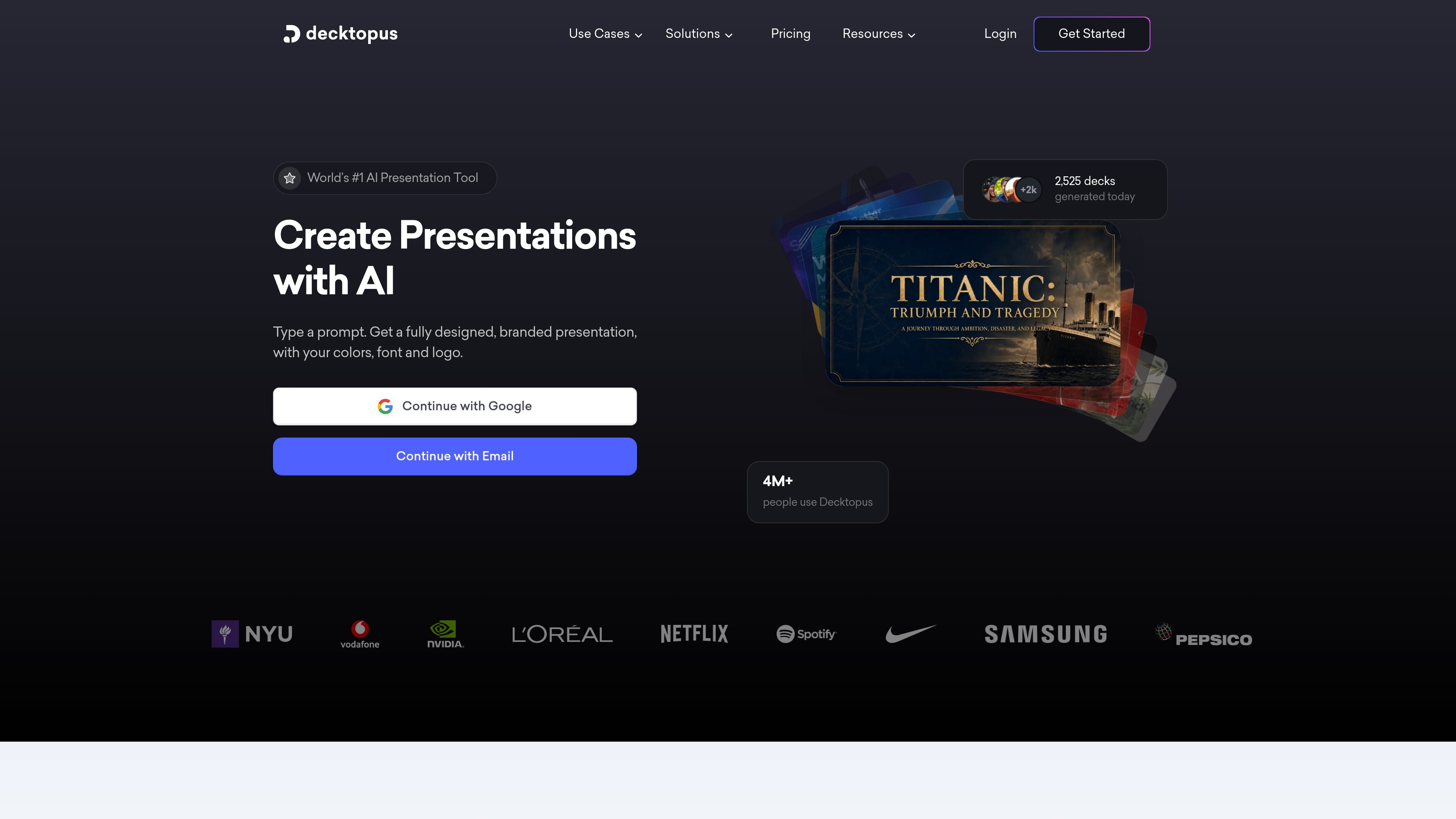
Decktopus AI is an AI presentation maker for creating branded slide decks from a prompt, pasted content, or an uploaded PDF. The site positions it as a presentation assistant for individuals, teams, and enterprises that want faster draft creation without starting from a blank slide.
The platform combines AI-generated structure, copy, and visuals with editing tools for layout control and brand consistency. It supports custom templates, organizational deck management, and branded slide libraries so companies can produce presentations that follow the same colors, fonts, logos, and design rules across repeated use cases.
Start with a presentation title or prompt and Decktopus AI generates a designed deck. The site also says it can do research, copywriting, and image generation for the first draft.
Upload brand assets once so generated slides follow your logo, colors, fonts, and style. The branding pages also describe custom layouts and branded slide libraries for repeat use.
Adjust slides with drag-and-drop editing, regenerate a slide for a new direction, or paste in existing text to turn it into a formatted presentation.
Decktopus AI can create personalized notes, hooks, icebreakers, story-like structures, audience Q&As, and other speaker support content for a deck.
The platform says it can convert static PDFs into interactive presentations, which supports repurposing documents into slide format.
The pricing and homepage materials reference team and organization management, plus a Zapier connection, for shared workflows and automation.
Create a sales pitch, investor update, or product launch deck by entering a prompt and letting the system produce a first draft with layout, text, and visuals.
Set brand colors, fonts, logos, and templates once, then let teams generate decks that stay consistent across proposals, reports, and internal materials.
Turn existing notes or source text into a clean slide deck, then refine the result with drag-and-drop editing or slide regeneration.
Repurpose PDFs into interactive presentations when a static document needs to become a presentation for clients, meetings, or training.
Use the organization panel and shared templates to coordinate decks across departments and reduce manual formatting in team workflows.
Decktopus AI creates presentations from a prompt, pasted text, or an existing PDF, then lets you refine the result with AI and edit it in a drag-and-drop editor.
The source material supports sales pitches, investor updates, product launches, company profiles, case studies, training decks, proposals, reports, and other business presentations.
Yes. The site says teams can upload brand assets once, build custom templates, and manage decks through an organization panel so presentations stay on-brand.
The pricing page lists Pro, Business, and Enterprise plans. Pro and Business are billed monthly or annually, while Enterprise uses a custom booking flow.
The site highlights a Zapier connection and a PDF export option, but the evidence provided does not fully document the rest of the integration or export surface.

Slidesgo is a presentation template platform for Google Slides, PowerPoint and Canva workflows, with free and Premium templates plus AI-assisted creation.

Beautiful.ai is an AI presentation platform for teams and enterprises. Create branded slide decks with Smart Slides, collaboration, and export options.

MagicSlides is an AI presentation generator that turns text, topics, documents, URLs, and videos into slide decks. Google Slides by default, with PowerPoint export and multilingual AI editing.

An All-In-One AI Platform that combines tools for image, video, voice, writing, and chat to enhance creativity and collaboration.

Wysera is an AI business platform with PostWyse for content and OpsWyse for CRM and revenue workflows, powered by shared Wyse AI and approval-first automation.

Grok is a free AI assistant developed by xAI, engineered to prioritize truth and objectivity while offering advanced capabilities like real-time information access and image generation.