
Scan boards from camera or photo
Point your camera at a board or upload a photo. Chessie reads the position so you can start analysis from a real game setup.

Chessie scans chess positions from a camera or photo and uses Stockfish to show candidate moves and review games offline.
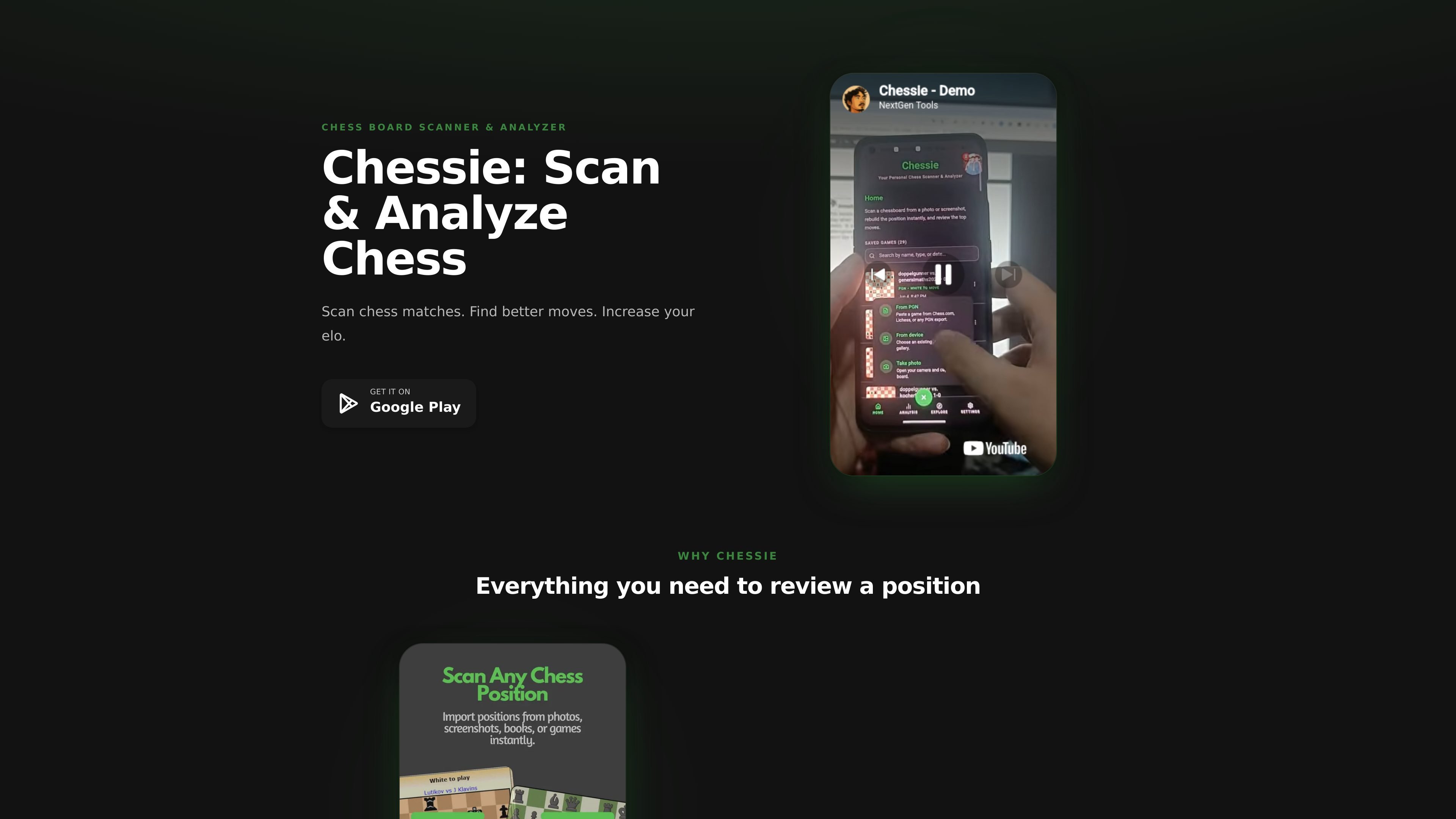
Chessie is a chess board scanner and analyzer for reviewing positions and games on a mobile device. It reads a board from a camera image or uploaded photo, then uses Stockfish to evaluate the position and show candidate moves.
The product is aimed at players who want to inspect real board positions, import games from Chess.com or Lichess via PGN, and review moves without needing an internet connection. The site also emphasizes that analysis stays on your device and can be used offline.
Point your camera at a board or upload a photo. Chessie reads the position so you can start analysis from a real game setup.
Pieces and squares are detected automatically, reducing manual setup before review.
Paste a PGN from Chess.com or Lichess, verify the board and moves, and run full game analysis in the app.
Chessie uses Stockfish and surfaces the top 10 candidate moves for each turn so you can compare options quickly.
Each move is graded, with labels such as Brilliant, Best, Excellent, Good, Inaccuracy, Mistake, and Blunder.
Scanning and analysis work without Wi-Fi or mobile data, and the product states that your games stay on your device.
Use the camera to capture a physical board after an over-the-board game, then review the position and move choices immediately.
Import a PGN from Chess.com or Lichess when you want to analyze an online game without retyping moves by hand.
Study candidate moves and engine evaluations when you are trying to understand why a position favors one side.
Work through games while traveling or in low-connectivity environments, since the app is designed to work offline.
Chessie scans a board from your camera or a photo, then lets you verify the position before running engine analysis.
Chessie uses the Stockfish engine for analysis and shows the top candidate moves for each turn.
Yes. The site says Chessie works offline, so scanning and analysis do not require Wi-Fi or mobile data.
The site says your games stay on your device and that analysis works offline, which indicates a privacy-focused workflow.
Chessie is presented as a Google Play app on the product site.

LabelLens scans packaged food labels from a photo or upload and gives a nutrition score with a plain-English breakdown of ingredients, additives, and key values.

GameGrad turns PDF study material into quiz questions that appear inside arcade games, so users can practice active recall while they play. It offers a free tier with one PDF and a Pro plan with more uploads, more questions, and answer explanations.

DailyPlay.ai is a behavioral growth platform using AI site scans and micro-games to boost engagement and conversions across web, mobile, and more.

Snapmark is a VS Code extension that lets you annotate clipboard screenshots before pasting them into AI chats. It supports blur redaction, numbered callouts, and automatic resizing for large images.

Arduino VENTUNO Q is an edge AI computer for AI and robotics applications. It combines AI inference and deterministic control on a single board and is designed to work with Arduino App Lab.

PixelForge turns a single photo into a game-ready 2D character sprite pack with a 4×4 sheet, transparent frames, direction strips, and looping walk GIFs for Godot, Unity, Phaser, GameMaker, and web games.