
Booking pages from open availability
Turn connected calendar availability into a shareable booking page. Guests see only open times, can book without an account, and confirmed meetings can include Google Meet or Zoom links.

Chronock scheduling and calendar sync tool creates booking links from Google and Outlook calendars and syncs selected events to prevent double bookings.
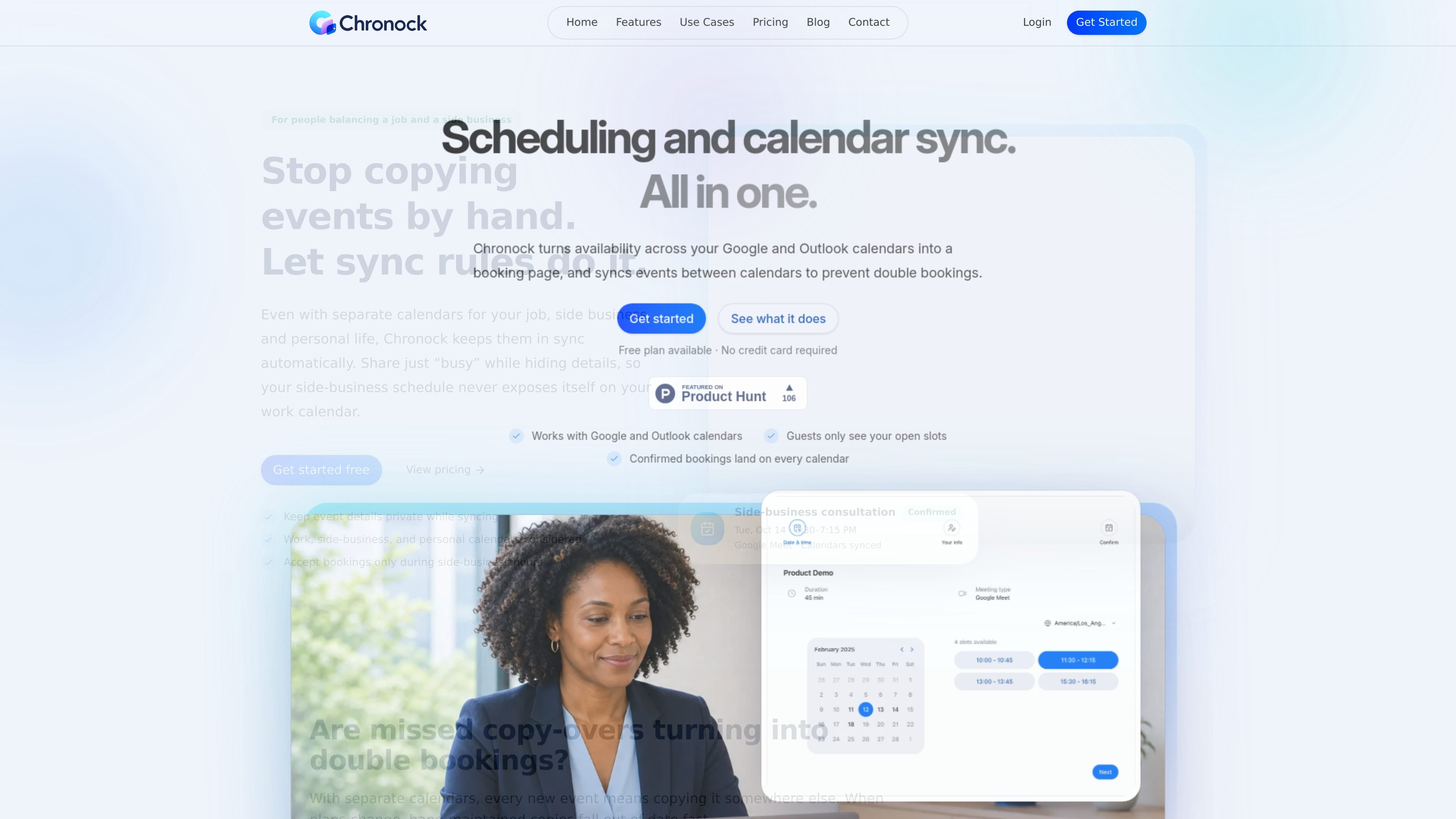
Chronock is a scheduling and calendar-sync tool for people and teams that manage availability across more than one calendar. It turns connected Google Calendar and Microsoft Outlook calendars into booking pages, then keeps selected events synchronized across calendars so busy time stays consistent and double bookings are less likely.
The product is built around two core workflows: sharing availability through a booking link and mirroring events between calendars with control over what details are visible. It also includes an Integrated Calendar view for reviewing connected schedules together, plus booking history, contacts, and team controls on the Pro plan.
Turn connected calendar availability into a shareable booking page. Guests see only open times, can book without an account, and confirmed meetings can include Google Meet or Zoom links.
Check availability across multiple connected calendars at once and sync events between calendars to reduce overlap. The product supports both Google Calendar and Microsoft Outlook calendars, including cross-platform sync.
Choose whether sync rules copy only Busy status or also event details, and set them to run one-way or bidirectionally on Pro. That lets you keep private events hidden while still blocking time.
Use provisional holds to protect candidate times while waiting for a reply. Chronock also offers candidate-date text output so you can send open slots quickly by message or email.
Review connected events together in Integrated Calendar, with week or month views and per-calendar color and visibility controls. This reduces the need to switch between separate calendars to understand your week.
Track booking history and contacts in one place, with session notes and CRM-style organization. Pro also includes team and permission management and room-based booking slot groups.
Use a single booking link to let clients or candidates choose from only the times that are actually open across the calendars you connect. This is useful when you want scheduling to happen without back-and-forth messages or manual slot checking.
Keep work, side-business, and personal calendars aligned so a meeting on one calendar blocks time on the others. Chronock is positioned for people who need privacy controls, such as showing only Busy while hiding event details.
Reduce interview scheduling delays by sharing availability across the calendars used by recruiters and interviewers. The product’s booking flow and cross-calendar sync help keep candidate times visible and current.
Coordinate customer meetings, onboarding calls, or recurring check-ins from a shared booking page while keeping booking history and contacts in one place. Pro adds CRM-style tracking and team permissions for more structured follow-up.
Handle calendar sharing for teams that need multiple hosts, room-based booking slots, and controlled access to scheduling rules. This is a better fit when several people need to manage bookings from connected calendars.
Chronock creates booking links from connected Google and Outlook calendars. Guests choose from your open times, and confirmed bookings can land on your calendar with auto-created Google Meet or Zoom links.
Yes. The Free plan supports one team member, one booking slot, multiple calendar connections, and one one-way sync rule that copies Busy status only. Pro adds unlimited booking slots, bidirectional sync, event details, provisional holds, CRM features, and multi-person scheduling.
Chronock supports Google Calendar and Microsoft Outlook calendars. Outlook support requires a Microsoft 365 work or school account; personal Microsoft accounts such as Outlook.com are not supported.
Yes. Chronock can show availability across multiple connected calendars and sync events between calendars in real time, including cross-calendar sync between Google and Outlook calendars.
The Free plan is limited to one team member and one one-way Busy-only sync rule. Pro supports up to 50 users, and more flexible workflows such as multi-person scheduling and bidirectional sync are available there.

Goldfish is an AI memory app for macOS that helps you reply, write, summarize, and continue with context already on your Mac. It stores memory locally and writes in your tone.

ArtDeck is a visual reference board app for iPhone, iPad, and Mac. Collect mixed references on one canvas and study them with ToolBox lenses. Offline, optional iCloud sync, one-time purchase.

Biji is a versatile platform designed to enhance productivity through innovative tools and features.

Malyatko is a baby tracker for feeding, sleep, growth, teething, and milestones. Use it on iPhone, Apple Watch, and widgets offline, with iCloud sharing.

Liam is an AI copilot for inbox management, email replies, prioritizing messages, and scheduling meetings. Free for individuals; custom pricing for teams and enterprise.

Gemma AI is a phone call reminder app that calls you with scheduled reminders instead of push notifications, with Google Calendar sync and natural voice interaction.