
Quip Deck
A single control bar provides access to microphone and camera controls, polls, Quip Tables, breakouts, and screen sharing during a live period.

ClassQuip is browser-based virtual classroom software for K-12 teachers, schools, and districts, combining live video, teaching tools, participation controls, and sign-in options.
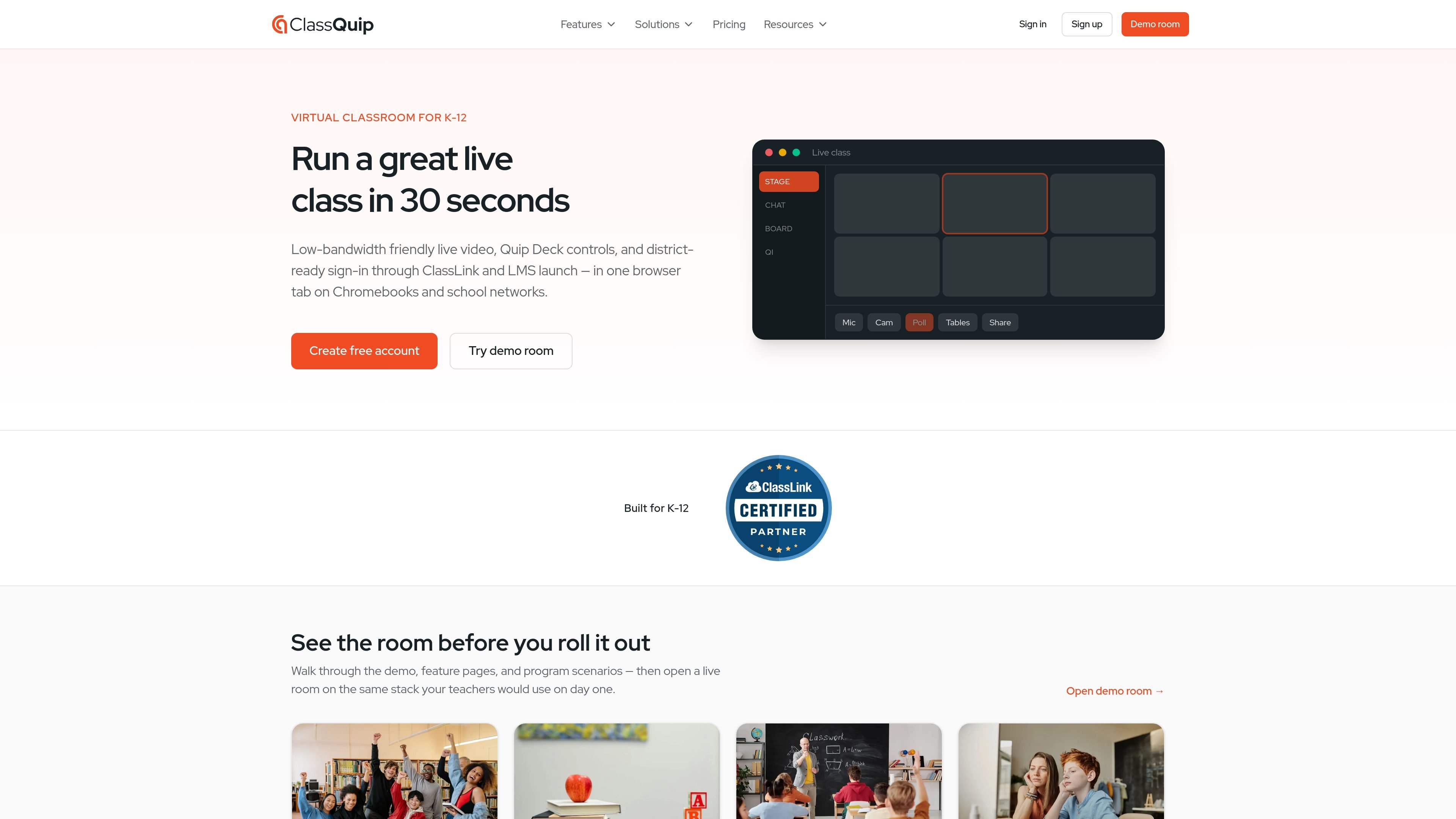
ClassQuip is a browser-based virtual classroom for K-12 instruction. It combines live video with a teacher control bar, shared canvas, participation tools, and classroom activities in one browser tab, rather than requiring teachers to coordinate a meeting application with separate instructional tools.
Teachers can open a free classroom, run live sessions for up to 30 guests, and use the platform on Chromebooks or home devices without installing software. District and school deployments add rostered sign-in, administrative policies and exports, and LMS launch options for programs that need a more managed rollout.
A single control bar provides access to microphone and camera controls, polls, Quip Tables, breakouts, and screen sharing during a live period.
Draft polls, summarize a class block, and identify presence issues, with teacher approval required before generated material is shown to students.
A shared canvas supports teacher modeling, student show-your-work activities, and snapshots that can be saved for later recap.
Polls, word clouds, exit tickets, timers, and moderated chat are available from the same teaching interface.
Hand-raise queues, desk signals, and teacher overlays help instructors manage participation in live and hybrid classes.
District deployments support ClassLink sign-in, OneRoster roster sync, LTI 1.3 LMS launch, district policies, and exports.
Virtual charter teachers can run full-time online classes with rostered sign-in and use session history and attendance exports for academic or administrative records.
Districts can give students attending in person and remotely access to the same live room, while teachers use shared instruction and participation controls across the hybrid schedule.
Hospital and homebound programs can provide a browser-based class entry without an app and use lighter media modes when a student’s connection cannot sustain video reliably.
Individual teachers can open a reusable classroom link, run live lessons with interactive tools, and try the public demo room before creating an account.
ClassQuip runs in a browser on Chromebooks and home devices, with no installation required. Teachers can open a public demo room or create a free teacher account.
Individual teachers can use one classroom with up to 30 live guests at no cost. The free classroom includes the live teaching tools; Teacher Pro adds Studio Mode for recorded lessons at $8 per month.
Yes. ClassQuip supports ClassLink sign-in and OneRoster roster synchronization. Districts can also use LTI 1.3 and Advantage for launch, deep linking, and grade passback in Moodle and other registered LMS platforms.
When bandwidth is limited, students can use lighter media modes that favor audio when video is struggling. ClassQuip uses standard HTTPS in most school environments, with relay paths available when firewalls block direct peer media.
Schools and districts contact ClassQuip for an organization rollout. District accounts include ClassLink roster sync, district sign-in, an admin portal for policies and exports, and Studio Mode for rostered teachers without requiring each teacher to buy a personal subscription.

TubeKit turns public YouTube videos and playlists into AI-powered tools creators can customize and share. Free to try, no signup needed.

BeFreed is a personalized audio learning app that turns books and knowledge sources into narrated listening experiences with interactive audio and learning tools.

ChessWoodie is a chess tactics training app based on the Woodpecker Method. Build pattern recognition, track speed and accuracy, and review missed tactics from your own games.

AGINE Academy — a gamified online academy for learning Claude in work, creative tasks, and automation. Start with a free lesson and real missions, no dev experience needed.

One More Thing is a micro-learning platform for exploring topics one card at a time, with short, incremental sessions for focused learning.

Padel Chess is a web-based platform for improving padel tactics with puzzle-based practice in realistic court scenarios.