
Context-aware inpainting
Brush over a logo, text stamp, date mark or other unwanted area and let the model reconstruct the pixels underneath using surrounding texture and color.

Clearframe is a web-based AI tool for removing watermarks, logos and text overlays from images and short videos you own or may edit.
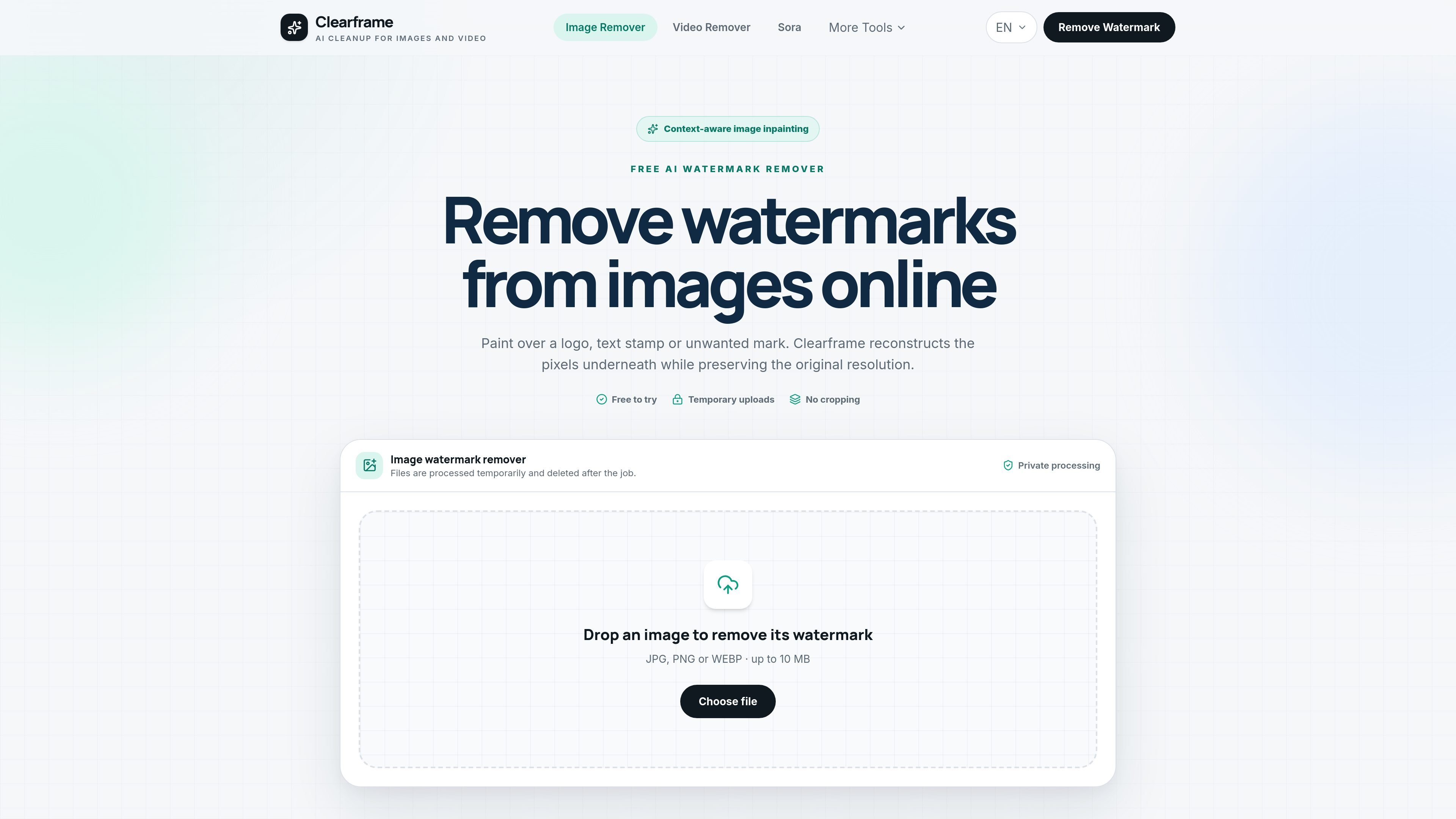
Clearframe is an online AI cleanup tool for removing watermarks, logos, text overlays and other unwanted marks from images and short videos. The product uses context-aware inpainting to rebuild the selected area from surrounding pixels rather than blurring or cropping the mark away.
The image workflow supports JPG, JPEG, PNG and WEBP uploads up to 10 MB, while the video workflow supports MP4, MOV and WEBM clips up to 30 seconds. Both tools are presented as temporary-upload editors designed for quick, manual cleanup on content you own or are allowed to edit.
Brush over a logo, text stamp, date mark or other unwanted area and let the model reconstruct the pixels underneath using surrounding texture and color.
The image editor uses a freeform brush for irregular selections, while the video tool uses a fixed rectangle that applies across every frame.
Files are described as temporary uploads that are deleted after processing, with no cropping step required before editing.
The image tool accepts JPG, JPEG, PNG and WEBP files up to 10 MB, and the video tool accepts MP4, MOV and WEBM clips up to 30 seconds.
The video workflow cleans the same marked area across a clip, preserves audio when available, and returns a downloadable MP4.
The site includes separate entry points for image watermarks, video watermarks, object removal, and Gemini watermark cleanup.
Remove a logo, date stamp, or text mark from a photo by brushing over the exact area and letting the model fill in the background.
Select a fixed watermark region on a short clip and process the same area across all frames to produce a downloadable MP4.
Erase a person, sign, cable, or other distraction from a photo when the surrounding background gives the model enough context to rebuild it.
Clean up AI-generated images by removing the Gemini sparkle or text mark from images you created and want to save without the overlay.
Yes. The source says the self-hosted version has no usage charge, while hosted plans may apply fair-use limits.
The image tool supports JPG, JPEG, PNG and WEBP. The video tool supports MP4, MOV and WEBM.
For images, the result keeps the working resolution. For video, the tool returns a downloadable MP4 and preserves audio when available.
The tools are designed for content you own or are legally allowed to edit. The site also states that watermark removal should only be done on content you own or have permission to edit.

Pixelcut is an AI photo editor for product images, social content and video assets. Free and paid plans; mobile app and browser access for individuals and teams.

Petalica Paint is a web service for automatic line-art coloring and tracing drawings from photos, with commercial use allowed under stated terms.

Video Effects SDK adds real-time webcam effects like background blur, replacement or removal, denoising, framing, beautification, and color grading for live video apps.

Wearvue AI generates personalized outfit previews from a photo, refines styles for any occasion, and shows similar real products to shop.

DeepMotion is a web-based AI motion capture and 3D animation platform with Animate 3D for video-to-animation and SayMotion for text-to-animation.

Upscale.media is an AI image upscaling and enhancement tool by Pixelbin that sharpens low-resolution images in the browser, with bulk processing and API support.