
AI listing generation
Upload item photos and receive AI-generated titles, descriptions, suggested prices, dimensions, weight, and condition information for review.

ClearList is an AI resale manager that turns item photos into editable listings with suggested prices and details, then organizes them on a shareable sale page.
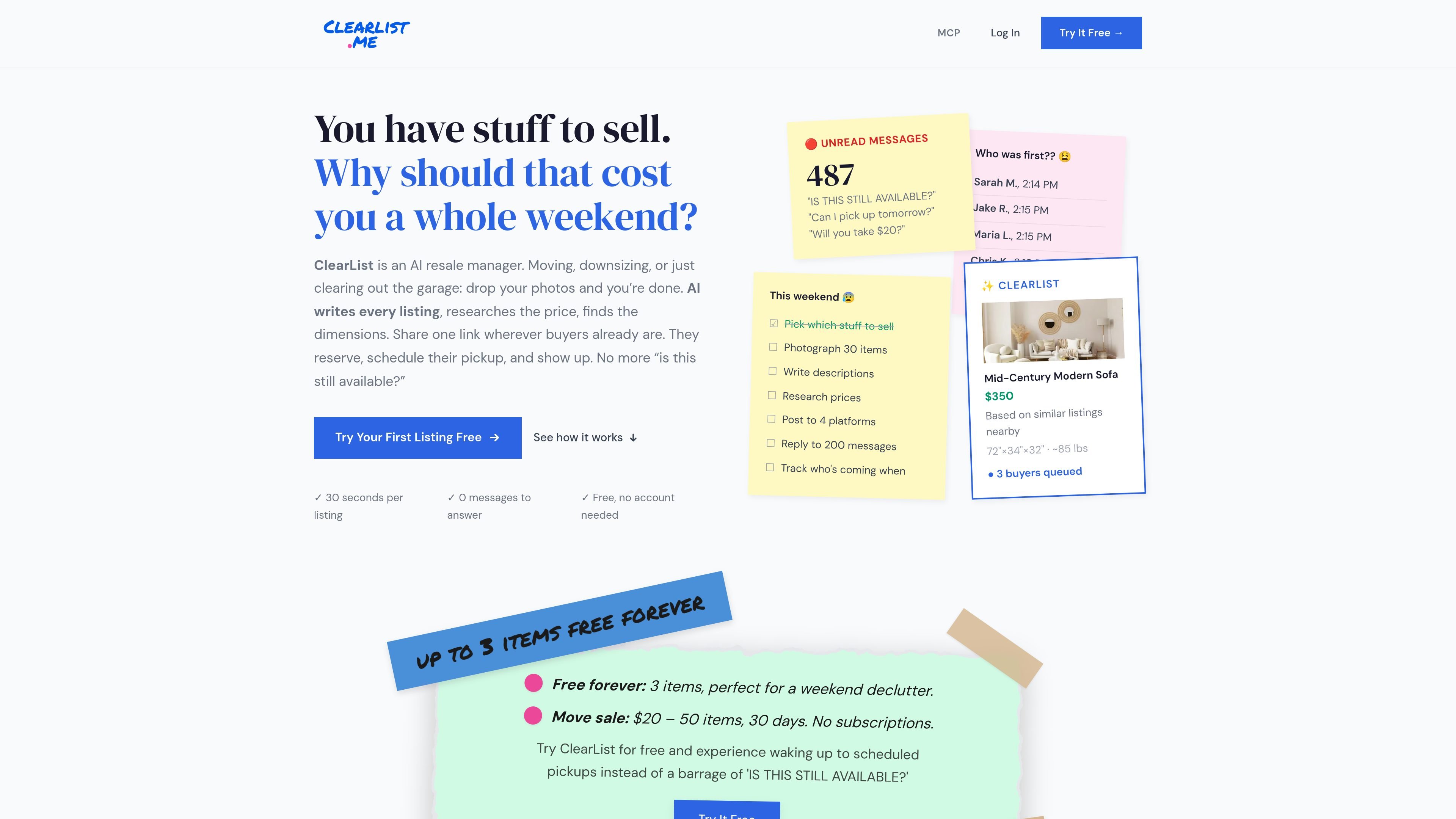
ClearList is an AI resale manager for people selling multiple household or personal items. Users upload photos, and the service generates listing information—including titles, descriptions, suggested prices, dimensions, weight, and condition details—so a collection of items can be prepared without writing every listing manually.
The resulting inventory is published on a shareable sale page. Buyers can browse, reserve items through a queue, and select pickup times from the seller’s availability. ClearList is designed for moving, garage, estate, spring-cleaning, storage-unit, and recurring resale situations, while payments and final sale arrangements remain between buyers and sellers.
Upload item photos and receive AI-generated titles, descriptions, suggested prices, dimensions, weight, and condition information for review.
Pricing suggestions use comparable recent sales and account for factors such as brand, condition, and demand. Sellers retain control of the final price.
Publish inventory on one sale page and share its link through Facebook groups, Craigslist, Nextdoor, group messages, or a QR flyer.
Buyers reserve items through a first-come queue and select pickup slots based on the seller’s stated availability, reducing manual message coordination.
Listings can be copied into Facebook Marketplace, Craigslist, OfferUp, and other platforms using the generated listing text, while the ClearList page remains a central browsing and reservation point.
The product can be used with Claude through a custom connector, with ChatGPT through agent mode, or with other apps that support MCP, according to the site’s setup guidance.
Photograph furniture, electronics, and household goods before moving, then publish them together so buyers can browse and reserve items while the seller manages pickup availability.
Create an online inventory before a yard or garage sale. Shoppers can review prices and reserve items before arriving, reducing the need for handwritten tags and repeated questions.
Process a large household inventory with batch photo upload and AI-generated descriptions and prices. A family member or another helper can photograph items and manage the sale page remotely.
List unwanted belongings from a storage unit in one session, using a central page to organize the sale before deciding what remains unsold.
Use the listing generator repeatedly for regular furniture or secondhand sales, then copy listings to external marketplaces while directing interested buyers to the shared sale page.
ClearList can be used from its website without an account for a first listing. The free tier supports a small sale, and signup uses a six-digit code sent to your email rather than a password.
Photograph each item, let the AI generate a title, description, suggested price, dimensions, weight, and condition details, then review and adjust the listing before publishing. Buyers browse the shared sale page, reserve items, and choose an available pickup time.
ClearList offers a free tier for up to three active items. Paid Move Sale and Garage Sale passes are one-time purchases with 30 or 60 days of access; they do not auto-renew. The listed prices are $20 for Move Sale and $39 for Garage Sale.
No. Buyers can browse the sale page without creating an account, but they must verify their email to reserve an item. Payments are arranged directly between buyer and seller, and ClearList does not take a commission.
The AI price is a suggestion based on comparable recent sales, brand, condition, and demand. Sellers can choose among pricing approaches such as quick sale, middle-of-range, or top-dollar positioning, and can adjust the final price. Unique or vintage items may require more seller judgment.

Lasso is an ecommerce product data platform for enriching catalog records, processing supplier files, generating product content, and tracking competitors. It includes a web app, REST API, SDK, and MCP server.

DailyPlay.ai is a behavioral growth platform using AI site scans and micro-games to boost engagement and conversions across web, mobile, and more.

EchoTik is a TikTok e-commerce data analysis platform designed to assist sellers and e-commerce creators in making data-driven decisions for product selection and market analysis.

Wisry is an AI advertising studio for ecommerce brands that researches competitor ads, creates evidence-backed campaigns, and generates static and video creatives.

PicCopilot is an AI content platform for e-commerce that turns product photos into marketing visuals, model shots, videos, and social content with free and paid plans.

Krev AI is an ecommerce platform with role-based AI employees for market research, creative production, ad planning, and social publishing for brands.