

Coworker AI
Coworker AI is an enterprise AI agent platform for chat, artifact creation, coding, and long-running automations across connected company systems.
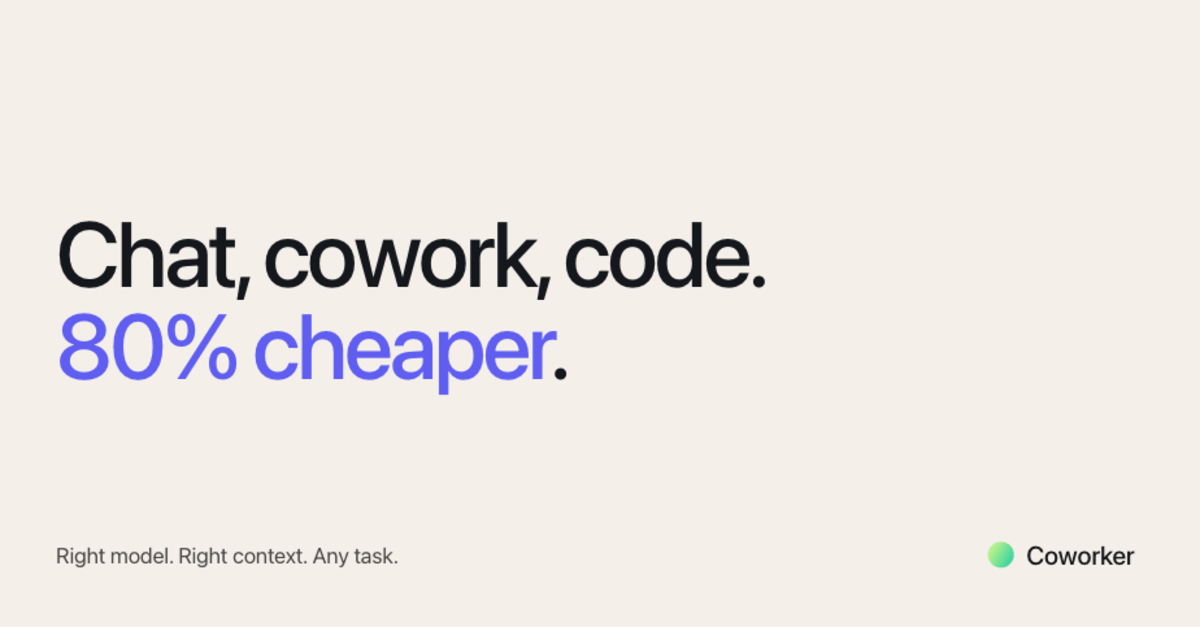
What is Coworker AI?
Coworker AI is an enterprise AI agent platform for chatting with, working alongside, and building with AI across company systems. It connects to organizational context from tools such as Slack, Salesforce, Jira, Gmail, docs, data warehouses, and code repositories, then routes tasks to the most suitable model for the job.
The product is designed to handle three main modes of work: chat for answering questions across connected systems, cowork for producing artifacts like decks, docs, dashboards, and code, and agents for long-running workflows triggered across the stack. Coworker also emphasizes model routing and open/closed model support, with enterprise hosting and security positioning described on the page.
Key Features
- Cross-system chat with connected context: Users can ask questions across 50+ connectors, and Coworker pulls relevant records, threads, transcripts, and documents from systems like Slack, Salesforce, Jira, Gmail, Docs, BigQuery, and Snowflake.
- Task routing to the right model: The platform selects an appropriate model for each task, or lets users choose manually, balancing cost, latency, and output quality across open and closed models.
- Artifact creation in work-ready formats: Coworker can generate polished outputs such as decks, docs, dashboards, financial models, branded PDFs, and interactive apps that are editable, shareable, and exportable.
- Cloud code and repo-aware workflows: The coding surface supports multi-file edits, sandboxed execution, and org context for developer tasks.
- Long-running agents with triggers: Users can build agents in plain English that wait for events in tools like Slack, CRM, calendar, and email, then act after review or approval.
- Read/write integrations with existing permissions: Connectors can both read from and write to team systems, and agents inherit the permissions already in place.
How to Use Coworker AI
A typical workflow starts by connecting the company tools Coworker needs to access, such as CRM, communication, docs, support, data, or code systems. From there, a user can ask questions in chat, request an artifact, or define an agent workflow in plain English.
Teams can either let Coworker route tasks automatically or choose a specific model for a given task. For recurring work, users can set triggers and approval steps so the agent monitors connected systems, gathers context, drafts an output, and waits for review before acting.
Use Cases
- Sales account lookup: A seller asks where a renewal stands and Coworker combines CRM data, call transcripts, and Slack context into a concise summary.
- Board and leadership materials: A team uses the cowork surface to turn existing data into a board deck, financial model, or reporting dashboard.
- Engineering code changes: A developer uses the cloud coding environment to make multi-file edits in a repo-aware sandbox and test changes before applying them.
- Pipeline and deal operations: An operations team creates an agent that watches stale opportunities, pulls the latest call history, and posts next-best actions into Slack.
- Cross-functional process automation: Teams in legal, finance, IT, people ops, or support use agents to review contracts, handle dunning checks, answer security questionnaires, or onboard employees.
FAQ
Does Coworker AI use one model for every task? No. The platform is described as routing tasks to the right model for each job, and users can also pick models themselves when they want manual control.
What kinds of connectors are supported? The page lists 50+ native integrations, including Slack, Salesforce, HubSpot, Jira, Linear, Notion, Google Workspace, GitHub, Zendesk, Intercom, Snowflake, and others.
Can Coworker AI write back to systems, or only read data? The source says connectors are read and write, so agents can both pull information and push updates across connected tools.
Is Coworker AI only for chat? No. The product includes chat, cowork surfaces for creating artifacts, coding workflows, and long-running agents.
Are the models hosted in the US? The page says the models are hosted in the US and positions the product as enterprise-ready, but it does not provide a full technical or compliance specification beyond that.
Alternatives
- General-purpose enterprise AI chat tools: These focus primarily on conversational assistance and retrieval, but may not include the same artifact building, code, and agent workflows in one product.
- Workflow automation platforms: Tools in this category are strong for triggers, approvals, and process automation, but they may rely on narrower rule-based logic rather than model routing across open and closed AI models.
- Developer AI assistants: These are better suited to coding tasks and repo changes, but typically do not cover company-wide chat, documents, dashboards, and cross-functional agents as broadly.
- BI and document generation tools: These help produce reports, dashboards, or decks, but usually do not combine multi-system context, chat, and autonomous agents in a single platform.
Alternatives

Biji
Biji is a versatile platform designed to enhance productivity through innovative tools and features.

Carbon Voice
Carbon Voice is an asynchronous voice messaging app for teams with people and AI agents, plus transcribed updates, voice or text replies, and desktop, mobile, watch, and widget access.

BotBoard
Manage AI agents like a team with a shared backlog, structured context, and human review workflow to assign, track, and approve outputs.

Clawcard
Clawcard: AI agents get a real inbox, phone number & virtual credit card for OpenClaw. Secure, autonomous agent operations.

Codex Plugins
Use Codex Plugins to bundle skills, app integrations, and MCP servers into reusable workflows—extending Codex access to tools like Gmail, Drive, and Slack.

Wallie
Wallie is an open-source AI streamer framework with real-time vision, persona profiles, chat, TTS, and avatar output for VTuber-style streams.