
AI agent monitoring
Monitor Claude Code, Codex and Grok sessions in the notch, with a visual state for each session and an indication when an agent needs attention.
Crowny turns a compatible MacBook’s notch into a workspace for AI agents, music, meetings, reminders, timers and files—without switching apps.
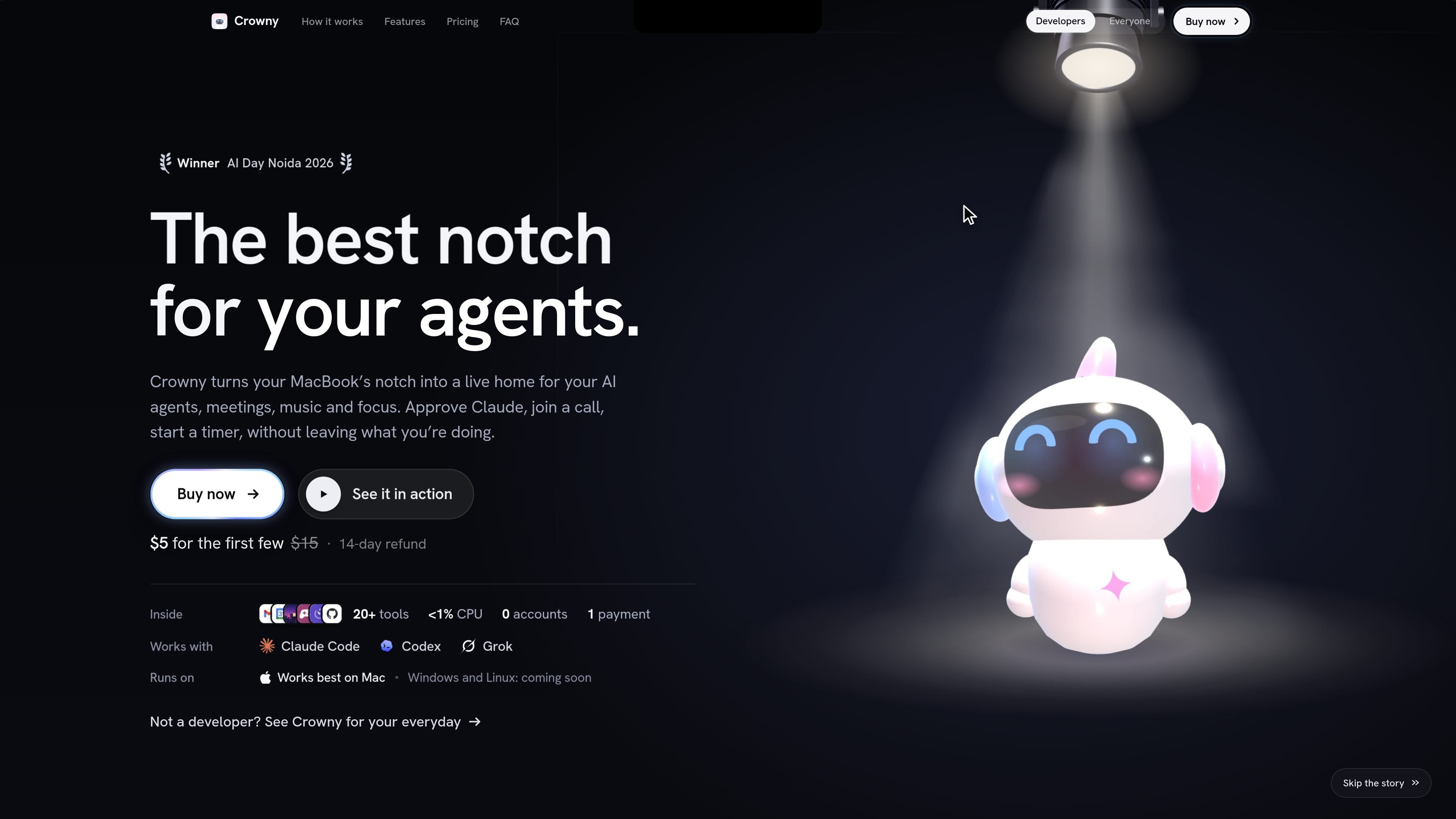
Crowny is a macOS notch utility that turns the notch on a compatible MacBook into a compact workspace for information and controls. It brings together active AI agent sessions, music, meetings, reminders, timers, files, clipboard history and other small utilities so users can check or act on them without repeatedly switching windows.
The app is designed for people who want a persistent, glanceable layer over their work. It can show when an agent is running or waiting, expose Claude Code approval prompts, surface the next meeting and reminders, and hold notifications during a Focus session. Crowny is sold with a one-time licence, does not require a Crowny account, and states that user data stays on the Mac.
Monitor Claude Code, Codex and Grok sessions in the notch, with a visual state for each session and an indication when an agent needs attention.
Review and approve Claude Code prompts from the notch instead of locating the relevant terminal window.
Keep a compact view of music from Spotify, Apple Music and YouTube, with playback controls and a live visualiser.
Bring together meetings, reminders, timers, focus sessions, alarms, world clocks, weather and wellbeing reminders in one glanceable workspace.
Browse clipboard history with Option-Shift-V, use a file shelf for drag-and-drop transfers, and pin sites or notes from an Obsidian vault.
Use a GitHub contribution graph, simple games, and Home Assistant controls alongside the rest of the notch workspace.
Keep several coding agents visible while working in an editor or terminal. Crowny shows which sessions are running, thinking, finished or waiting, and can surface a question that needs an answer.
Approve a Claude Code command from the notch when a session requests permission, without searching through terminal tabs for the right prompt.
Use the notch as a lightweight day planner by checking the next meeting, joining Google Meet where available, reviewing reminders and starting a focus session or timer.
Control music, retrieve something from clipboard history, move a file through the shelf or check pinned sites without leaving the current task.
Use water, standing and 20-20-20 eye-break reminders during ordinary work, with these prompts paused during a Focus session.
Crowny works best on a MacBook with a notch using Apple Silicon and macOS 15 or later. Windows and Linux support is listed as coming soon.
No Crowny account is required. The app uses the apps already on your Mac, and macOS asks for permission once for each app. Voice answers are optional and use an Anthropic key added in Setup.
Crowny can show Claude Code, Codex and Grok sessions in the notch. It can display live session states and lets you approve Claude Code prompts from the notch.
The licence covers one Mac, with reinstalling allowed on that Mac. A second Mac requires another licence; moving to a new Mac can be handled by contacting the product team from the purchasing email.
The product site states that data stays on the Mac and that Crowny has no account or tracking. Specific permissions and data-handling behavior for every connected app are not detailed in the available material.

Macuse is a macOS app that lets AI assistants control native Mac apps through MCP and use Computer Use for any app, with on-device automation.

Goldfish is an AI memory app for macOS that helps you reply, write, summarize, and continue with context already on your Mac. It stores memory locally and writes in your tone.

Lasso is an ecommerce product data platform for enriching catalog records, processing supplier files, generating product content, and tracking competitors. It includes a web app, REST API, SDK, and MCP server.

ArtDeck is a visual reference board app for iPhone, iPad, and Mac. Collect mixed references on one canvas and study them with ToolBox lenses. Offline, optional iCloud sync, one-time purchase.

Biji is a versatile platform designed to enhance productivity through innovative tools and features.

Malyatko is a baby tracker for feeding, sleep, growth, teething, and milestones. Use it on iPhone, Apple Watch, and widgets offline, with iCloud sharing.