
LinkedIn visibility scan
Paste a LinkedIn URL to get a visibility score and a profile analysis calibrated to AI sourcing tools.

Crustimate scans a LinkedIn profile URL and scores its visibility to AI sourcing tools for recruiters. Get profile edit, headline, and About suggestions.
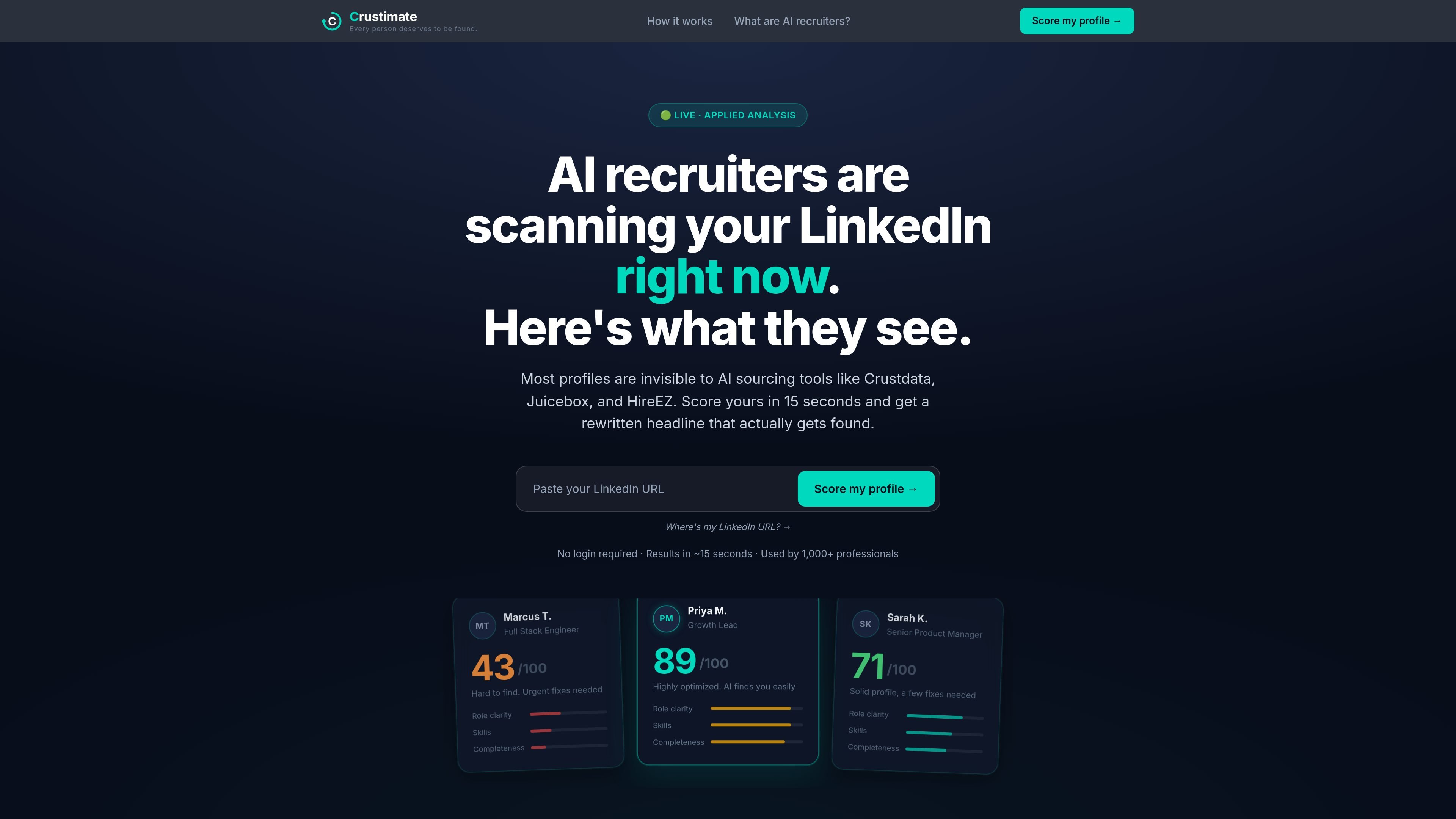
Crustimate is a LinkedIn visibility scanner for job seekers and professionals who want to understand how AI sourcing tools read their profile. The product scores a LinkedIn URL, highlights the parts of the profile that affect searchability, and suggests edits such as a rewritten headline or About section.
The site positions its analysis around AI recruiting workflows used by tools such as Crustdata, Juicebox, HireEZ, Gem, and SeekOut. Its main purpose is to help users make their profiles easier for recruiters to find in semantic search and ranking systems, rather than writing for human readers alone.
Paste a LinkedIn URL to get a visibility score and a profile analysis calibrated to AI sourcing tools.
See specific areas such as role clarity, skills completeness, and visual presence that influence how the profile is ranked.
Use the rewritten headline output to make the profile more searchable while keeping the wording grounded in the user’s actual background.
Add resume or project context so the analysis can incorporate information that may not appear clearly on LinkedIn alone.
Answer a short text-based interview to generate an About section without needing to speak or write from scratch.
Compare your profile against another LinkedIn profile or share a score card link for feedback and rematches.
Use the scan before applying or interviewing to see whether your LinkedIn profile is likely to surface in recruiter searches and which fields need tightening.
Use the headline rewrite and profile breakdown when your role description is too generic, too narrative, or missing domain keywords.
Upload resume or project context when your LinkedIn page does not fully reflect your background and you want a score grounded in additional evidence.
Answer the short interview prompts when you want help writing an About section but do not want to draft it from scratch.
Compare your profile against another person’s LinkedIn page when you want a side-by-side view of which profile is more discoverable in AI sourcing tools.
It scans a LinkedIn profile URL and scores how visible the profile is to AI sourcing systems. The site says it returns results in about 15 seconds with no account required.
You paste a LinkedIn URL into the scan form. The product analyzes the profile and can also rewrite the headline, score the About section, and surface profile gaps that affect AI search visibility.
The homepage says the scan compares profiles against AI sourcing tools such as Crustdata, Juicebox, and HireEZ. The companion explainer page also references Gem and SeekOut as examples of AI sourcing platforms.
The source mentions no login required for the main scan. It also shows optional inputs for adding resume or cover-letter context and for pasting text, but it does not show a paid pricing page.
The site is aimed at job seekers and professionals who want to understand how their LinkedIn profile is read by AI sourcing tools. It also includes related workflows for resume feedback and writing an About section through an interview-style prompt.

Goldfish is an AI memory app for macOS that helps you reply, write, summarize, and continue with context already on your Mac. It stores memory locally and writes in your tone.

HiringPartner.ai is an autonomous AI recruiting platform for sourcing, screening, and interviewing candidates 24/7 with ATS-connected workflows and bulk resume uploads.

ProWritingAid is a writing assistant for storytellers with grammar checking, style editing, paraphrasing, and story analysis in popular writing apps.

Paperpal is an AI tool for academic writing, offering literature reading, language polishing, citations, plagiarism checks, AI detection, and pre-submission review.

Sanota turns spoken memories and interviews into clear written stories for personal storytelling, family history and shared memories, with guided prompts and subscriptions.

Dirac is an AI email assistant for Gmail that prepares a morning brief, prioritizes important threads, and drafts replies in your voice.