

Decktopus AI
Decktopus AI turns prompts or pasted text into on-brand slide decks, with drag-and-drop editing, regenerate, and delivery support tools.
What is Decktopus AI?
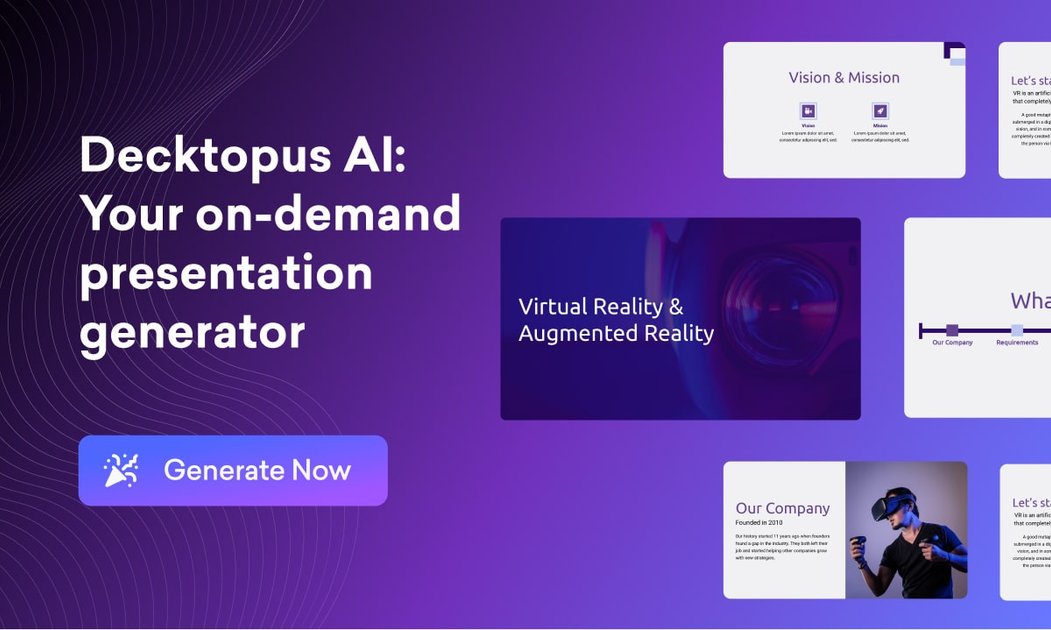
Decktopus AI is an AI presentation assistant that helps you create slide decks from prompts or existing text. The core purpose is to generate an outline and build slides with content that fits your presentation style, including your brand assets.
Instead of starting from a blank template and formatting everything manually, Decktopus AI generates on-brand structure and supporting content, then lets you review and edit the result using a drag-and-drop editor.
Key Features
- Prompt-to-deck creation: Type a prompt (or paste text) and Decktopus AI generates an outline and selects slides, then builds relevant content for your deck.
- On-brand slide generation: Upload your brand once so generated slides match your colors, fonts, and logo; this reduces manual formatting and helps avoid off-brand layouts.
- Drag-and-drop editor: Edit slides with a drag-and-drop workflow, and also supports collaboration with a designer if you want manual review.
- Regenerate slides: If a generated slide style or fit isn’t right, you can regenerate to explore alternative styles and ideas.
- Custom layouts and templates: Create and reuse custom presentation templates by defining layouts, fonts, and colors once.
- Organization panel for teams: Manage decks, categorize them by department, and oversee work across a team from one organization interface.
- AI presentation assistant tools: Generate tailored Q&As for audience interaction, generate images from prompts, create story-like structures (icebreakers/hooks), and produce script notes.
- PDF to interactive presentation conversion: Convert static PDF documents into dynamic, interactive presentations.
- Zapier integration: Connect Decktopus AI with Zapier to automate parts of your workflow and keep presentations in sync with other tools.
How to Use Decktopus AI
- Get started: Sign up (Google or email) and open the presentation workflow.
- Provide input: Either type a prompt for the deck you want, or paste text you already have.
- Apply branding: If you have brand assets, upload them so Decktopus AI generates slides that use your colors, fonts, and logo.
- Review and edit: Use the drag-and-drop editor to adjust layouts and content.
- Iterate if needed: Use “Regenerate Slide” to try different versions when a slide doesn’t match your expectations.
- Polish for delivery: Optionally use the AI assistant tools to generate Q&As, storytelling elements (hooks/icebreakers), and speaking notes.
- Manage and collaborate: Organize decks by department and share company templates with your team. If desired, connect to Zapier to automate related steps.
Use Cases
- Fast creation of on-brand proposals and reports: Teams can generate presentation decks that match their existing brand styling, reducing the time spent reformatting each new proposal.
- Building a reusable branded slide library for a firm: As teams grow, consistent templates and brand-aligned generation can help partners and associates create polished decks with less manual work.
- Department-based deck organization for internal teams: Create decks and categorize them by department, then oversee work across the team using the organization panel.
- Designer-assisted refinement: Use AI to draft a deck quickly, then rely on the drag-and-drop editor (or involve a designer) to fine-tune layout, images, and typography.
- Turning existing materials into a presentation: Convert a static PDF document into a dynamic, interactive deck when you already have content but need a presentation format.
- Audience-ready speaking support: Generate tailored Q&As, icebreakers/hooks, story-like structure, and AI-generated notes to support delivery.
FAQ
-
Can Decktopus AI generate slides from a prompt or from my existing text? Yes. You can type a prompt to generate an outline and slides, or paste in text to turn it into a clean, well-designed deck.
-
Does Decktopus AI support brand styling (colors, fonts, logo)? Yes. You can upload your brand once so generated presentations match your colors, fonts, and logo.
-
Is there an editor to modify generated slides? Yes. Decktopus AI includes a drag-and-drop editor for editing and refining slides, and you can regenerate a slide to try alternative styles.
-
Can teams reuse templates across multiple decks? Yes. You can create custom presentation templates and share a company template with your team.
-
Does Decktopus AI integrate with other tools? Decktopus AI offers a Zapier integration to connect with Zapier-supported workflows.
Alternatives
- Other AI presentation generators: Similar tools that create slide decks from prompts or text. The difference is typically the depth of brand/template control and the level of editing and organization features provided.
- Template-based slide design tools: Products focused on manual template creation and slide formatting. These may require more manual work compared with AI-assisted outline and content generation.
- Doc-to-presentation tools: Tools designed specifically to convert documents (like PDFs) into slide formats. They may be stronger for conversion workflows but less focused on prompt-based slide generation and AI speaking support.
- Team presentation management platforms: Solutions emphasizing organization, versioning, and template governance across teams. Compared with Decktopus AI, they may provide less AI-driven content and on-brand generation from prompts.
Alternatives

Slidesgo
Discover free Google Slides themes and PowerPoint templates on Slidesgo. Download and customize online to create presentations.

ChatBA
ChatBA is generative AI for slides: create slide deck content fast with a chat-style workflow, turning your input into a draft.

Beautiful.ai
Beautiful.ai is an AI presentation maker that automates design, layout, and spacing as you build content—so individuals and teams create polished slide decks.

MagicSlides
MagicSlides is an AI-powered PPT maker that transforms any content source into professional presentations in seconds.

Faces
Faces: AI platform for interactive presentations. Create engaging, explorable decks beyond static slides for better audience engagement.

okkslides
Create stunning presentations with okk AI slides maker. Transform ideas into professional PowerPoint slides in minutes.