
Multiple video display formats
Add a shoppable video gallery, carousel, slider, grid, reel popup, or story to your store so video content can sit directly in shopping pages rather than in a separate destination.

Fide is a Shopify app for shoppable UGC, video reviews, and product videos. Let shoppers watch, tap tagged products, and add to cart from the player.
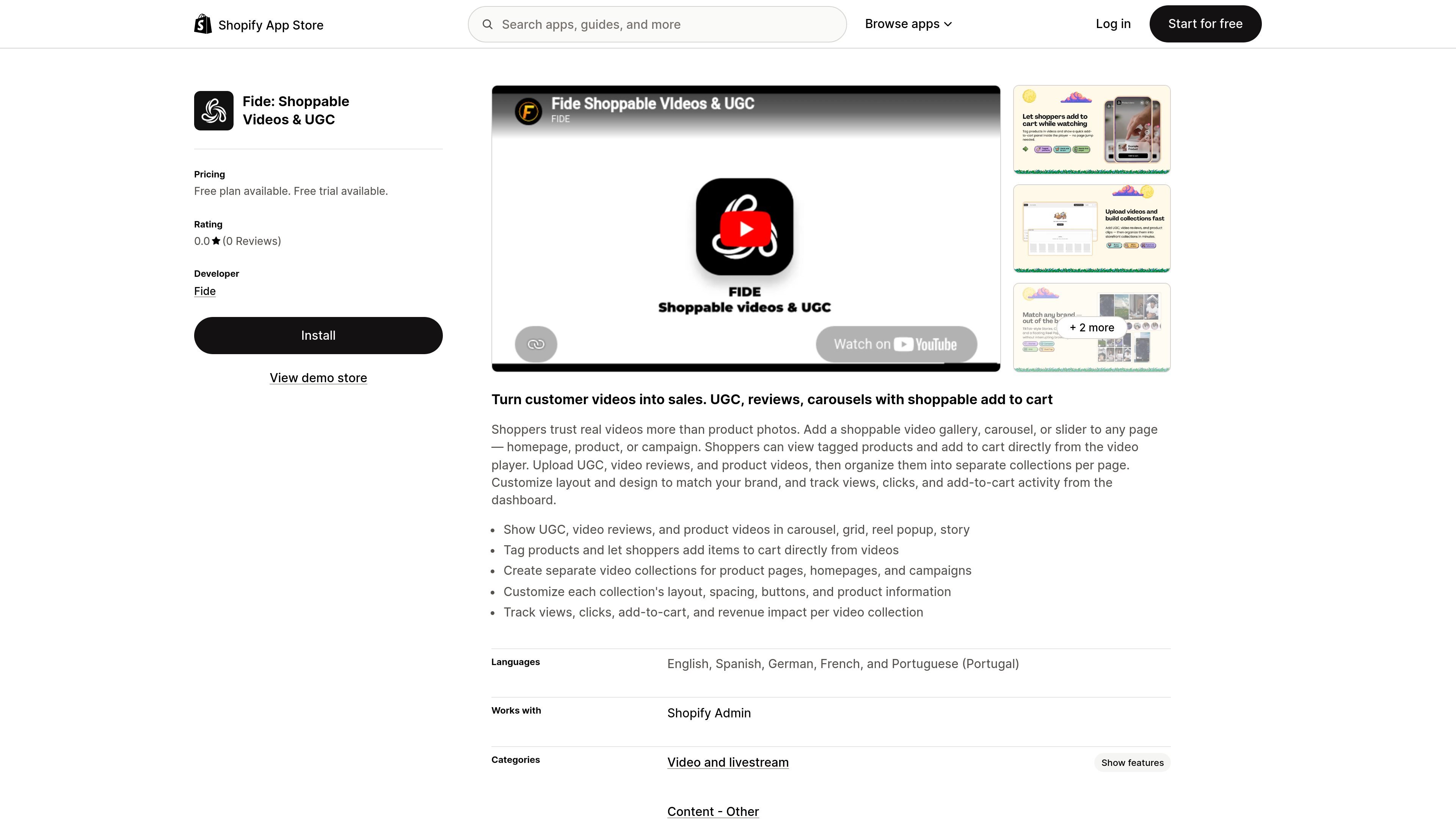
Fide is a Shopify app for adding shoppable videos to an online store. It turns UGC, video reviews, and product videos into embedded shopping experiences where customers can watch a clip, tap tagged products, and add items to cart from the video player.
The app is built for store pages that need video-driven merchandising. According to the listing, merchants can place video galleries, carousels, or sliders on homepage, product, and campaign pages, then organize videos into separate collections and customize the display to match the brand.
Add a shoppable video gallery, carousel, slider, grid, reel popup, or story to your store so video content can sit directly in shopping pages rather than in a separate destination.
Tag products inside each video and let shoppers open product details or add items to cart from the player itself.
Group videos into separate collections for homepages, product pages, and campaign pages so each placement can use its own content set.
Adjust layout, spacing, buttons, and product information to align the widget with your store design and branding.
Track views, clicks, add-to-cart activity, and revenue impact for each collection from the dashboard.
Upload UGC, video reviews, and product videos into the app for use across different store placements.
Add a shoppable video module to a homepage so shoppers can discover products through short-form UGC before browsing the catalog.
Place a product video or review on a product page to show the item in use and let visitors tap tagged products while they evaluate the purchase.
Build campaign-specific collections for launches, seasonal promotions, or landing pages so each campaign can feature a tailored video set.
Organize multiple collections by page or intent when you want one video set for the homepage, another for a product detail page, and another for promotions.
Use analytics to compare how different video collections perform by views, clicks, add-to-cart activity, and revenue impact.
Fide adds shoppable video galleries, carousels, or sliders to Shopify pages. You can upload UGC, video reviews, or product videos, tag products in the player, and let shoppers add items to cart from the video.
The source shows Fide can be used on homepage, product, and campaign pages. It organizes videos into separate collections per page so each placement can use its own set of videos.
The app page says you can customize each collection’s layout, spacing, buttons, and product information to match your brand. The app listing also describes the videos as embeddable and on-brand.
The listing includes tracking for views, clicks, add-to-cart activity, and revenue impact per collection. Those metrics are available from the dashboard.
The app listing shows a free plan with up to 1 collection and a Pro plan that adds unlimited collections, full analytics, global customization, per-collection customization, and priority email support. It also says charges are billed in USD and recurring charges are billed every 30 days.

PicCopilot is an AI content platform for e-commerce that turns product photos into marketing visuals, model shots, videos, and social content with free and paid plans.

Krev AI is an ecommerce platform with role-based AI employees for market research, creative production, ad planning, and social publishing for brands.

Lasso is an ecommerce product data platform for enriching catalog records, processing supplier files, generating product content, and tracking competitors. It includes a web app, REST API, SDK, and MCP server.

DailyPlay.ai is a behavioral growth platform using AI site scans and micro-games to boost engagement and conversions across web, mobile, and more.

DANCING CATS App turns cat photos into dancing kitty clips. Simple, focused, and easy to use for playful pet-image edits.

VIDEOAI.ME is an AI video generator for spokesperson videos, ads, explainers, and social content from a script without filming.