

Flato AI
Flato AI turns text into designs on an AI Canvas with chat and direct visual editing—create slides, social posts, brand kits, plus motion and videos.
What is Flato AI?
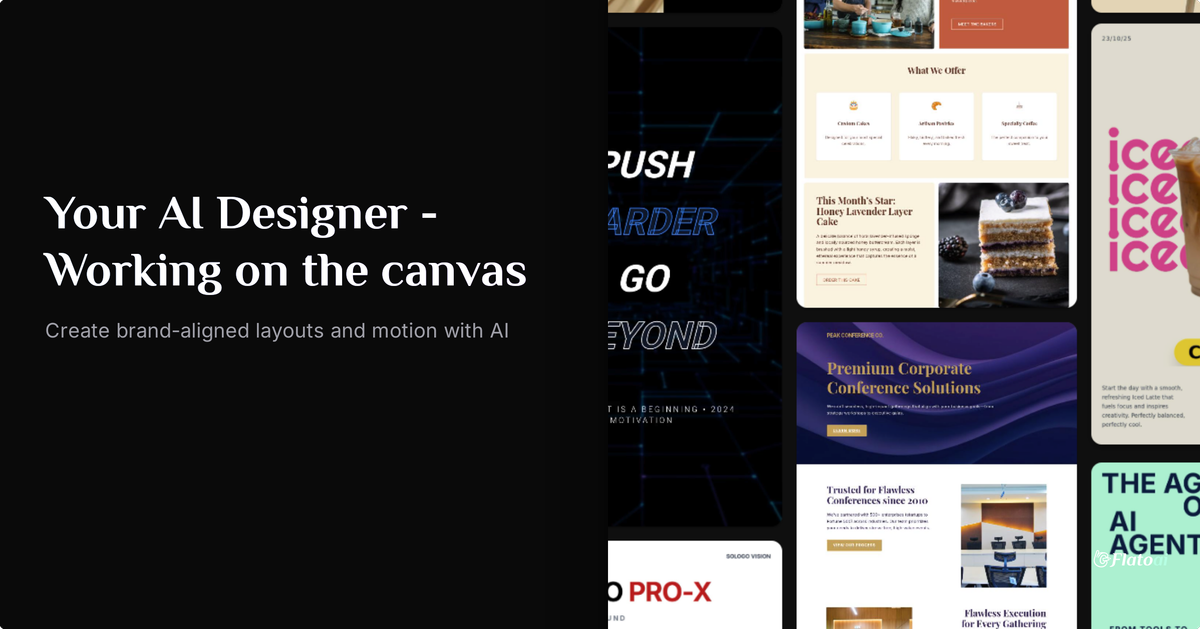
Flato AI is an AI designer for graphic design and visual content creation, built around an AI Canvas workflow. It helps you turn text into designs using chat and edit visual elements directly on the canvas.
Flato AI supports creating static layouts as well as motion graphics and videos within a continuous, unified canvas workflow—so layout, timing, and export can be handled together rather than across disconnected tools.
Key Features
- AI Canvas for continuous design workflows: Keep slide, social post, brand kit, motion, and video work on a single canvas to support an end-to-end creation flow.
- Context-aware AI design inside the canvas: The AI is described as understanding layout and visual relationships so it can generate and adapt design and animation elements based on what’s on the canvas.
- Chat-to-design with text prompts: Use chat to create designs from text, with changes applied directly to the canvas.
- Direct visual editing and synced updates: Manually edit visuals or use text-to-design; edits are kept in sync on the AI Canvas for a coordinated workflow.
- Unified static + motion system: Work from layout and storyboard through animation and export as one integrated design system.
- Co-creation for collaborative iteration: Lead the process while the AI executes tasks, supporting real-time collaboration behavior through synced canvas changes.
How to Use Flato AI
- Open Canvas and start a new design workflow on the AI Canvas.
- Use the chat interface to provide text prompts for what you want to create.
- Review the generated output on the canvas and edit visually as needed.
- If your project includes motion, continue from layout/storyboard into animation and then export the final video or motion content.
Use Cases
- Create a slide deck with coordinated visuals: Generate slide layouts from text, refine elements on the canvas, and iterate while keeping everything in the same working space.
- Produce social posts quickly from copy: Turn post text into a design, adjust layout and visual relationships directly on the canvas, and finalize variations.
- Build brand kits for design consistency: Co-create a set of brand assets on the canvas, using AI generation and manual edits to shape visuals in one workflow.
- Storyboard-to-animation motion graphics: Start with a layout or storyboard on the canvas, then extend the work into animation and export without breaking the flow.
- Generate and refine short video outputs: Create video content using the same canvas workflow, using chat-driven generation and canvas edits to adjust what’s on screen.
FAQ
-
What can I create with Flato AI? You can co-create designs such as slides, social posts, and brand kits, as well as motion graphics and videos within the AI Canvas workflow.
-
How does the AI work in Flato AI? Flato AI is described as understanding what’s on the canvas—elements, layout, timing, and visual relationships—so it can make context-aware design and animation changes.
-
Can I edit designs manually as well as with chat? Yes. The workflow supports editing manually or turning text into design with chat, with changes staying synced on the AI Canvas.
-
Does Flato AI support both static design and motion? Yes. The page describes a single AI design system that connects layout/storyboard work to animation and export.
-
Where can I find examples to start from? The site mentions “Starters,” which are designs created in Flato that you can explore and use to get started.
Alternatives
- AI-assisted presentation and slide editors: Tools that generate slide layouts from prompts can cover the slide use case, but may not provide a single continuous canvas workflow that also handles motion and video.
- Design tools with smart layout features: Traditional graphic design platforms with generative assistance can support static layouts, but may require switching tools or workflows to handle animation and export.
- Motion design and video editors: Video-focused tools can cover animation and video creation, but may not offer the same chat-to-design and canvas-synced, unified layout-to-motion workflow described for Flato AI.
- Template-based social post generators: These can speed up social content creation from copy, but are typically centered on template assembly rather than a canvas that also supports motion graphics and videos in one workflow.
Alternatives

Beautiful.ai
Beautiful.ai is an AI presentation maker that automates design, layout, and spacing as you build content—so individuals and teams create polished slide decks.

Decktopus
Decktopus is an AI-powered presentation maker that creates stunning presentations in seconds by simply typing the presentation title.

Chronicle
Chronicle is the modern, AI-powered presentation tool for creating stunning, interactive decks your audience will remember.

Slidesgo
Discover free Google Slides themes and PowerPoint templates on Slidesgo. Download and customize online to create presentations.

imgcook
imgcook is an intelligent tool that converts design mockups into high-quality, production-ready code with a single click.

ChatBA
ChatBA is generative AI for slides: create slide deck content fast with a chat-style workflow, turning your input into a draft.