
Cross-platform folders
Create nested folders that appear across ChatGPT, Claude, and Gemini so related conversations stay grouped in one structure.

Foldif is a browser extension for organizing ChatGPT, Claude, and Gemini chats with folders, highlights, notes, TODO capture, and export tools.
Foldif is a browser extension for organizing conversations in ChatGPT, Claude, and Gemini. It adds folders, notes, highlights, saved prompts, and export tools directly inside each platform so AI chats can be managed without switching apps.
The product is built around turning useful parts of a conversation into reusable knowledge. Users can highlight responses, add private margin notes, collect action items in a Kanban-style TODO view, and compile selected content into books that export to PDF or HTML.
Create nested folders that appear across ChatGPT, Claude, and Gemini so related conversations stay grouped in one structure.
Select text in an AI response, mark it with one of five colors, and keep highlights persistent across reloads so they can be reused later.
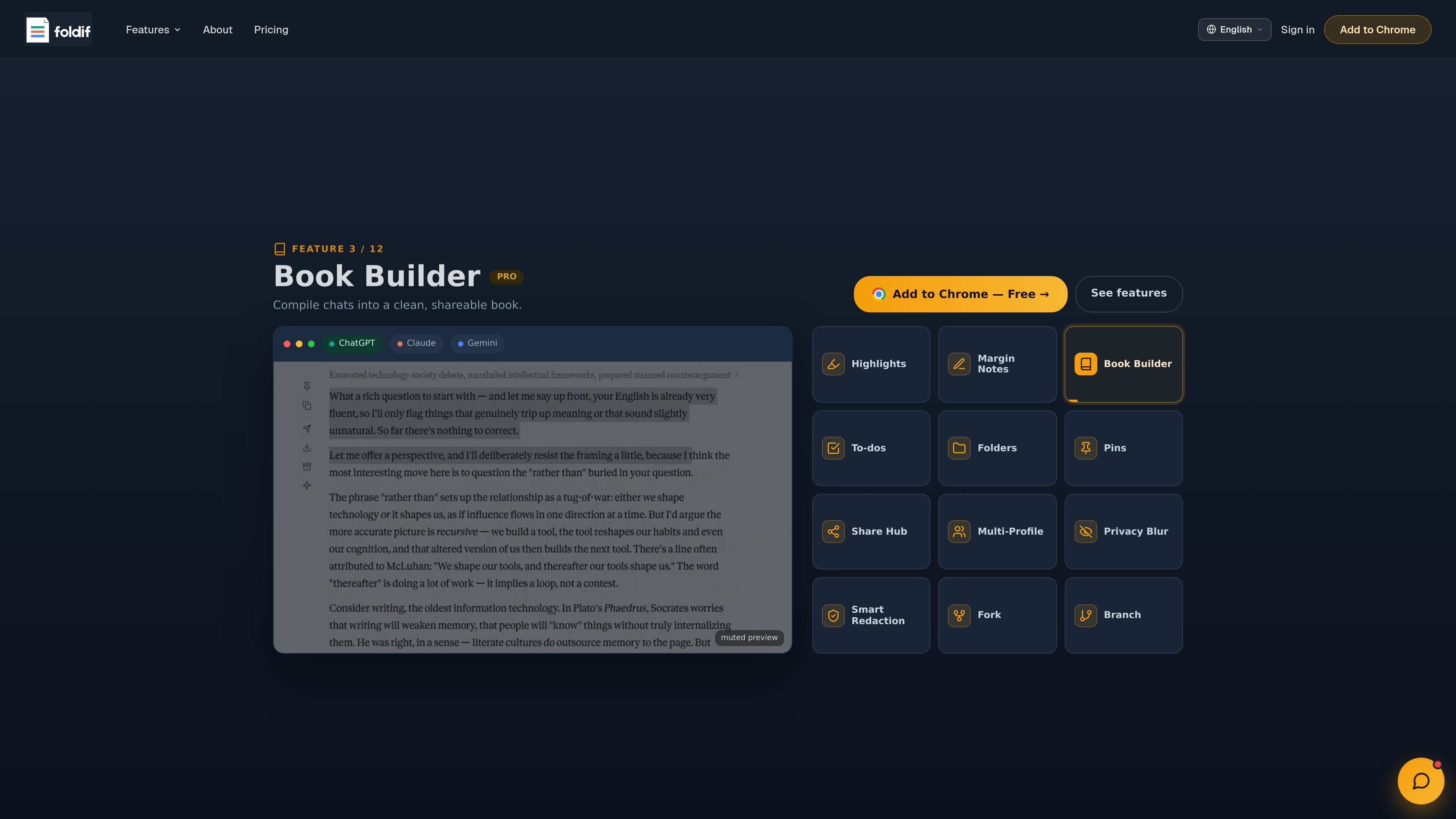
Attach private margin notes to highlights, then turn those highlighted passages into a structured book with chapters and blocks.
Detect action items, decisions, and questions in responses across 13 languages, then triage them in a Kanban board.
Move a conversation from one AI to another with its history intact, or reuse the same prompt across platforms from the sidebar.
Export conversations or books as Markdown, PNG, PDF, HTML, or public links, and share them through common messaging and social apps.
Keep work, research, and personal conversations separated in nested folders that follow you across ChatGPT, Claude, and Gemini.
Mark useful passages, add notes beside them, and turn a long answer into a structured reference document or book.
Collect action items, decisions, and follow-ups from AI replies into a Kanban board for review and triage.
Move a discussion from one model to another when you want a second opinion or a different style without restarting from scratch.
Share a response, book, or conversation in a format that fits the audience, including PDF, HTML, PNG, Markdown, or a public link.
Foldif works with ChatGPT, Claude, and Gemini using your existing accounts. The source says no API key is required.
Yes. The Free plan is available indefinitely with no time limit, and the pricing page also describes paid plans with a 14-day refund policy.
Foldif can export conversations and books to formats such as Markdown, PNG, PDF, HTML, and public links, depending on the feature used.
The source describes folder organization, highlights, notes, TODO detection, bookmarks, saved prompts, context handoff, and a book builder. It also notes some features are plan-limited, such as cloud sync and unlimited profiles on paid tiers.

Falconer is an AI-powered company brain that keeps internal docs accurate, searchable, and up to date by syncing with GitHub, Slack, and Linear.

recall is an AI flashcard app that turns reading and notes into study cards with Claude, ChatGPT, or another MCP client. One-time lifetime access with spaced repetition review.

Goldfish is an AI memory app for macOS that helps you reply, write, summarize, and continue with context already on your Mac. It stores memory locally and writes in your tone.

Flunkey is a voice-first productivity layer for Windows that turns speech into text, AI outputs, and remembered context without leaving your app.

Lasso is an ecommerce product data platform for enriching catalog records, processing supplier files, generating product content, and tracking competitors. It includes a web app, REST API, SDK, and MCP server.

ArtDeck is a visual reference board app for iPhone, iPad, and Mac. Collect mixed references on one canvas and study them with ToolBox lenses. Offline, optional iCloud sync, one-time purchase.