
Connected-device app recording
Record iPhone, iPad, and Android apps from a connected device on your Mac, with the workflow centered on app demos rather than general screen capture.

FrameOS is a Mac app for recording iPhone, iPad, and Android demos, then trimming, framing, resizing, and exporting polished videos or screenshots.
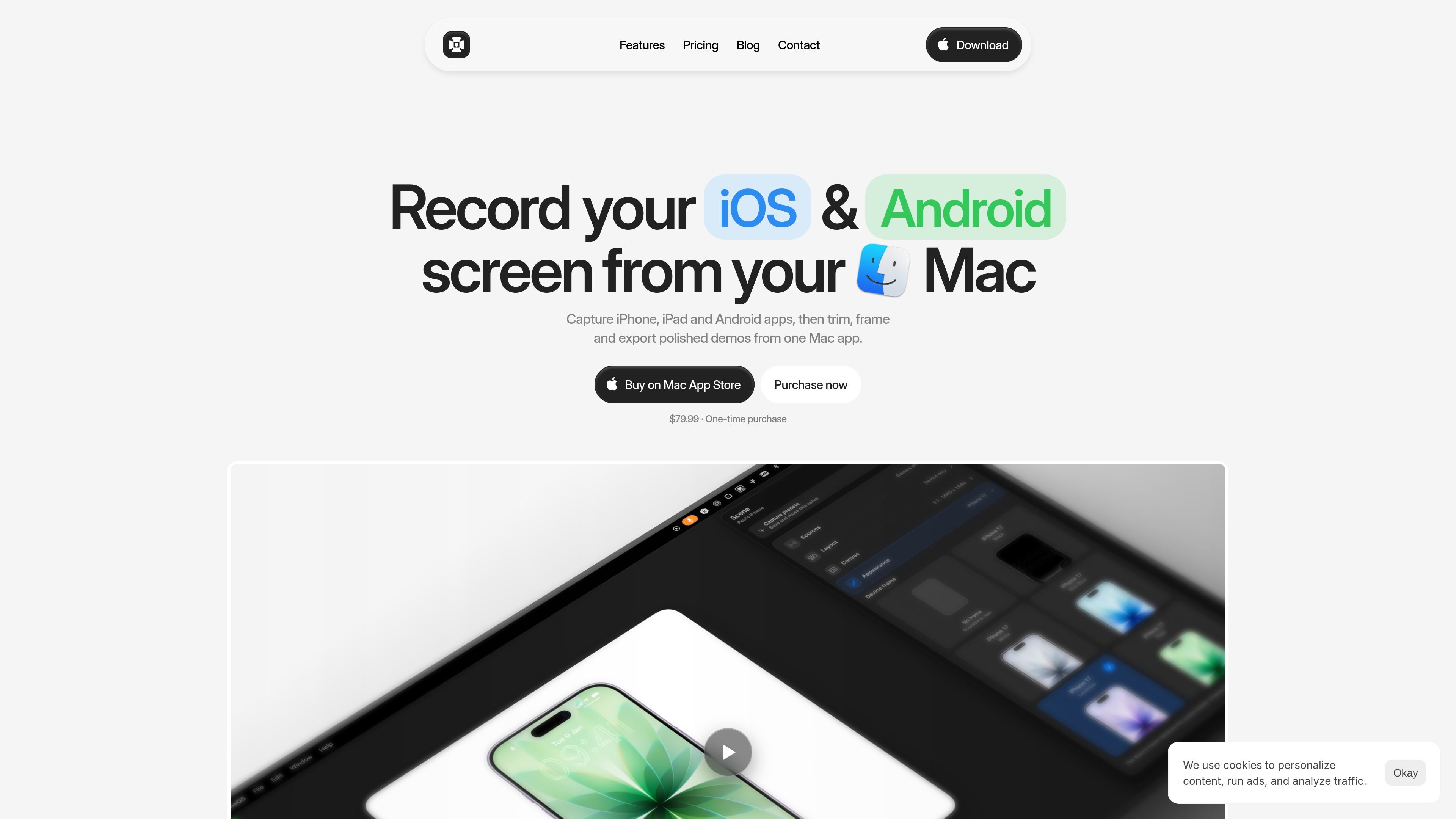
FrameOS is a Mac app for recording mobile app demos from iPhone, iPad, and Android devices. It is positioned as a replacement for a multi-step workflow that usually involves screen recording, trimming, framing, resizing, and exporting in separate tools.
The product keeps capture and export in one place. According to the site, you connect a device to your Mac, record locally, then adjust the size, fit, frame, background, and export settings to produce polished videos or screenshots for App Store previews, websites, social posts, and other sharing channels.
Record iPhone, iPad, and Android apps from a connected device on your Mac, with the workflow centered on app demos rather than general screen capture.
Trim out mistakes, dead air, and unwanted sections without switching to another video editor.
Add camera, microphone, and device audio alongside the app recording to explain what is happening on screen.
Choose from presets or custom canvases for App Store previews, YouTube, social posts, landing pages, and other destinations.
Apply backgrounds, device frames, spacing, and layouts to turn raw footage into a shareable demo.
Capture screenshots from the same workflow and export them as a single image or a batch for store listings and other uses.
Record App Store preview videos from a connected iPhone or iPad, then adjust framing, canvas size, and background before export.
Create product launch videos, feature walkthroughs, and release clips for a website or social channel without moving into a separate editor.
Capture narrated demos with camera and microphone input for tutorials, client updates, or internal explainers.
Export screenshots from the same session for store listings, landing pages, documentation, or social posts.
Use the same demo recording across multiple outputs by switching between preset or custom canvases for different destinations.
FrameOS is built to record demos from a connected iPhone, iPad, or Android device on your Mac, then trim, frame, resize, and export the result locally.
Yes. The site states that FrameOS is a one-time purchase with no subscription, no hidden tier, and no account required.
No. The contact page says capture, editing, resizing, and export happen locally on your Mac, and recordings are not uploaded or analysed.
Yes. The site says you can capture snapshots from a session, style them with the same output size, frame, and background controls, and save one image or a batch.
The site says FrameOS supports preset or custom canvases for App Store listings, website demos, social clips, docs, and launch updates.

Zella is a screen recorder and on-device AI video editor for Mac and iPhone. Record, edit, caption, reframe, and export videos locally.

Jupitrr Cut is a free iOS and Android teleprompter app for scripted videos, with scene retakes, pause trimming, and jump-cut editing.

Tavus is an AI video platform for real-time face-to-face agents, digital twins, and AI companions, with APIs and multilingual workflows for developers.

HiringPartner.ai is an autonomous AI recruiting platform for sourcing, screening, and interviewing candidates 24/7 with ATS-connected workflows and bulk resume uploads.

CAKIE is a Mac app for recording your screen and voice for an AI agent, with transcripts, screenshot highlights, and easy prompt copying.

Pixelcut is an AI photo editor for product images, social content and video assets. Free and paid plans; mobile app and browser access for individuals and teams.