
Multimodal video generation
Generate high-quality, high-resolution video from text, images, audio, or video inputs, with the model card describing support for multiple input types and video output with audio.

Gemini Omni by Google DeepMind creates and edits video from text, images, audio, or video for conversational, multimodal workflows in Gemini and Google Flow.
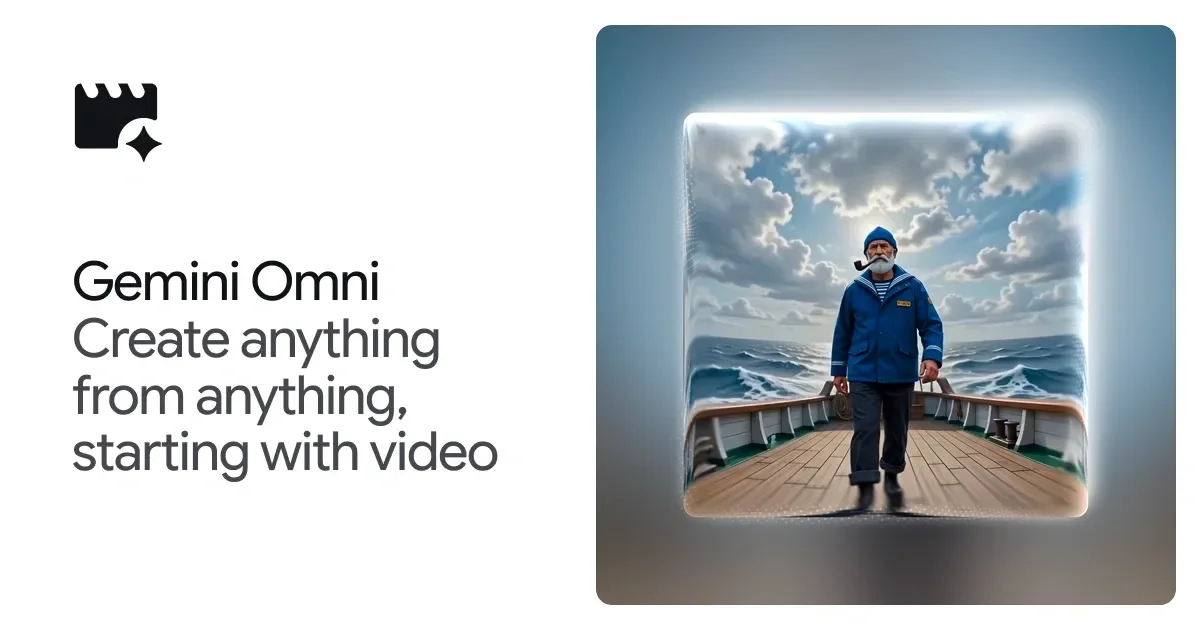
Gemini Omni is Google DeepMind’s model for creating and editing video from many kinds of input. The product page positions it as a way to “create anything from anything,” starting with video, and the model card describes it as a next step for generating and editing media from text, images, audio, and video.
The product is built around conversational editing and multimodal creation. Its examples show users changing scenes, reimagining actions, and combining references into a single output, while the model card says it produces high-quality, high-resolution video with audio and supports use through Gemini App and Google Flow.
Generate high-quality, high-resolution video from text, images, audio, or video inputs, with the model card describing support for multiple input types and video output with audio.
Edit videos through natural conversation, so each new instruction can build on the previous one instead of requiring a reset after every change.
Adjust the aesthetic, action, or effect in an input video using prompts such as material changes, style shifts, or scene transformations.
Combine different references into a single cohesive output, using image, text, video, or audio as starting points.
Apply broad world knowledge and physics understanding to support scenes that feel grounded as well as stylized or surreal.
Use the same model through Gemini or Google Flow, as shown on the product and model pages.
Start with a prompt and produce video content from scratch, using the model’s support for high-quality generation from text or other references.
Iterate on an existing video by asking for step-by-step edits, with each turn refining the same scene instead of replacing it entirely.
Transform a clip’s style or effect, such as changing materials, turning a person into a different visual form, or shifting the entire environment into another medium.
Combine several references, such as text, images, audio, and video, into one output when a project needs a cohesive result from mixed source material.
Use the model in Gemini or Google Flow when the workflow benefits from Google’s hosted surfaces rather than a standalone local tool.
Gemini Omni is described as a model for creating and editing video from text, images, audio, or video inputs. It can be used in Gemini and Google Flow, depending on the workflow shown on the product pages.
The source materials show Gemini Omni available through Gemini App and Google Flow. The model card says it is distributed in those channels, and the product page includes links to try it in Gemini and Google Flow.
The model card states that Gemini Omni Flash outputs high-quality, high-resolution video with audio. The product page also emphasizes conversation-based editing and turning references into a single cohesive result.
The model card notes that maintaining complete consistency throughout edits, handling scenes with complex motion, and rendering perfectly accurate text remain challenges.
The pricing page does not provide product-specific pricing for Gemini Omni. It only shows Gemini Omni as part of Google DeepMind's broader model lineup.

艺映AI is a free AI video creation tool for text-to-video, image-to-video, and video-to-video creation for short social and promo clips.

VIDEOAI.ME is an AI video generator for spokesperson videos, ads, explainers, and social content from a script without filming.

Video Effects SDK adds real-time webcam effects like background blur, replacement or removal, denoising, framing, beautification, and color grading for live video apps.

Official HeyGen API docs for AI avatar videos, video translation, lipsync, and interactive video-agent sessions via API, MCP, and CLI workflows.

DeepMotion is a web-based AI motion capture and 3D animation platform with Animate 3D for video-to-animation and SayMotion for text-to-animation.

Clipia.ai is an AI image and video generation platform for presentations, agent workflows, and developer integrations, with shared credits.