

Gemma 4 12B
Gemma 4 12B is a multimodal AI model from Google DeepMind for local laptop inference, with vision, audio, and text in one architecture.
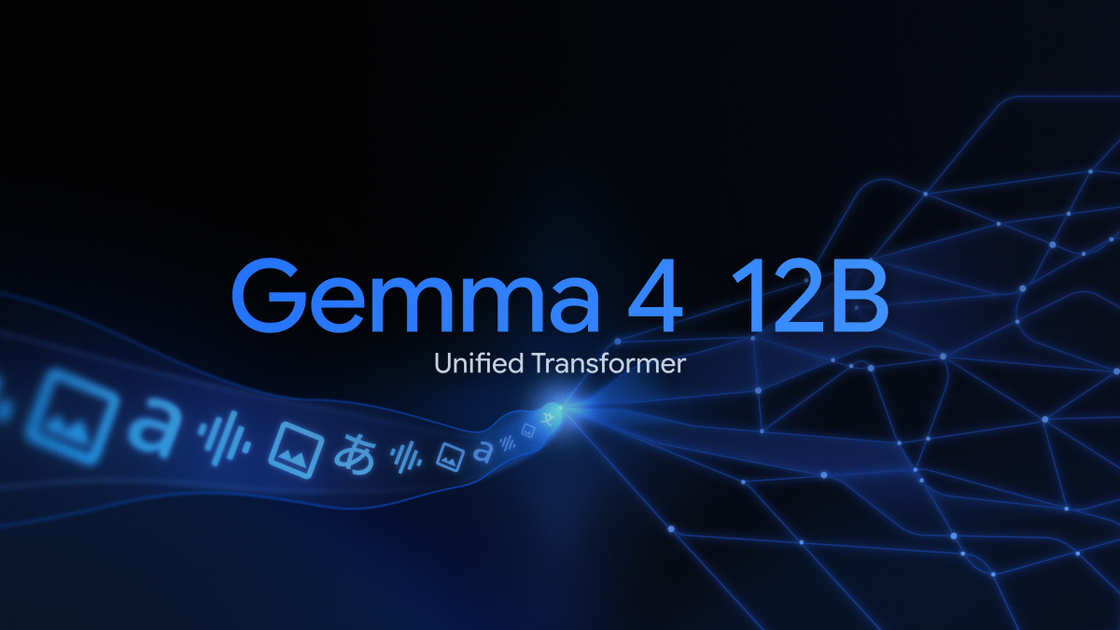
What is Gemma 4 12B?
Gemma 4 12B is a multimodal AI model from Google DeepMind designed to run locally on laptops while handling vision, audio, and text inputs in a single architecture. It sits between the smaller edge-focused Gemma 4 E4B model and the larger 26B Mixture of Experts model, with an emphasis on fitting advanced reasoning into a smaller memory footprint.
The model uses an encoder-free design, meaning visual and audio inputs flow directly into the language model backbone rather than passing through separate multimodal encoders. According to Google, this approach is intended to reduce latency and memory use while supporting agentic workflows and local inference on consumer hardware with 16GB of VRAM or unified memory. Gemma 4 12B is released under an Apache 2.0 license and is intended for developers who want to build and deploy multimodal applications with local tools or cloud infrastructure.
Key Features
- Unified multimodal architecture: Processes vision and audio directly in the LLM backbone without separate multimodal encoders, which simplifies the pipeline and reduces overhead.
- Native audio input support: Gemma 4 12B is described as the first mid-sized Gemma 4 model with native audio inputs, making it suitable for audio-plus-text workflows.
- Local laptop deployment: Google says the model is small enough to run on laptops with 16GB of VRAM or unified memory, which broadens offline and on-device experimentation.
- Advanced reasoning performance: The model is reported to reach benchmark performance nearing the larger 26B MoE model, supporting multi-step reasoning and agentic workflows.
- Multi-Token Prediction drafters: Built-in MTP drafters are intended to reduce latency during generation.
- Open release and ecosystem support: The weights are available on Hugging Face and Kaggle, and the model is supported across tools such as Hugging Face Transformers, llama.cpp, MLX, SGLang, vLLM, and Unsloth.
How to Use Gemma 4 12B
Developers can start by trying the model in local apps and tools such as LM Studio, Ollama, Google AI Edge Gallery App, the Google AI Edge Eloquent app, or the LiteRT-LM CLI. They can also download pre-trained and instruction-tuned checkpoints from Hugging Face or Kaggle, then review the developer documentation and quick start notebook.
From there, the model can be integrated into local inference pipelines or fine-tuned for efficiency, depending on the workflow. For production deployment, Google also points developers to cloud options such as Gemini Enterprise Agent Platform Model Garden, Cloud Run, and GKE.
Use Cases
- Local multimodal assistants: Build an on-device assistant that can take text, images, and audio while keeping inference on a laptop rather than sending data to a remote service.
- Agentic workflows: Create multi-step agents that reason over inputs, plan actions, and use tool-like behavior in a local or hybrid setup.
- Audio-aware applications: Prototype applications that need to interpret audio alongside text, such as note taking, transcription-assisted workflows, or multimodal prompting.
- Developer experimentation: Test model behavior, prompt design, and inference pipelines using common local tooling before moving to a larger deployment.
- Production deployment pipelines: Use the model in cloud-based serving environments when local development needs to transition into managed endpoints or scalable infrastructure.
FAQ
Does Gemma 4 12B require separate vision and audio encoders? No. Google describes it as an encoder-free multimodal model where vision and audio inputs flow directly into the language model backbone.
Can Gemma 4 12B run on a laptop? Yes, Google says it is small enough to run locally on hardware with 16GB of VRAM or unified memory.
Is the model open to developers? Yes. It is released under an Apache 2.0 license and the weights are available through Hugging Face and Kaggle.
What tools can it be used with? The post mentions local and development tools including LM Studio, Ollama, Google AI Edge Gallery App, LiteRT-LM CLI, Hugging Face Transformers, llama.cpp, MLX, SGLang, vLLM, and Unsloth.
Is it only for local use? No. Google also describes deployment options on Google Cloud, including Gemini Enterprise Agent Platform Model Garden, Cloud Run, and GKE.
Alternatives
- Smaller edge-focused multimodal models: These are better suited to highly constrained device targets and may trade some reasoning depth for efficiency.
- Larger multimodal models: Models with more parameters or Mixture of Experts architectures may offer higher capability, but typically require more memory and infrastructure.
- Traditional encoder-based multimodal models: These use separate encoders for images and audio, which can make them easier to understand architecturally but often add latency and memory overhead.
- Cloud-only multimodal APIs: These are useful when teams prefer managed services over local inference, but they do not offer the same on-device workflow described for Gemma 4 12B.
Alternatives

AakarDev AI
AakarDev AI is a powerful platform that simplifies the development of AI applications with seamless vector database integration, enabling rapid deployment and scalability.

BenchSpan
BenchSpan runs AI agent benchmarks in parallel, captures scores and failures in run history, and uses commit-tagged executions to improve reproducibility.

Edgee
Edgee is an edge-native AI gateway that compresses prompts before LLM providers, using one OpenAI-compatible API to route 200+ models.

Codex Plugins
Use Codex Plugins to bundle skills, app integrations, and MCP servers into reusable workflows—extending Codex access to tools like Gmail, Drive, and Slack.

Wallie
Wallie is an open-source AI streamer framework with real-time vision, persona profiles, chat, TTS, and avatar output for VTuber-style streams.

Whirr
Whirr is a quiet macOS menu bar app that mirrors Claude Code agent activity to your Mac’s notch—so you can glance without watching the screen.