
Notch activity mirror
Mirrors Claude Code activity into the Mac notch so you can monitor agent progress at a glance instead of keeping the main work window open.

Whirr is a quiet macOS menu bar app that mirrors Claude Code activity to your notch, so you can monitor agent progress without keeping a terminal open.
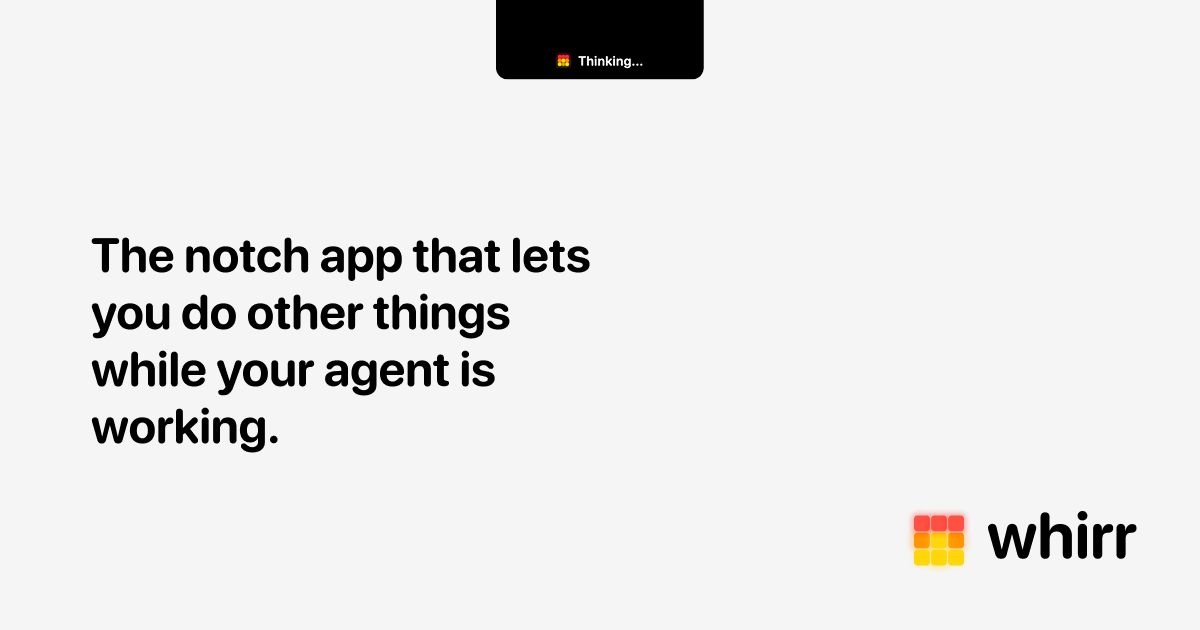
Whirr is a macOS menu bar app that mirrors Claude Code activity into the Mac notch. The product positions itself as a way to watch an agent work without keeping a terminal or editor panel in focus.
The homepage describes Whirr as a quiet way to get a glance at agent activity, and the support page notes that the HUD is designed to hang under the notch on notch-equipped Macs. On Macs without a notch, the pill anchors to the top center of the primary display.
Mirrors Claude Code activity into the Mac notch so you can monitor agent progress at a glance instead of keeping the main work window open.
Runs as a macOS menu bar app, keeping the interface quiet and accessible from the top of the screen.
Uses a compact HUD that hangs under the notch on notch-equipped Macs and anchors to the top center on Macs without a notch.
Includes a feedback form for bugs and ideas, with optional email and screenshot fields for follow-up.
Stores clipboard history, keyboard-shortcut preferences, and HUD activity locally on the user's Mac according to the privacy policy.
Does not use analytics, telemetry, or an account system; the privacy policy says nothing leaves the device apart from optional website feedback and possible anonymized App Store crash reports.
Track Claude Code progress while you work in another app, using the notch as a low-friction status area instead of switching back to a terminal window.
Keep an eye on Codex or Claude activity when the agent is running in the background, then relaunch Whirr if the hookup needs a refresh.
Use the app on a Mac with a notch to place status under the display cutout, or on a notchless Mac to anchor the HUD at the top center of the screen.
Share bug reports or rough ideas through the site's feedback form when you want to report a visual issue, request a small improvement, or attach a screenshot.
Whirr is a quiet macOS menu bar app that mirrors Claude Code activity to your notch so you can glance at agent progress without keeping a terminal window in view.
The product page presents Whirr as a macOS app. It is designed to hang under the notch on Macs with one, and on Macs without a notch the pill anchors to the top center of the primary display.
Whirr is priced as a one-time purchase of $4.99 on the homepage.
If Claude or Codex is not showing activity, Whirr's support page says to make sure the agent is running, confirm the required permissions were granted on first launch, and relaunch Whirr from the menu bar if needed.
To uninstall, quit Whirr from its menu bar icon and then drag the app from /Applications to the Trash. The support page says no background processes are left behind.

CreateOS Sandbox is an isolated compute environment for running code and agent workloads in Firecracker micro-VMs with private networking and SDK, CLI, or MCP control.

Codex Plugins bundle reusable skills, app integrations, and MCP servers into workflows you can install in the Codex app or use from Codex CLI.

Wallie is an open-source AI streamer that watches your screen, hears chat, and delivers live commentary in a configurable persona. Runs locally with your own keys.

AakarDev AI helps teams manage AI provider access, project setup, logs, and analytics in one dashboard. BYOK support included.

Trigger.dev chat agent is a durable AI chat backend for stateful conversations that survive refreshes, crashes, and long-running turns with AI SDK useChat.

AgentMail is an email inbox API for AI agents to create, send, receive, and search messages via REST APIs and SDKs. Built for threaded workflows, verification, support, scheduling, and approvals.