
Multi-source summarization
Generate summaries for YouTube videos, web pages, Google search results, Twitter posts, PDFs, and papers, including timestamps and key moments on YouTube.

Glarity is a browser extension for summarizing, translating, and chatting with YouTube videos, web pages, PDFs, search results, and Gmail in one tool.
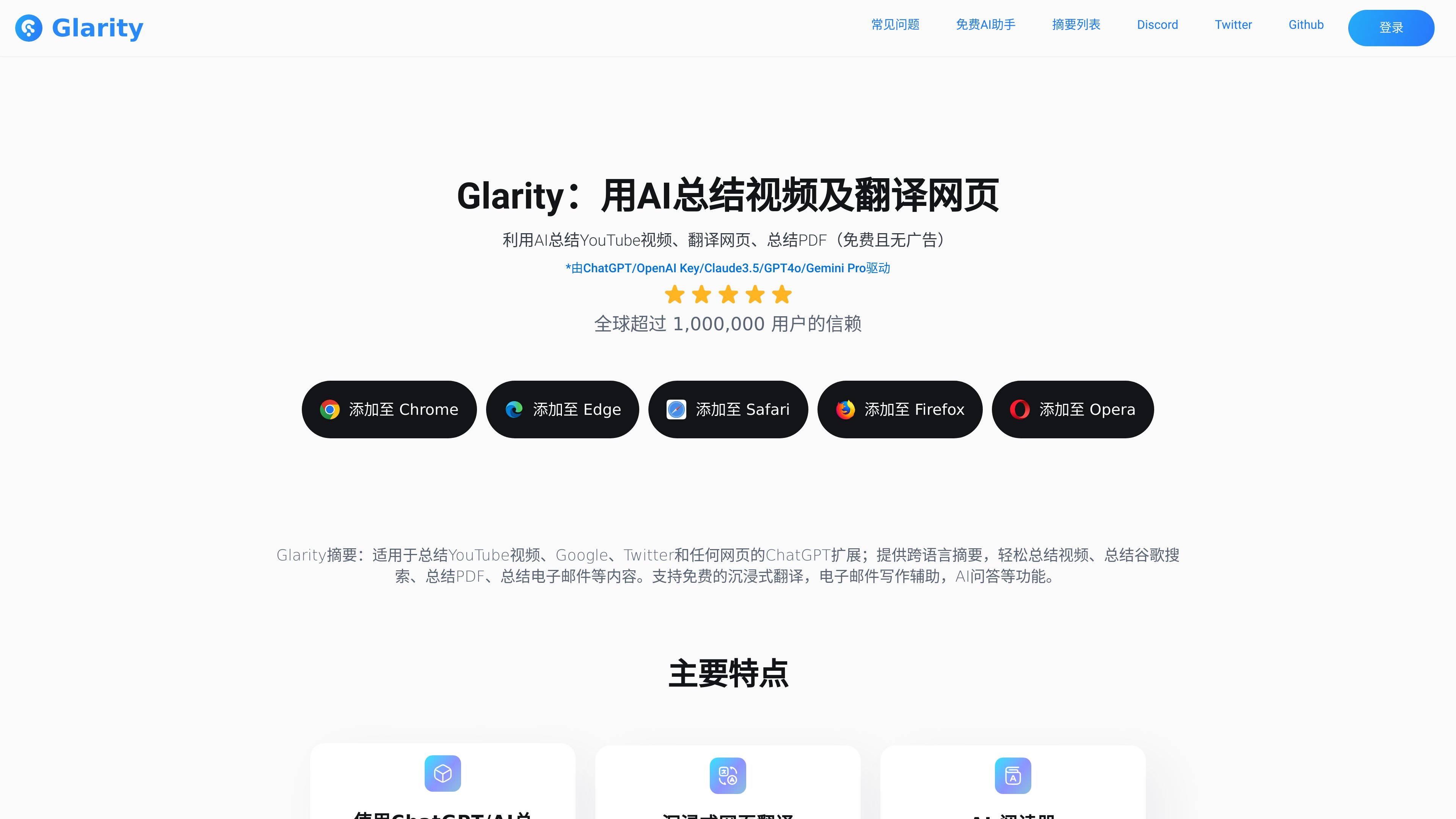
Glarity is a browser extension that adds ChatGPT-style summarization, translation, and AI chat to common reading and writing tasks. The site presents it as an AI assistant for YouTube videos, web pages, Google search results, PDFs, email, and other supported content.
The product is positioned around faster information extraction and cross-language reading. Across the site, Glarity shows browser support for Chrome, Edge, Safari, Firefox, and Opera, and it combines summarization, side-by-side translation, Gmail quick replies, and content-based Q&A in one extension.
Generate summaries for YouTube videos, web pages, Google search results, Twitter posts, PDFs, and papers, including timestamps and key moments on YouTube.
Translate full web pages, selected text on web pages, selected PDF text, and images, with a side-by-side view for comparing original and translated content.
Chat with supported content such as YouTube videos, web pages, and PDFs, and use custom instructions to extract specific information from a page.
Create Gmail reply suggestions, summarize email threads, and analyze sender intent to speed up email responses.
Support for GPT-4o, Claude 3.5 Sonnet, and Gemini 1.5 Pro is shown across the site, with the pricing page also mentioning model-based AI services.
The pricing page highlights support for larger workflows such as long YouTube videos, longer PDFs, and broader search or translation tasks than the ChatGPT comparison shown there.
Use Glarity to turn long YouTube videos into summaries, key moments, or follow-up questions without watching the full video.
Translate web pages or PDF passages while keeping the original text visible, which helps when reading foreign-language articles or documents.
Open Gmail and generate suggested replies, summarize long threads, or check sender intent before responding.
Summarize search results, news, Twitter posts, or any accessible web page when you need a faster way to scan information.
Interact with PDFs by asking questions, extracting key points, or generating a summary for study, research, or document review.
Glarity can summarize YouTube videos, web pages, PDFs, and Google search results, and it can also provide side-by-side translation, Gmail quick replies, and AI chat on supported content.
The source pages show browser add-on buttons for Chrome, Edge, Safari, Firefox, and Opera. The product is presented as a browser extension rather than a standalone desktop app.
The product pages describe free functionality and also mention a Plus plan on the pricing page. The pricing page does not expose public prices in the provided text, but it does say the Plus plan is in testing and that plan changes will be communicated in-app and on the pricing page.
The Gmail feature page says you can install Glarity, open Gmail, click the quick reply button on a message, and then copy or insert the suggested reply into the response box.
The PDF page says no registration is required for the PDF interaction flow shown there. The pricing page also notes that Glarity/Felo.AI accounts are intended for individual use only.

Hype is a web tool for finding trending YouTube topics by category, time range, and scoring mode. Spot emerging ideas and review source videos.

An AI-powered tool that summarizes PDF documents quickly and efficiently, providing clear insights and allowing users to interact with the content.

Tactiq is an AI note taker for Google Meet, Zoom, and Microsoft Teams that transcribes meetings live into summaries, action items, and follow-up outputs.

VForms lets you place questionnaires inside YouTube videos, capturing feedback in context with timestamped, embeddable video forms.

Notewarp is an AI note-taking tool that turns voice notes, uploads, or pasted text into cleaner notes, transcripts, summaries, and action items.

心流AI助手 for real-time Q&A, long-form summaries and writing support, covering everyday knowledge, life info and academic paper topics.