
Generate or edit from one workspace
Start from a prompt alone or upload a reference image to guide an edit. The product supports restyling, retouching, object replacement, and composition control in one workspace.

GPT Image 2 is a web-based AI image generator and editor for prompt-based visuals, reference-image edits, and accurate in-image text.
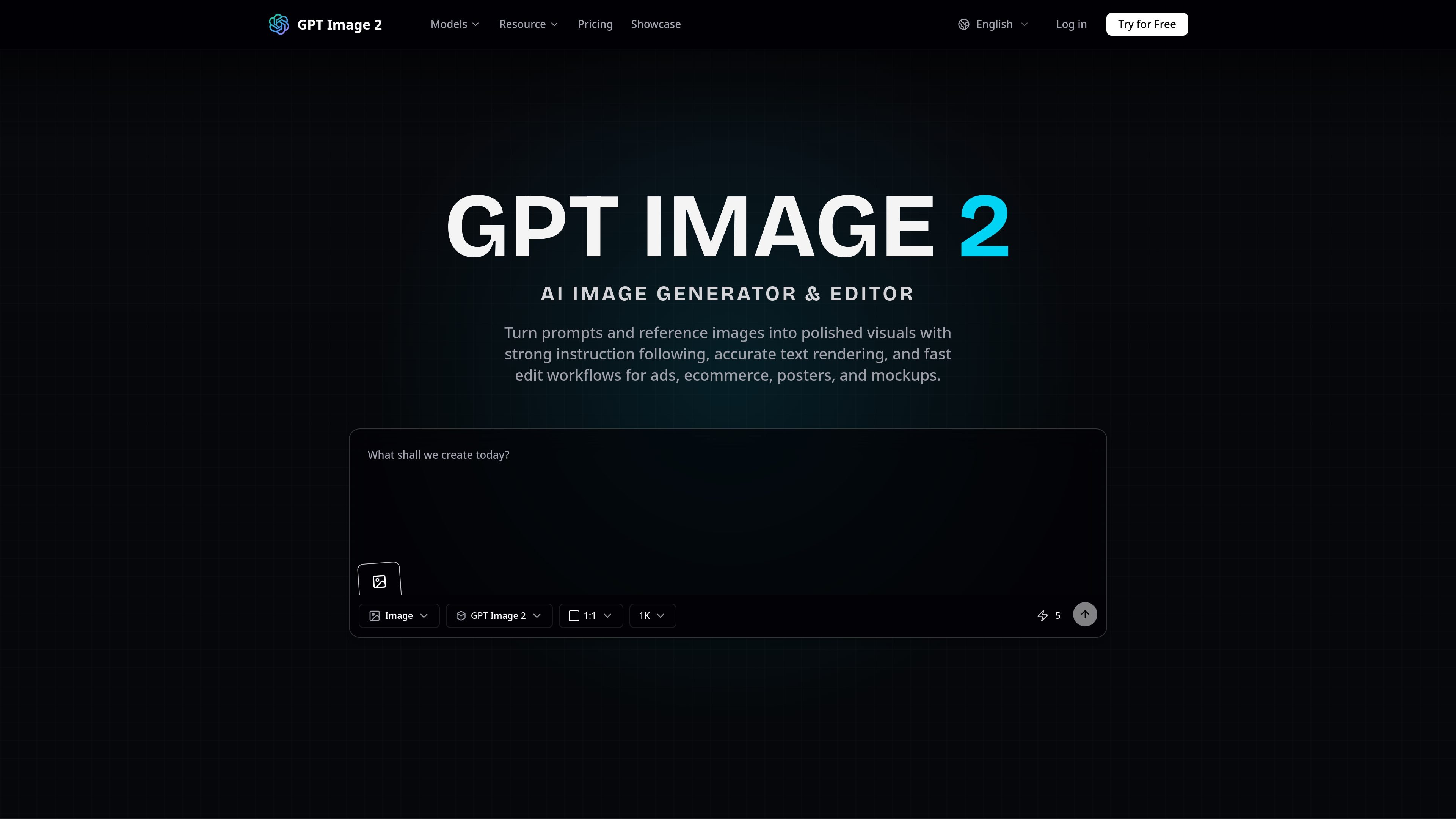
GPT Image 2 is an AI image generator and editor built for prompt-based visual creation and reference-guided editing. The site describes it as a single workspace for turning natural-language instructions or uploaded reference images into polished visuals.
Its core job is to support design-oriented image workflows such as ads, ecommerce creatives, posters, mockups, product images, and concept art. The product emphasizes instruction following, text rendering, and flexible aspect ratios so outputs can be adapted to different placements and formats.
Start from a prompt alone or upload a reference image to guide an edit. The product supports restyling, retouching, object replacement, and composition control in one workspace.
The homepage emphasizes natural-language prompt following, with support for describing scenes, products, layouts, lighting, and style in plain language.
The product highlights accurate text rendering for assets that need readable words inside the image, such as posters, packaging concepts, menus, signage, and UI mockups.
Supported aspect ratios include 1:1, 3:4, 4:3, 9:16, 16:9, and auto, which helps match different output surfaces and formats.
The workflow is designed around generating an image, reviewing the result, and refining the prompt or reference inputs until the layout and style fit the brief.
Create marketing visuals from a written brief, then refine the layout, lighting, and composition until the image matches the campaign concept.
Generate product images and ecommerce graphics with a reference photo to preserve the subject while adjusting presentation or style.
Build posters, packaging concepts, menus, signage, and UI mockups where the design needs legible words inside the frame.
Iterate on ad concepts, product cards, social posts, and hero images by switching between square, portrait, landscape, and auto formats.
Use the showcase-style workflow for concept art and reference-guided visual exploration when you want multiple creative directions from a starting image or prompt.
GPT Image 2 is an AI image generator and editor that turns text prompts and optional reference images into editable visuals. The site positions it for prompt-based generation, reference-guided editing, and design-oriented output workflows.
Yes. The site describes GPT Image 2 as supporting text-to-image and image-to-image workflows, including editing with a reference image to restyle, retouch, replace objects, or steer composition.
The product highlights sharper text rendering and presents it as useful for posters, packaging concepts, menus, signage, UI mockups, and branded social creatives where legible text matters.
It is presented as useful for marketing visuals, product images, posters, mockups, and concept art. The showcase also highlights examples such as posters, product renders, and readable text layouts.
The homepage lists 1:1, 3:4, 4:3, 9:16, 16:9, and auto aspect ratios.

An All-In-One AI Platform that combines tools for image, video, voice, writing, and chat to enhance creativity and collaboration.

Pixelcut is an AI photo editor for product images, social content and video assets. Free and paid plans; mobile app and browser access for individuals and teams.

Petalica Paint is a web service for automatic line-art coloring and tracing drawings from photos, with commercial use allowed under stated terms.

PixelDrive is a bulk image generation API for on-brand images from one template via browser editor, REST API, CSV batch, or MCP.

Wearvue AI generates personalized outfit previews from a photo, refines styles for any occasion, and shows similar real products to shop.

Upscale.media is an AI image upscaling and enhancement tool by Pixelbin that sharpens low-resolution images in the browser, with bulk processing and API support.