
Natural-language capture
Describe an action in an ordinary sentence and Grimo can turn it into a task, calendar event, or note without requiring a multi-step form.

Grimo AI is an iOS productivity assistant that turns natural-language requests into tasks, calendar events, notes, and reminders with chat and voice mode.
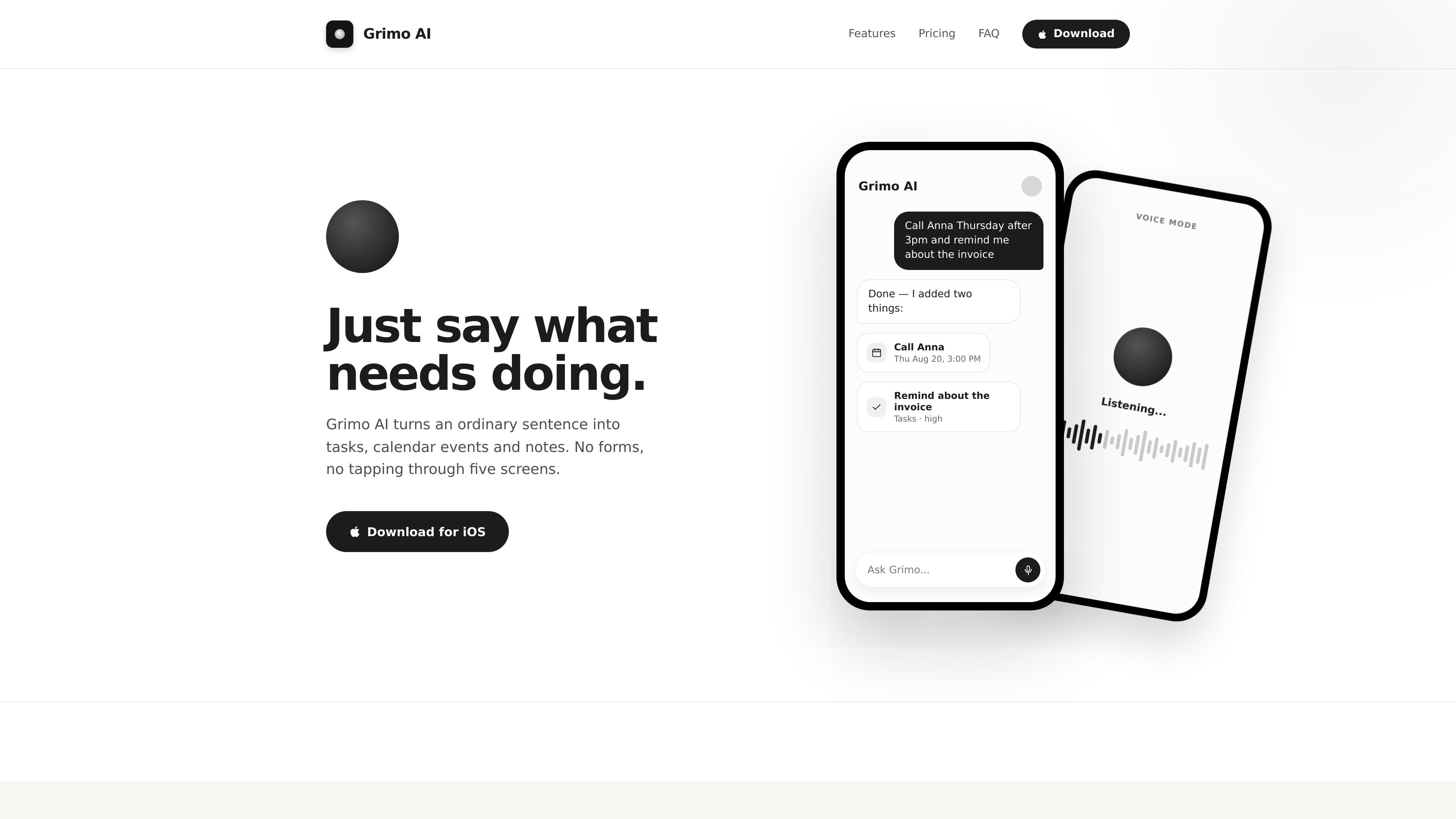
Grimo AI is an iOS productivity assistant for turning plain-language requests into tasks, calendar events, and notes. Instead of completing separate forms, users can describe what needs doing in chat or voice mode.
The product combines task organization, calendar planning, notes, and conversational interaction in one workspace. Examples on the site include calling someone at a specified time, moving an appointment, creating a reminder, checking the day's schedule, and postponing an activity. Grimo confirms the changes it makes and can alert users before things begin.
Describe an action in an ordinary sentence and Grimo can turn it into a task, calendar event, or note without requiring a multi-step form.
Hold and speak to add requests while walking or otherwise occupied. Voice mode can also read back the day's schedule and act on changes.
Tasks can be assigned a priority and due date based on how the request is phrased, with examples showing labels such as today, high, and work.
The calendar is presented as a view for overlapping plans, including trips, workshops, meetings, calls, and deadlines.
A thought mentioned in conversation can be filed as a note, keeping notes alongside tasks and calendar items.
Grimo reports what it changed and can provide reminders or nudges before an event or task starts.
Say or type a request such as calling someone after a specified time and reminding yourself about an invoice; Grimo can separate the request into an action and a reminder.
Ask what is scheduled today and see a day that includes meetings, workshops, and calls, including overlapping commitments.
Tell Grimo to move an appointment or activity to another day or time, then receive a confirmation of the change.
While walking or carrying something, use voice mode to add a task, ask about the day's schedule, or move an activity without navigating several screens.
Drop a thought into the conversation and have it filed as a note rather than leaving it in an unstructured chat thread.
Grimo AI is available for iOS, according to the product site. The site does not establish support for other platforms.
You can enter a request in chat or use voice mode. Grimo replies with what it changed, such as adding a task, creating a calendar event, moving an item, or setting a reminder.
The free plan includes unlimited tasks, calendar, and notes, as well as voice mode. The site describes Premium as adding a much higher conversation allowance, longer and more complex requests, and priority responses.
The site says conversations use a fair-use allowance rather than a fixed number. When the allowance is reached, tasks, calendar, and notes continue working; only the conversation pauses and resets shortly after.
Premium can be canceled with one tap in settings and remains active until the end of the paid period, according to the site.

Yattayo: Slider To-Do Board turns tasks into a tactile slider board with sticky notes, widgets, reminders, iCloud sync, and Premium recurring habits.

Malyatko is a baby tracker for feeding, sleep, growth, teething, and milestones. Use it on iPhone, Apple Watch, and widgets offline, with iCloud sharing.

Gemma AI is a phone call reminder app that calls you with scheduled reminders instead of push notifications, with Google Calendar sync and natural voice interaction.

Contextberg records your screen, input, browser, and AI agent history locally, then shares work context via MCP with Claude Code and Cursor for resumptions, search, and reviews.

Goldfish is an AI memory app for macOS that helps you reply, write, summarize, and continue with context already on your Mac. It stores memory locally and writes in your tone.

Flunkey is a voice-first productivity layer for Windows that turns speech into text, AI outputs, and remembered context without leaving your app.