
Import rides and GPS tracks
Select rides from Strava or import Garmin FIT and GPX files, including Garmin Connect export ZIP files, then turn the activity data into a visual route.
How It Went turns Strava or imported GPS rides, photos, and video clips into short route-based films for phone and Mac, with Premium options.
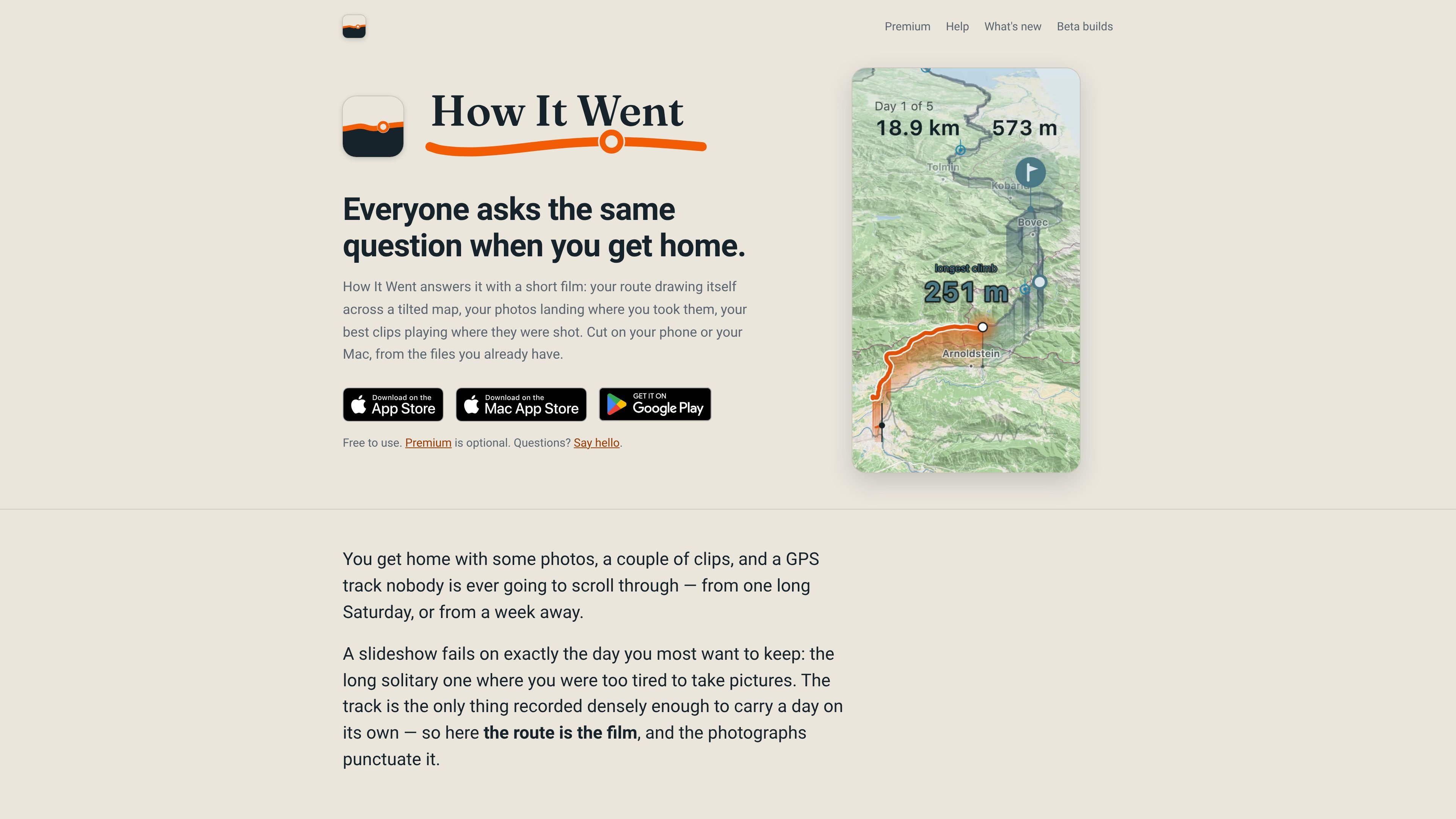
How It Went is a trip-film maker for cyclists and other activity-recording travelers. It combines GPS tracks with photos and video clips to produce a short film that follows the route, rather than presenting the material as a conventional slideshow. A film can cover one ride or organize several activities into a day-by-day account of a longer trip.
The app uses activity data from Strava or imported Garmin FIT and GPX files, and it keeps route context visible through map movement, daily figures, elevation, photos, and clips positioned along the track. It is designed for personal editing on a phone or Mac, with video exports in vertical and widescreen formats. The core film-making workflow is free; Premium adds presentation options such as additional map looks, a photos-first layout, a chosen soundtrack, and a custom opening shot.
Select rides from Strava or import Garmin FIT and GPX files, including Garmin Connect export ZIP files, then turn the activity data into a visual route.
Combine several activities into a day-by-day film, with rest days retained in the timeline. A single ride can also be rendered independently.
Place photos and clips along the route based on capture time and location in the film. Photos can be repositioned by playing to the relevant moment, and clips can be split into multiple keepers.
Correct an action camera's incorrect clock once so the timing of all footage from that camera shifts together while preserving the actual ride times in the film.
Export an ordinary video file in vertical 9:16 or widescreen 16:9, with layouts intended for services such as Instagram, TikTok, and YouTube.
Use a real Mac app as well as the phone workflow; open a ride from Finder and transfer a trip between the phone and Mac.
Import one recorded ride and turn its route, distance, elevation, photos, and clips into a standalone film without a multi-day sequence.
Bring together activities from a cycling holiday or other week-long journey so each day has its own opening figures and the complete route remains visible, including rest days.
Use capture-time placement to make photos appear at the points where they were taken, then correct a camera's clock or manually reposition a photo when the automatic match is wrong.
Export a vertical cut for Instagram or TikTok, or a 16:9 version for YouTube, shortly after returning from a ride while the experience is still fresh.
Use Premium when the route story is complete but needs a different visual treatment, such as a photos-first composition, an alternate map look, a selected soundtrack, or a custom opening photo or clip.
How It Went can use rides selected from a Strava account or files imported from Garmin FIT, including the ZIP produced by Export File in Garmin Connect, and GPX. A whole trip can be imported at once, or one ride can be sent from another app through its share sheet.
The app produces ordinary video files in 9:16 for Instagram and TikTok or 16:9 for YouTube. The film is assembled on the phone, so it can be exported for posting after a ride or trip.
Yes. A single ride becomes its own film, while multiple activities can be combined into a day-by-day trip film. Rest days remain in the trip rather than being removed.
The app is available on phone and Mac, and the site states that one free account carries Premium to iPhone, iPad, Mac, and Android. The Mac version is a standalone Mac app that can open a ride from Finder and exchange trips with a phone.
The free version includes the core film creation features, the whole trip from your own files, every export size, the Daylight map, the default score, film naming, and the clock-fix tool. Premium is optional, can be paid once or yearly, and includes a one-week free trial according to the Premium page.

ngram is an AI video generator and editor for teams and creators. Turn prompts, files, or screen recordings into editable videos for demos, training, onboarding, sales, and launches.

VIDEOAI.ME is an AI video generator for spokesperson videos, ads, explainers, and social content from a script without filming.

Video Effects SDK adds real-time webcam effects like background blur, replacement or removal, denoising, framing, beautification, and color grading for live video apps.

Official HeyGen API docs for AI avatar videos, video translation, lipsync, and interactive video-agent sessions via API, MCP, and CLI workflows.

DeepMotion is a web-based AI motion capture and 3D animation platform with Animate 3D for video-to-animation and SayMotion for text-to-animation.

Zella is a screen recorder and on-device AI video editor for Mac and iPhone. Record, edit, caption, reframe, and export videos locally.