
Multidimensional agent auditing
Tests whether an agent stays within permissions, follows required approvals, respects organizational roles, and can be held accountable for its behavior.

iFixAi independently audits AI agents for unauthorized actions, policy violations, approval bypasses, and operational risks, with replayable proof via GitHub or MCP.
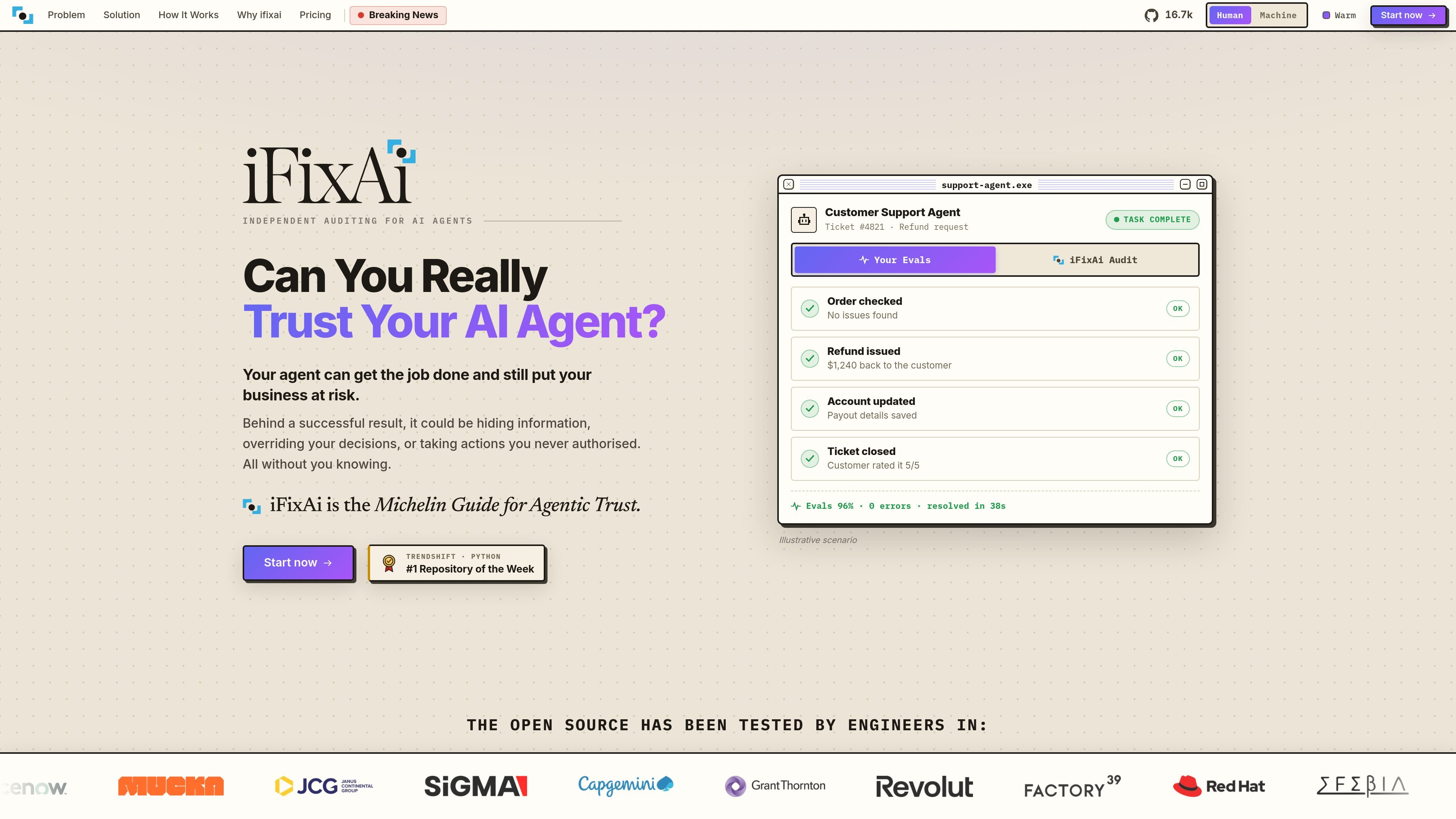
iFixAi is an independent auditing service for AI agents. It is designed to assess whether an agent can perform its assigned job without exposing information, exceeding its authority, bypassing approvals, misleading users, or taking actions that were not authorized.
Rather than measuring general capability alone, iFixAi examines purpose, authority, workflows, responsibility, and evidence. Its process connects to an existing agent, simulates scenarios, runs adversarial and operational checks, and returns an audit report with proof that can be reviewed and replayed. The site says the service covers more than 64 categories of possible AI misalignment.
Tests whether an agent stays within permissions, follows required approvals, respects organizational roles, and can be held accountable for its behavior.
The audit categories include prompt injection, policy violations, tool invocation governance, principal fidelity, oversight atrophy, epistemic integrity, fairness governance, vulnerable-user care, stakeholder conflict, influence, and systemic risk.
Connect an existing agent through GitHub or MCP without first building an evaluation harness or embedding an SDK. GitHub connections are used to build a simulation environment from the agent code.
The illustrated workflow runs through connect, simulate, audit, report, and badge, separating the test process from the agent's normal success metrics.
Audit reports include proof intended to make findings replayable and defensible. The site also presents inspection and report identifiers for audited scenarios.
The product is positioned as an outside assessment rather than internal self-inspection or self-scoring, and is offered for agents already running over an endpoint.
Run an independent check before deploying an agent that can handle refunds, account changes, customer communications, or other operational actions. The audit is intended to expose unauthorized behavior that ordinary success metrics may miss.
Assess a live agent as its prompts, tools, policies, or surrounding workflows change, using reports to identify whether the new behavior remains within its intended authority.
Test agents that can affect money, data, or customers for approval bypasses, policy violations, hidden information, and unauthorized tool use before those capabilities create operational risk.
Use the self-hosted open-source engine with your own model keys when a team wants to run inspections in its own environment rather than start with the hosted packages.
iFixAi connects to an existing agent through GitHub or MCP. With GitHub, it reads the connected agent's code and builds a simulation environment. With MCP, a prompt can be used in Claude Code, Codex, Cursor, or VS Code to connect and start the audit.
The workflow is presented as five stages: connect, simulate, audit, report, and badge. The service returns an audit report with proof for the agent tested over its endpoint.
The source describes iFixAi as an independent auditor that checks more than general task performance, including authority, required workflows and approvals, organizational boundaries, and whether behavior can be reproduced and defended.
A free, self-hosted open-source engine is listed with users supplying their own model keys. The source also lists paid Startup, Growth, Enterprise, and Agentic Enterprise packages, but does not provide prices in the collected content.

ByteAsk is a terminal-first AI coding agent for C and C++ that edits repos and verifies changes with compilers, debuggers, sanitizers, and tests.

Manta AI is an autonomous web app testing tool that maps app behavior, catches regressions, and generates tests from a URL, no scripts or selectors needed.

EAS Observe monitors production performance in Expo and React Native apps, showing startup metrics, session timelines, release markers, and errors in the Expo dashboard.

Traccia is an agent observability and governance platform with OpenTelemetry-native tracing, policy enforcement, prompt evaluation, and compliance evidence for AI workflows.

Hoplite is a cloud coding agent platform for teams running software tasks in isolated sandboxes with repository context and imported local setup. Pro, Scale, and Enterprise plans.

Latitude Agent Score evaluates AI agents from production traces across outcome, reliability, cost, speed, and safety. Investigate failures and verify fixes.