
Slowdown diagnosis
Reads the last hour of local history, ranks likely causes such as memory pressure, swap growth, sustained CPU load, heat, disk I/O saturation, and idle development processes, and shows the evidence behind each cause.

iKnowMyMac diagnoses performance, storage, sleep, battery, and local development issues on Apple silicon Macs running macOS 15 or later, with confirmed actions.
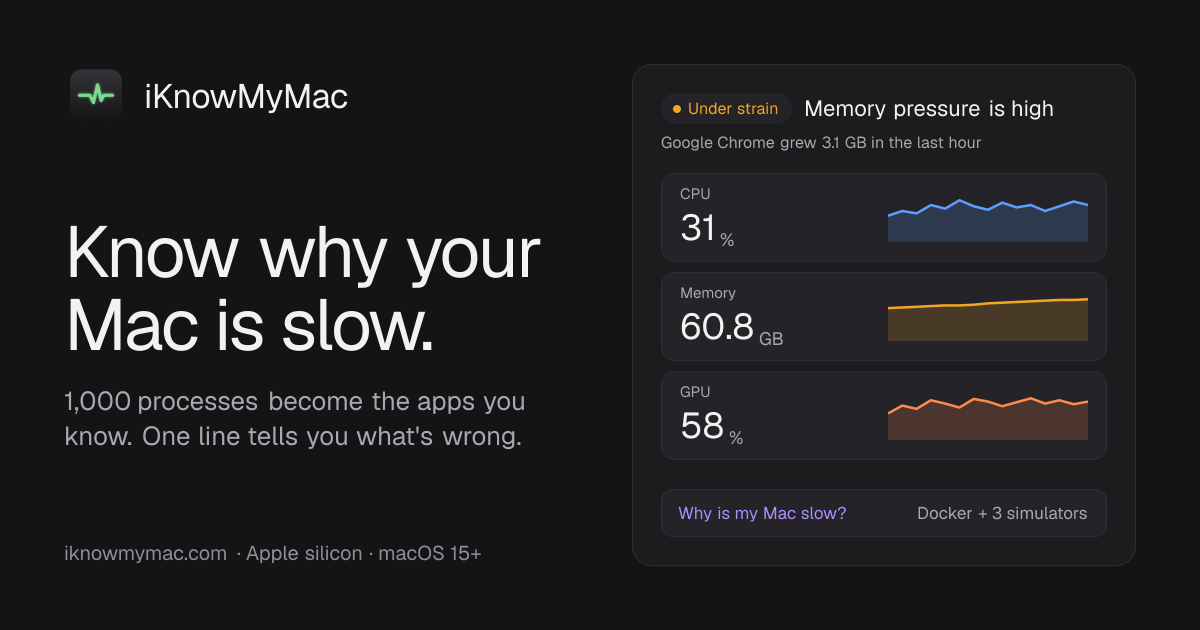
iKnowMyMac is a native Mac diagnostic and system-monitoring utility for Apple silicon Macs running macOS 15 Sequoia or later. It turns large process lists into app-level views, then helps explain slowdowns, storage use, sleep interruptions, and battery drain using local history and system data.
Its main workflow is investigative rather than automatic cleanup: the app presents evidence, ranks likely causes, and suggests an action that requires confirmation. It also includes storage and development-environment tools for inspecting files, servers, ports, Docker containers, simulators, and reclaimable caches without directly deleting selected items.
Reads the last hour of local history, ranks likely causes such as memory pressure, swap growth, sustained CPU load, heat, disk I/O saturation, and idle development processes, and shows the evidence behind each cause.
Groups helper processes under the applications they belong to, adds their resource use, and provides a 30-day history that can be scrubbed to investigate when a problem occurred.
Maps storage by folder and drills into large files, old downloads, purgeable space, application data, and development caches. Selected items are listed before being moved to the Trash.
Explains overnight battery drain and sleep interruptions, including what kept the Mac awake and why it woke. The product also includes temperature and fan information and device battery alerts.
Groups development servers and listening ports by project, identifies idle servers and port conflicts, and shows Docker containers, booted iOS simulators, and reclaimable development disk. Supported Docker access includes the Docker Engine socket with OrbStack and Colima fallbacks.
Provides a menu bar monitor with four display modes, alerts for sustained high CPU or rising memory use, and confirmation-based actions such as quitting apps or stopping servers.
When a Mac feels slow, run the diagnosis to review the last hour, see whether memory pressure, swap, CPU, heat, disk activity, or a specific app is implicated, and decide whether to apply the suggested action.
Use the storage map and drill-down views to locate large files, old downloads, application leftovers, Xcode data, Docker images, node_modules, or other development caches before moving selected items to the Trash.
Review overnight power history to identify applications or processes that kept the Mac awake or caused battery drain, then use the evidence to adjust the setup or investigate the responsible workload.
For local development, group listening servers by project, identify who owns a busy port, and inspect Docker containers or booted iOS simulators. Actions to stop a server or reclaim disk space require confirmation.
Keep the menu bar monitor and alerts available for sustained high CPU, growing memory use, heat, or other system issues, so problems can be reviewed while they are happening or afterward in history.
iKnowMyMac runs on Apple silicon Macs using macOS 15 Sequoia or later. Intel Macs are not supported.
After checkout, the license key and download link arrive by email. Open the downloaded disk image, drag iKnowMyMac to Applications, launch it, and paste the key. Activation requires a brief online connection.
No. It is a one-time purchase that includes the version bought and subsequent updates. Licenses can be moved between Macs from Settings, subject to the purchased activations.
No. Suggested actions such as quitting apps, stopping servers, or reclaiming development disk space show what will happen and require confirmation. Files selected for cleanup are moved to the Trash rather than deleted directly.
The diagnosis runs locally from recorded Mac history and does not require a network connection. The app states that it has no account, analytics, or telemetry.

PromptScout tracks how ChatGPT, Gemini, Google AI Overviews, and Perplexity mention your brand or competitors, with source analysis and website audits.

Sleek Analytics is a privacy-friendly web analytics tool with real-time visitor tracking, Core Web Vitals, and revenue attribution.

MacSpoof is a macOS MAC address changer that lets you change or randomize your Wi‑Fi MAC to reconnect and limit device logging on public Wi‑Fi.

ClawTick is an AI agent automation platform for scheduling jobs from the CLI, dashboard, or REST API. Built for developers and teams using LangChain, CrewAI, webhooks, or custom workflows with monitoring, alerts, and logs.

OpenFlags is an open-source, self-hosted feature flag platform for JavaScript teams, with local evaluation, targeted rollouts, and controlled launches.

SecAIQ Watch is a local, read-only dashboard for monitoring AI assistants, coding agents, local models, and MCP servers on macOS, Linux, and Windows without cloud services.