
Account-specific drafts
Create and save multiple drafts for each X account, then edit, copy, or delete them when you are ready to publish elsewhere.

Kelsa Chrome extension for X/Twitter growth work: draft posts, save tweets and people, add notes, manage lists, and track daily goals.
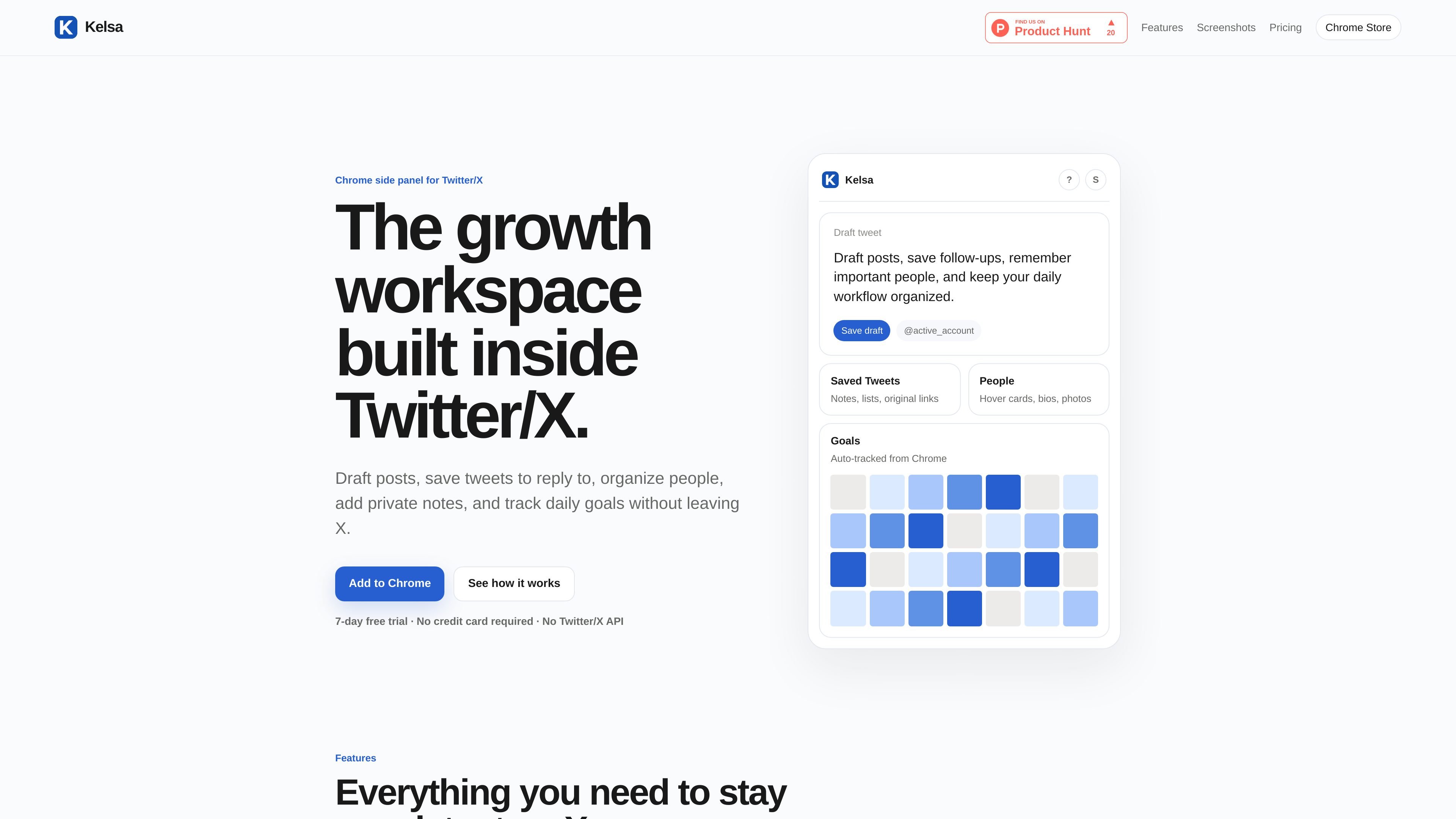
Kelsa is a Chrome extension built as a side panel for people managing a manual growth workflow on X/Twitter. It keeps drafts, saved tweets, people, notes, lists, and daily goals in one place beside the X interface.
The product is designed for users who want to stay organized while browsing X without relying on the Twitter/X API or automation. The workflow is centered on writing, saving, organizing, and tracking your own activity rather than auto-posting or background engagement.
Create and save multiple drafts for each X account, then edit, copy, or delete them when you are ready to publish elsewhere.
Save tweets you want to revisit, add private notes, organize them into lists, and reopen the original post later from the saved queue.
Save X profiles you want to remember and keep leads, customers, creators, collaborators, and friends organized in custom lists.
Set tweet and reply targets, track progress, and use streak tracking to keep a daily publishing rhythm visible.
Work across personal, brand, and client accounts in the same browser without mixing drafts, notes, saved items, or goals.
Export or import your Kelsa data for backups and restore paid access when needed, with guidance available inside the product.
Draft tweets while reading X, then copy or edit them later without switching tools or losing the idea mid-session.
Save tweets that deserve a reply, attach notes and a list label, and return to them when you are ready to respond.
Keep track of leads, customers, creators, collaborators, or friends by saving profiles and grouping them into custom lists.
Set daily tweet and reply goals, review streak progress, and use the side panel to keep a consistent posting routine visible.
Work from separate personal, brand, or client accounts in one browser while keeping drafts and saved items scoped to the active account.
Kelsa is a Chrome extension for manual X/Twitter workflow management. It lets you draft posts, save tweets and people, add notes, organize lists, and track daily tweet and reply goals from a Chrome side panel.
No. The site says Kelsa does not auto-post, auto-reply, auto-like, auto-follow, or use the Twitter/X API.
Kelsa offers a 7-day free trial with no credit card required. The product page also describes Kelsa Pro as an annual plan priced at $29 per year.
Kelsa is built for Chrome and works beside X/Twitter in the browser. The source pages do not describe support for other browsers or native mobile apps.
Support requests, billing questions, bug reports, Chrome Store questions, and feedback go to [email protected].

topple.lol is a public pay-to-rank leaderboard where listings start at $1 and bid balance decays over time and clicks for short-term visibility.

Goldfish is an AI memory app for macOS that helps you reply, write, summarize, and continue with context already on your Mac. It stores memory locally and writes in your tone.

ArtDeck is a visual reference board app for iPhone, iPad, and Mac. Collect mixed references on one canvas and study them with ToolBox lenses. Offline, optional iCloud sync, one-time purchase.

Biji is a versatile platform designed to enhance productivity through innovative tools and features.

Malyatko is a baby tracker for feeding, sleep, growth, teething, and milestones. Use it on iPhone, Apple Watch, and widgets offline, with iCloud sharing.

Redline is a budgeting tool for Claude Code that paces sessions by time, tokens, cost, or plan percentage, helping them end with a usable result.