
Writing-focused interface
The site includes a writing entry point labeled "Start writing," indicating Kraa is built around composing content inside the app rather than only browsing published pages.
Kraa is a web-based writing and publishing app for leafs, with public browsing, tags, and creator follows.
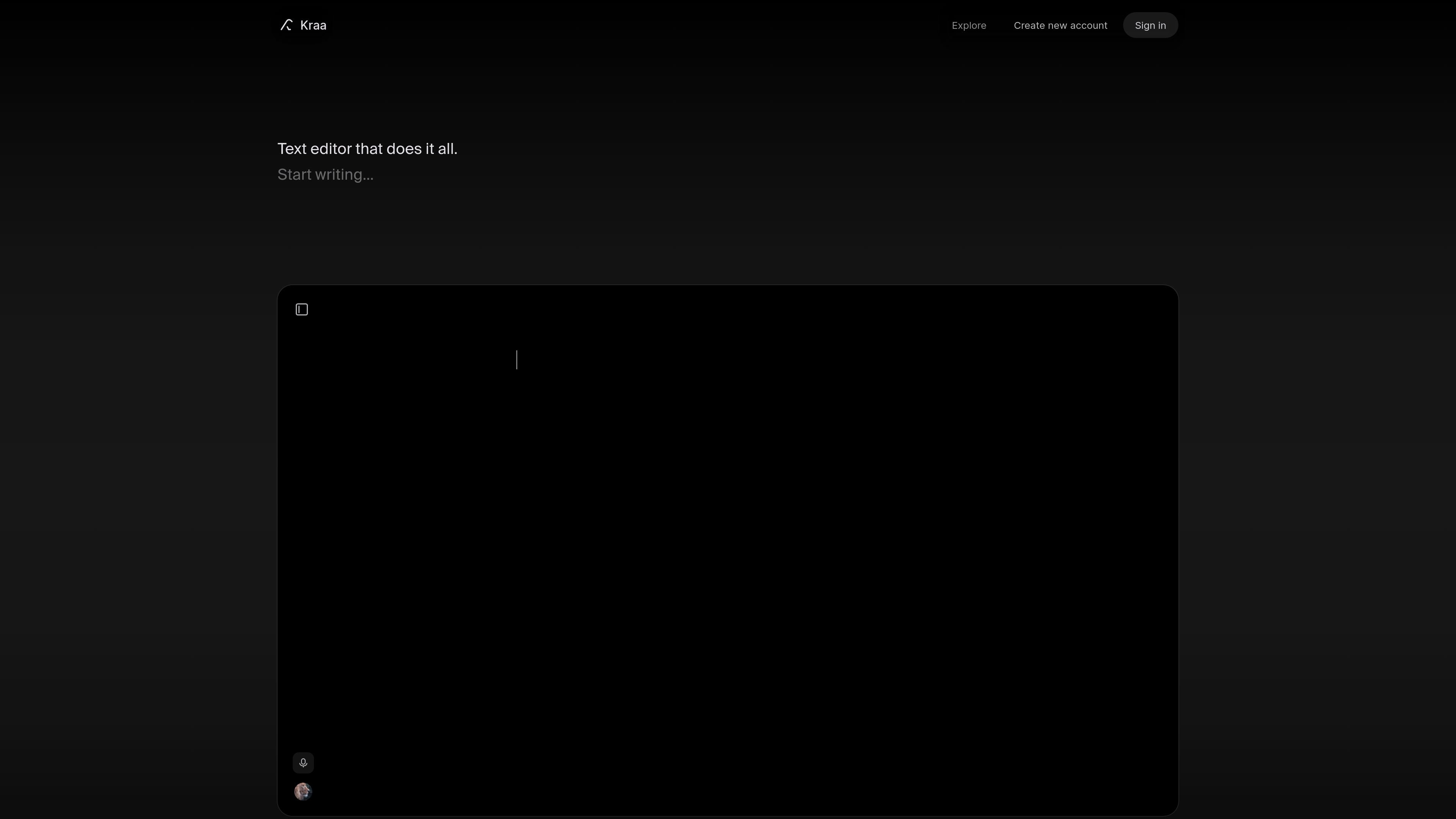
Kraa is a writing and publishing product built around pages called "leafs." The site includes a clear entry point to start writing, sign in, or create an account, and its explore area shows public leafs created by users.
From the source pages, Kraa looks like a mix of writing workspace and public content network. Users can browse public leafs, follow creators, and discover posts through tags and recent activity, while the site also prompts people to sign in so they do not lose access to their data.
The site includes a writing entry point labeled "Start writing," indicating Kraa is built around composing content inside the app rather than only browsing published pages.
Public leafs are shown on the explore page, where users can browse content made by Kraa users and follow other creators to surface more recent work.
The explore page surfaces popular tags such as #public, #switzerland, and #writing, suggesting content can be organized and discovered through tags.
Creator profiles and follower counts are listed on the explore page, which points to a social layer for following authors and tracking their content.
Recent leafs are displayed with fields such as favorites, views, publish time, and author, giving readers a feed-like view of activity across the platform.
Draft and publish written pieces in a workspace built around leafs, with a visible path from writing to public sharing.
Browse public leafs by tags, popularity, or recency to find content from other Kraa users.
Follow creators whose work you want to track, then use the explore feed to keep up with new leafs and activity.
Read or join public leaf conversations where the page says anyone can participate.
Kraa appears to be a browser-based writing app centered on public and private "leafs" for creating and sharing content. The explore page shows public leafs, popular tags, and recent posts, while the site prompts users to start writing or create an account.
The rendered pages show "Start writing," "Sign in," and "Create account," which suggests you can write after signing in and that account access is used to keep your data available.
The explore page says public leafs are open to the public and that anyone can participate in the conversation, so some content can be viewed without signing in. The source does not confirm whether posting or editing public leafs requires an account.
The pricing page at /pricing currently returns a 404 message stating the leaf either does not exist or permission is required, so the available source material does not confirm any active pricing plans.

PaperBetterAI is an intelligent writing tool that generates academic papers and various writing materials in both Chinese and English using advanced AI technology.

心流AI助手 for real-time Q&A, long-form summaries and writing support, covering everyday knowledge, life info and academic paper topics.

Goldfish is an AI memory app for macOS that helps you reply, write, summarize, and continue with context already on your Mac. It stores memory locally and writes in your tone.

An All-In-One AI Platform that combines tools for image, video, voice, writing, and chat to enhance creativity and collaboration.

Slidesgo is a presentation template platform for Google Slides, PowerPoint and Canva workflows, with free and Premium templates plus AI-assisted creation.

ProWritingAid is a writing assistant for storytellers with grammar checking, style editing, paraphrasing, and story analysis in popular writing apps.