
URL or document input
Accepts a pasted URL or uploaded document as the starting point for campaign generation, so users can begin from existing source material instead of a blank draft.

LayerProof turns a pasted URL or uploaded document into source-grounded, platform-specific social posts and campaign assets. It helps teams repurpose content for LinkedIn, X, Instagram, TikTok, Stories, and Facebook without manual rewriting.
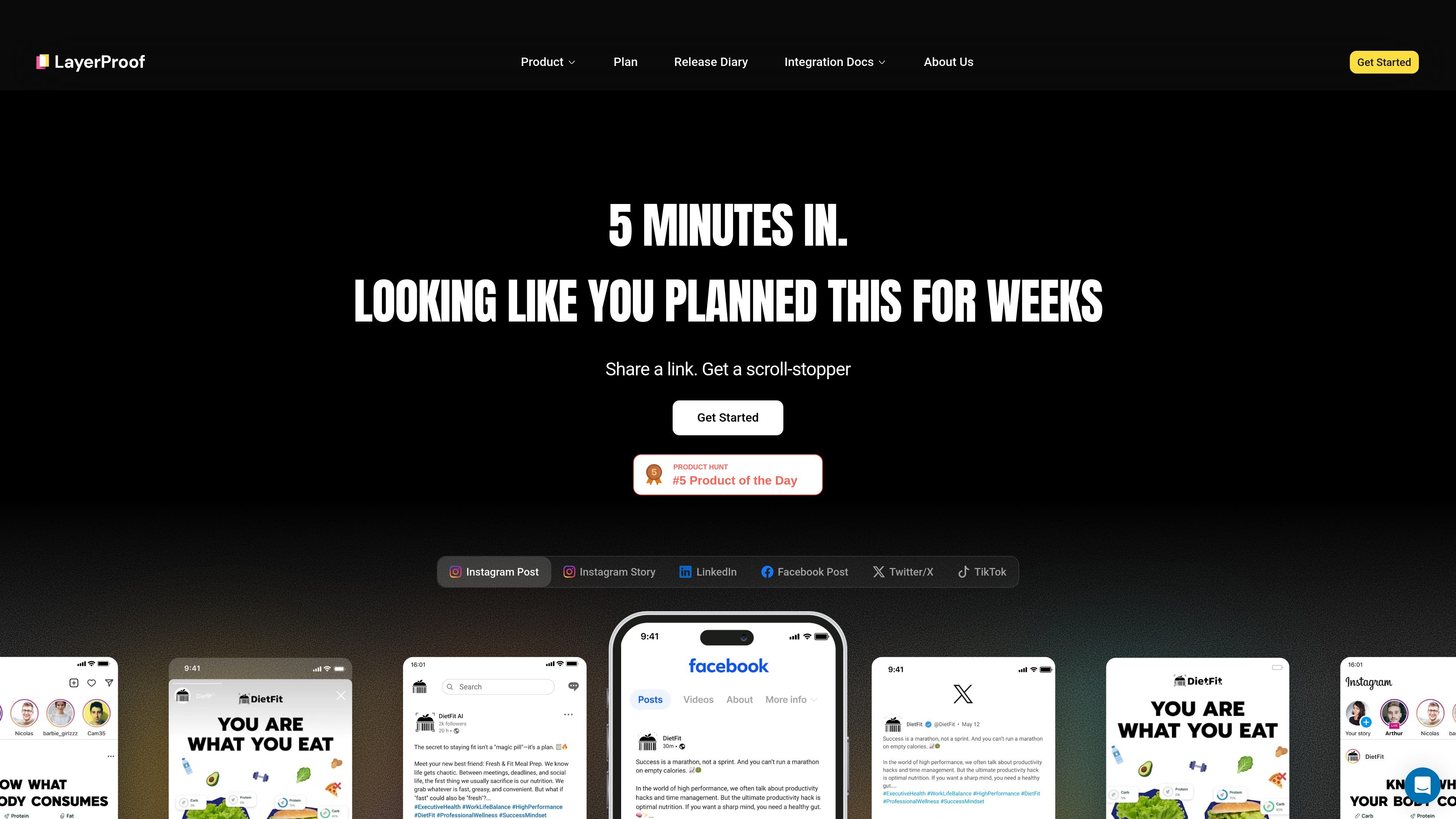
LayerProof is a source-grounded content tool that turns a pasted URL or uploaded document into a multi-platform social campaign. The social content page positions it as a way to move from one source piece to channel-ready posts for Instagram, LinkedIn, X, TikTok, Stories, and Facebook.
The workflow is built around keeping the output tied to the original material. The page says LayerProof extracts exact points from your document, maps the core message across platform formats, previews the results, and exports ready-to-post assets in one click.
Accepts a pasted URL or uploaded document as the starting point for campaign generation, so users can begin from existing source material instead of a blank draft.
Maps one core message into native formats for multiple social channels, including LinkedIn, X, Instagram, TikTok, Stories, and Facebook.
Shows a preview of the generated formats, with examples of LinkedIn, X, Instagram, and TikTok viewed together before export.
Exports ready-to-post assets in one click after generation, reducing manual reformatting between platforms.
States that it extracts exact points from the source and applies a consistent brand voice across exports.
Supports a fast turnaround, with the homepage describing the workflow as taking about five minutes from input to campaign output.
Turn a blog post, article, or other link into a coordinated social campaign without rewriting the message separately for each network.
Prepare launch posts for several channels at once, using the same source material to generate platform-native copy and formats.
Review multiple platform outputs together before publishing, which is useful when a team wants LinkedIn, X, Instagram, and TikTok versions aligned.
Keep social posts aligned with the wording and facts in a source document when accuracy and traceability matter.
Produce ready-to-post social assets quickly when there is limited time to adapt content manually.
LayerProof is a source-grounded content generation tool that turns a pasted URL or uploaded document into platform-specific social posts and related visual assets. The page also describes LayerProof more broadly as an AI product for presentations, reports, and other source-backed outputs.
The social content workflow supports LinkedIn, X (Twitter), Instagram, and TikTok. The page also shows campaign output formats for Instagram posts, Instagram Stories, Facebook posts, LinkedIn posts, X posts or threads, and TikTok scripts.
You paste a URL or upload a document, LayerProof maps the core message across platform formats, previews the outputs, and lets you export the assets in one click.
The product states that it extracts exact points from your source material and keeps outputs grounded in the original content rather than generating unsupported claims.
The homepage says LayerProof is completely free during its Private Beta phase. The pricing page itself was not available in the collected pages, so no paid plan details are shown here.

Slidesgo is a presentation template platform for Google Slides, PowerPoint and Canva workflows, with free and Premium templates plus AI-assisted creation.

ChatBA is a generative AI product for creating slide decks from prompts. The public site emphasizes instant presentation generation and includes help content for templates, sharing, and data sources.

Napkin AI turns text into editable visuals for presentations, documents, and shareable content. Text-first generation, collaboration, and export to PPT, PNG, SVG, or PDF.

Beautiful.ai is an AI presentation platform for teams and enterprises. Create branded slide decks with Smart Slides, collaboration, and export options.

MagicSlides is an AI presentation generator that turns text, topics, documents, URLs, and videos into slide decks. It creates presentations in Google Slides by default and supports PowerPoint export, with multilingual output and AI-assisted editing.

Frames helps you create launch posters and social media marketing graphics fast with premium device frames and templates for Instagram, Twitter, and Product Hunt. Free to start.