

Logomaster.ai
Logomaster.ai is an AI-powered online logo maker to create and edit logo designs, then download web- and print-ready files.
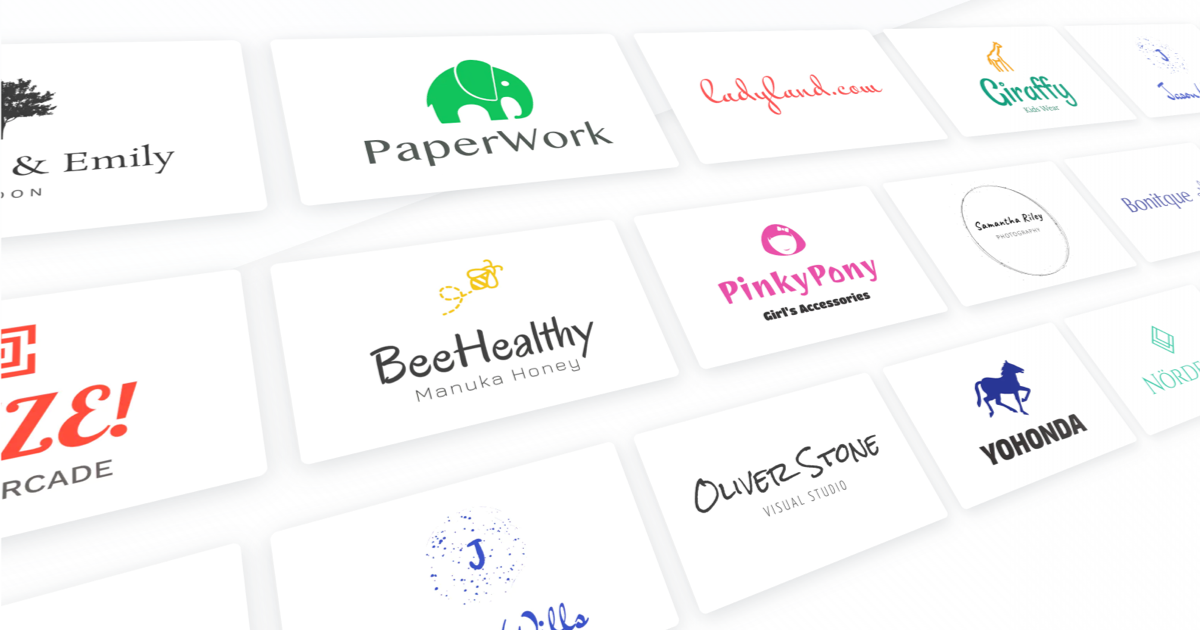
What is Logomaster.ai?
Logomaster.ai is an online logo maker that helps people generate and edit logo designs using AI. It’s aimed at users who want a professional-looking logo without needing design skills.
The platform guides users through a short setup process to create a logo, then provides downloadable files in multiple formats for both digital and print use.
Key Features
- AI-generated logo proposals: Users can review multiple logo options produced from their inputs (industry/style preferences and company name).
- 5-step logo creation flow: A guided workflow covers selecting preferences, entering a company name, choosing a proposal, customizing it, and downloading results.
- Logo customization and re-download: After selecting a design, users can make changes and download again.
- Multiple output formats for web and print: The site mentions transparent PNG for websites and social media, web-ready files, print-ready files, and resizable vector files.
- High-resolution downloads: It references high-resolution logo files around 4096px for broad use.
- Color variations included: The platform provides variations such as a dark logo, a white logo, and a colored background logo.
- Royalty-free usage: The site states that a purchased logo can be used for commercial or non-commercial purposes.
How to Use Logomaster.ai
- Select an industry and style preferences.
- Enter your company name.
- Review the AI-generated logo proposals.
- Choose one proposal and customize details like layout and styles.
- Download the logo in the available high-quality formats.
The site also indicates that you can make changes and re-download, and that certain color variations are provided.
Use Cases
- Personal brand logos: Create a logo for an individual brand (e.g., creator, consultant, freelancer) and download transparent PNGs for use on social media and websites.
- Startup branding: Generate initial logo options quickly, then refine the chosen design and export print- and web-ready files for early marketing materials.
- Small business storefront and marketing: Produce a single logo package suitable for both digital placements (like social posts) and print needs (like business cards or posters).
- Enterprises needing brand variations: Use the included logo variations (dark, white, and colored background) to match different placement backgrounds.
- Service-based businesses: Choose an industry/style direction, generate options, and adapt the logo output for service listings, website headers, and promotional assets.
FAQ
-
What is a logo maker? A logo maker is an online tool that lets you create logos for a business or brand using a user-friendly interface.
-
Do I need design experience to use Logomaster.ai? No. The platform is described as intuitive and designed for users without design skills.
-
How do I create a logo with Logomaster.ai? Start by entering your company name and selecting industry/style preferences, review AI-generated proposals, customize your chosen option, and then download the logo files.
-
Can I customize the logos after they’re generated? Yes. The site states you can change parts of the design and re-download.
Alternatives
- DIY vector/logo design tools: Alternatives in this category are typically used by adjusting shapes, fonts, and icons in a design editor. Workflow usually requires more manual setup compared with an AI-guided proposal approach.
- Template-based logo generators: These focus on selecting and customizing pre-made templates rather than generating options from an AI proposal step.
- Freelance or agency logo design services: A different workflow where you provide requirements to a designer; this can be better if you want human-led exploration, but may take more time than an instant generation-and-download flow.
- Branding platforms for small businesses: These tools often bundle logo generation with other brand assets (e.g., guidelines or marketing templates), while Logomaster.ai is specifically described as a logo maker with downloadable logo files.
Alternatives

Vibegrowing
Vibegrowing is an AI-native launch workflow for indie app developers, combining competitor research, ASO metadata, icons, screenshots, localized landing pages, and legal drafts in one panel.

imgcook
imgcook is an intelligent tool that converts design mockups into high-quality, production-ready code with a single click.

Beautiful.ai
Beautiful.ai is an AI presentation maker that automates design, layout, and spacing as you build content—so individuals and teams create polished slide decks.

Decktopus
Decktopus is an AI-powered presentation maker that creates stunning presentations in seconds by simply typing the presentation title.

Chronicle
Chronicle is the modern, AI-powered presentation tool for creating stunning, interactive decks your audience will remember.

轻竹PPT
轻竹PPT is an AI-powered tool that allows users to generate presentations with just one click, offering a vast array of templates for easy and efficient PPT creation.