
Multiple starting inputs
Start with a prompt, visuals, files, or an existing site, then generate a website from that input.

Lokuma Website Builder is a design-first AI website builder for launch-ready sites without coding. Create, edit, and publish polished websites from prompts, files, visuals, or an existing site.
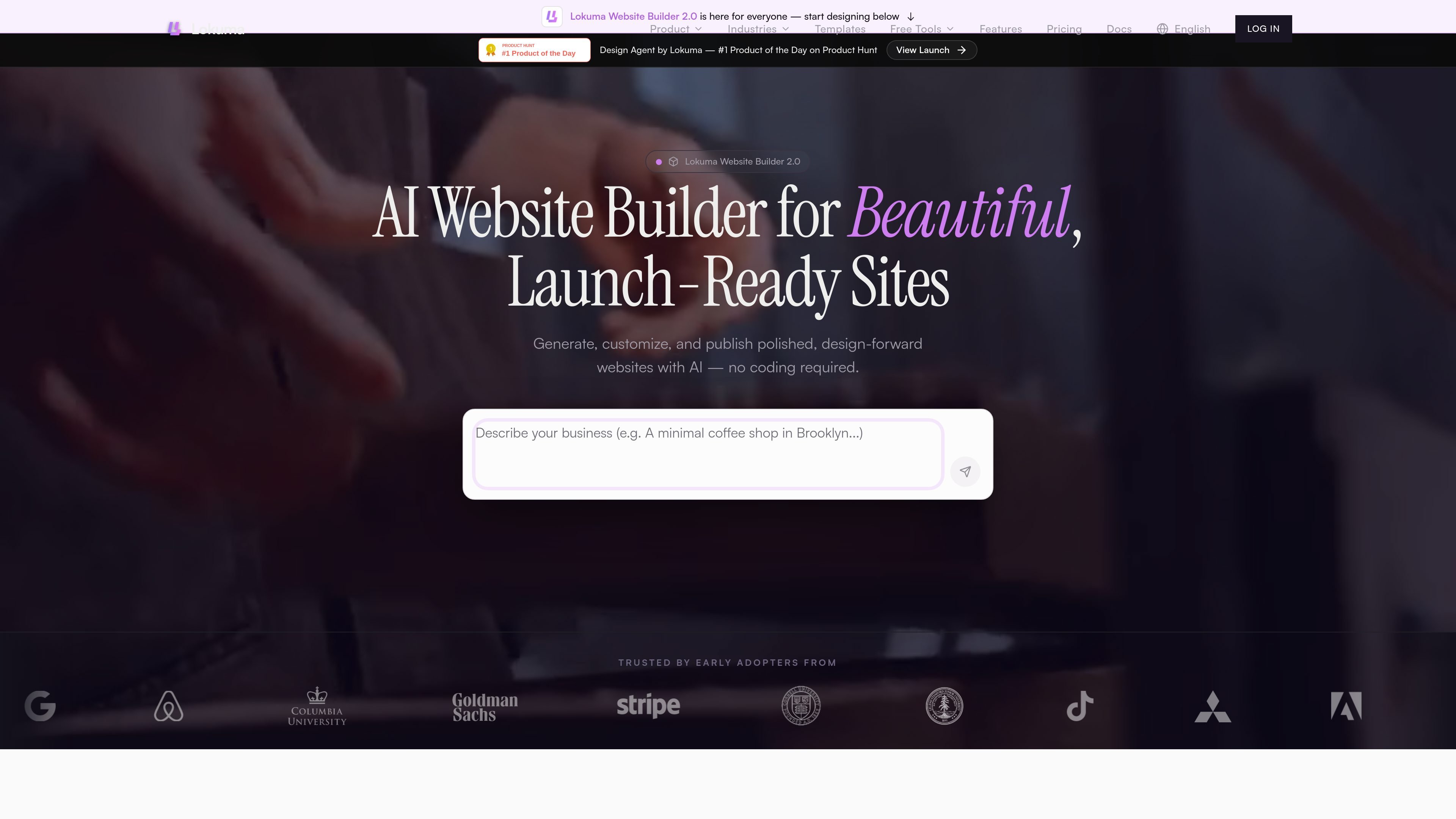
Lokuma Website Builder is an AI website builder for creating polished, launch-ready websites without coding. It generates site structure, copy, visuals, and styling from prompts, files, visuals, or even an existing site, then lets you refine the result in an editor.
The product is positioned around design quality rather than generic generation. Its pages emphasize typography, hierarchy, palette, semantic structure, and responsive publishing, with support for custom domains on paid plans and code export on eligible paid plans.
Start with a prompt, visuals, files, or an existing site, then generate a website from that input.
Edit text, images, sections, colors, and layout directly after generation, with AI-assisted regeneration for alternate copy or structure.
Publish with responsive output and domain-ready publishing, so the site can move from draft to live within the same workflow.
The product emphasizes layout, hierarchy, typography, and palette so generated pages feel designed rather than assembled from generic output.
Templates can be used as a starting point and remixed inside the editor, which is useful when you want a faster launch path.
Free and paid plans are available, with paid tiers adding custom domains and code export on eligible plans.
Create a polished site for a salon, clinic, studio, or other appointment-driven business using the Beauty Studio-style booking-led workflow and lead capture features.
Build a site for an agency, consultant, or creative studio that needs case studies, services, testimonials, and a more structured presentation.
Launch a restaurant, retail, or hospitality site with menu highlights, location details, listings, or inquiry forms.
Start from a template when you want a faster path to a live site, then remix it in the editor instead of designing from scratch.
Use Lokuma as a design layer for AI workflows when you want better layout, hierarchy, and visual quality in pages or interfaces.
Lokuma Website Builder is a design-first AI website builder that generates, edits, and publishes websites in one workflow. It focuses on producing more structured and visually refined sites than generic template-led builders.
The source says it can be used for service businesses, local businesses, creators, consultants, agencies, restaurants, salons, fitness brands, portfolios, landing pages, and other professional websites.
Yes. The source says pages are generated with clean semantic structure, clear heading hierarchy, logical content structure, and editable metadata, which gives websites a technical foundation for search visibility.
Yes. Free plans use a Lokuma subdomain, while paid plans allow custom domains. The pricing page also indicates that paid plans can unlock code export.
No coding is required. You can start from a prompt, visuals, files, or an existing site, then refine text, images, sections, colors, and layout in the editor.

Make Real is a Next.js app that turns hand-drawn wireframes into HTML prototypes with the tldraw SDK and AI models, with canvas sketching and embedded preview.

PixelDrive is a bulk image generation API for on-brand images from one template via browser editor, REST API, CSV batch, or MCP.

Napkin AI turns text into editable visuals for presentations, documents, and shareable content. Text-first generation, collaboration, and export to PPT, PNG, SVG, or PDF.

Refero MCP for AI agents connects an MCP-compatible agent to Refero’s curated library of web and iOS product interfaces and user flows. It helps agents research real design patterns before generating UI, with access included in the Refero Pro plan.

Outsource Rizz is a design and development service for pre-launch B2B startups, with embedded senior designers and developers helping you ship product, website, and brand work.

Prompty Town turns a link into a building in a small internet city. Buy a tile, add a prompt, and publish it alongside other buildings.