
Director-like AI video agent
Describe a video idea in natural language and let the agent break it into scenes, pacing, and story flow before generating the output.

Loova AI is a web-based platform for creating and editing AI images and videos, with an AI video agent and API for Seedance 2.0 video generation.
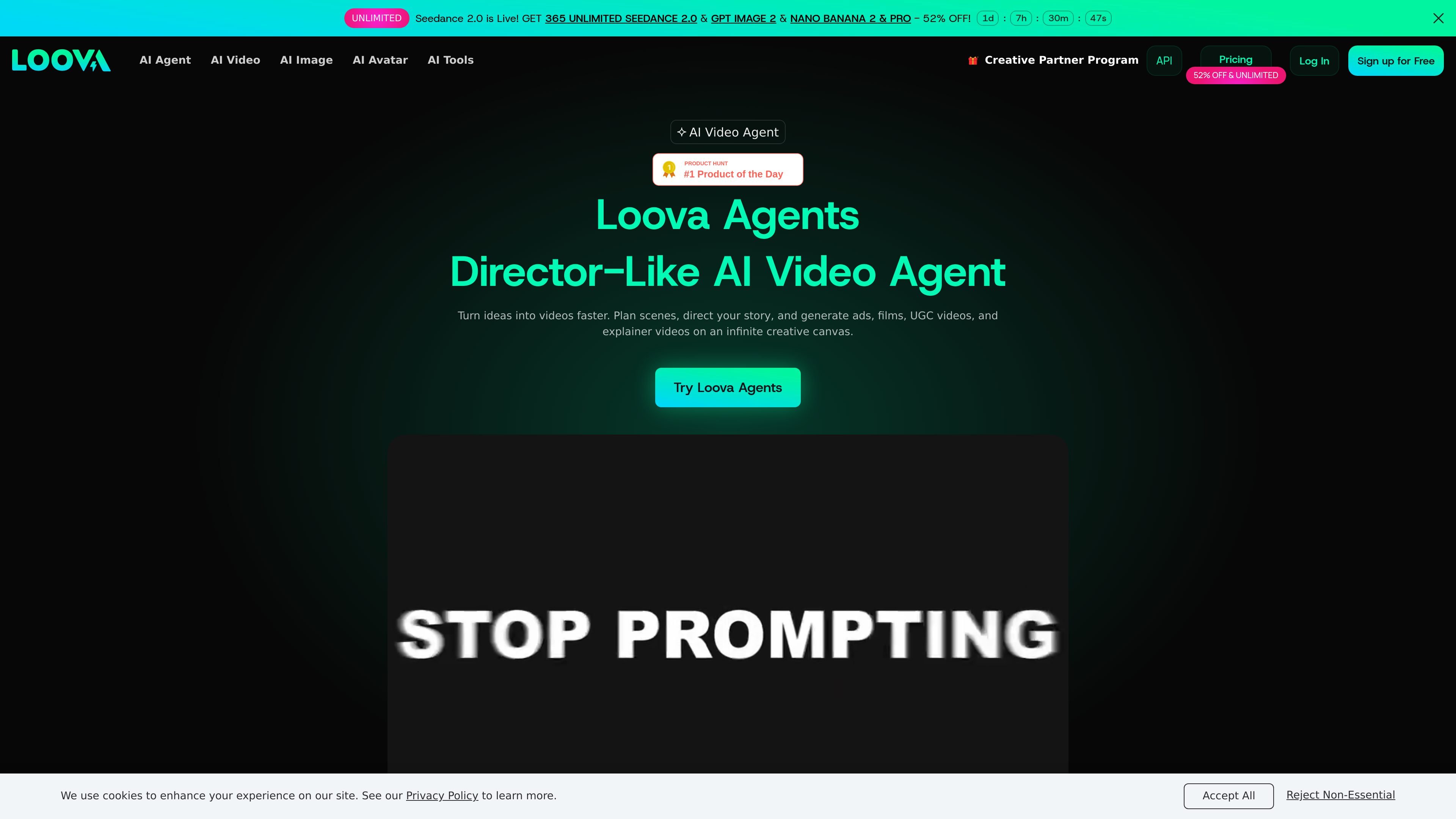
Loova AI is an all-in-one creative platform for generating and editing AI images and videos. The site combines a consumer-facing creative playground with an AI video agent, model selection across multiple providers, and a separate API area for programmatic video generation.
The AI Agent product is presented as a director-like video workflow. Users describe an idea in natural language, and Loova Agents plans scenes, directs the story, and generates videos such as ads, films, UGC videos, explainer videos, music videos, and talking avatar videos. The platform also bundles image generation, photo editing, and motion or voice tools in the same workspace.
Pricing is organized into tiered subscription plans with monthly credit allowances, while the API page shows a credits-and-keys setup for developers who want to generate Seedance 2.0 videos through the API. The product appears aimed at creators who want to move from concept to finished content without stitching together separate tools for each step.
Describe a video idea in natural language and let the agent break it into scenes, pacing, and story flow before generating the output.
Work on an infinite canvas that supports storyboarding, organizing scenes, and refining the narrative while the agent helps generate visuals.
Generate videos from text, image inputs, or multiple reference images, which gives creators several starting points for the same project.
Edit or enhance videos with prompt-driven tools such as background changes, object removal, object addition, angle changes, and video enhancement.
Create and edit images with text-to-image, image-to-image, and AI photo editing tools, including upscaling, background changes, and product image generation.
Use the API surface to generate Seedance 2.0 videos and manage API keys, credits, and request logs from the Loova API area.
Turn a short concept into a structured video by describing the idea in plain language and letting the agent plan scenes and generate the sequence.
Create marketing or social content such as ads and UGC videos where speed matters and the final piece still needs a clear story flow.
Use the infinite canvas to map out scenes, compare directions, and refine a storyboard before exporting a finished video.
Build visual content from an existing photo or reference set, then convert it into motion or another style with image-to-video workflows.
Automate repeatable generation through the API when a workflow needs Seedance 2.0 video creation, API keys, and request tracking.
Loova AI is built to generate and edit video and image content from prompts, reference images, and other inputs. The AI Agent page describes a director-like workflow that plans scenes, directs the story, and generates videos automatically.
The source presents Loova Agents as useful for creators, brands, marketers, and filmmakers who want to produce videos quickly without manually building every scene and shot.
The AI Agent page says you can describe your idea in natural language, then the agent analyzes it, plans scenes, directs the flow of the story, and generates the video automatically.
The pricing page shows tiered monthly plans with credit allowances, and the API page includes API keys, credits, logs, and a model-specific video generation entry point. That suggests both subscription-based use and API-based usage are available.
The source shows video and image creation, editing tools, templates, and a creative partner program, but it does not provide detailed documentation here about team permissions, external integrations, or embed options.

艺映AI is a free AI video creation tool for text-to-video, image-to-video, and video-to-video creation for short social and promo clips.

Coursebox AI Training Video Generator creates training videos from scripts, slides, or avatars for course authors and teams—no filming equipment or manual editing needed.

VIDEOAI.ME is an AI video generator for spokesperson videos, ads, explainers, and social content from a script without filming.

Official HeyGen API docs for AI avatar videos, video translation, lipsync, and interactive video-agent sessions via API, MCP, and CLI workflows.

UNI-1 by Luma is a multimodal model for text-to-image, image editing, reference-guided creation, and API-based visual workflows.

Clipia.ai is an AI image and video generation platform for presentations, agent workflows, and developer integrations, with shared credits.