
Lovable
Download the Lovable desktop app for macOS (Apple Silicon & Intel) and Windows (x64) with tab-based project organization and local MCP support.
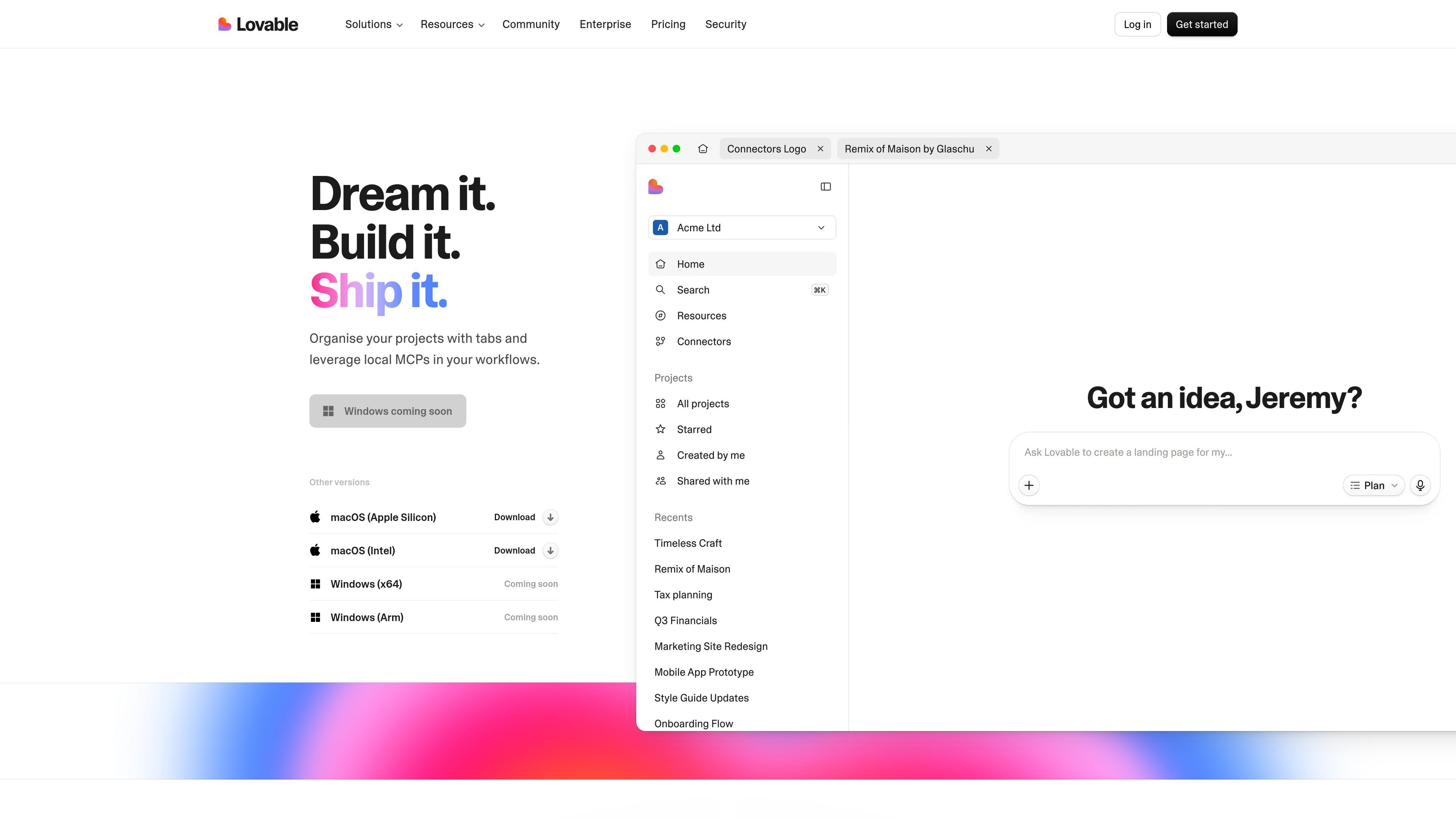
What is Lovable?
Lovable is a desktop application you can download for macOS and Windows. The page emphasizes that the app is “fast” and “light,” and it supports organizing work in a tab-based project workflow.
A key part of Lovable’s functionality is “local MCPs” in your workflows—letting you leverage locally available MCPs while you dream, build, and ship projects.
Key Features
- Tab-based project organization: Use tabs to manage multiple projects or work areas within the app.
- Local MCP support: Incorporate local MCPs into your workflow for tasks you run while working in Lovable.
- Cross-platform desktop downloads: Get installer downloads for macOS (Apple Silicon), macOS (Intel), and Windows (x64).
How to Use Lovable
- Download the Lovable desktop app for your platform (macOS Apple Silicon, macOS Intel, or Windows x64).
- Install and open the app on your computer.
- Organize your projects using tabs.
- Use Lovable’s workflow with local MCPs as referenced on the download page, then proceed through the “Dream it. Build it. Ship it.” flow described there.
Use Cases
- Working on multiple projects at once: Keep different projects separated using tabs so you can switch contexts without losing your place.
- Using local MCPs during development tasks: Incorporate locally available MCPs into the workflow while building and shipping project outputs.
- macOS development across hardware types: Install the appropriate macOS build (Apple Silicon or Intel) to use the same tab-based project workflow on your machine.
- Windows x64 project workflows: For Windows users on x64, use the downloadable desktop app to manage projects with tabs and local MCP support.
FAQ
-
What operating systems are supported? The download page lists macOS (Apple Silicon), macOS (Intel), and Windows (x64). Windows (Arm) is listed as “coming soon.”
-
Does Lovable support local MCPs? Yes. The page explicitly mentions “local MCPs” as part of your workflows.
-
Is there a way to organize projects inside the app? Yes. The page mentions organizing projects with tabs.
-
Where do I download Lovable? This page provides download links for macOS (Apple Silicon and Intel) and Windows (x64), with Windows (Arm) noted as coming soon.
Alternatives
- Other desktop tools with local tooling integrations: Look for desktop apps that support locally connected components/workflows (often described as “local connectors,” “local agents,” or similar) if your priority is running parts of your workflow locally.
- Tab-based project/workspace productivity apps: If tab organization and managing multiple workstreams is your main need, consider productivity tools that provide workspaces with tabs and project views.
- Developer-focused IDEs/editors with local extension ecosystems: IDEs that allow local extensions or locally configured services can cover similar “build and ship” workflows, though the specifics of “local MCP” support may differ.
- AI assistant desktop apps: Desktop AI tools that run locally or support local connectors can be a fit when your workflow depends on local resources rather than only remote services.
Alternatives
Codex Plugins
Use Codex Plugins to bundle skills, app integrations, and MCP servers into reusable workflows—extending Codex access to tools like Gmail, Drive, and Slack.
Falconer
Falconer is a self-updating knowledge platform for high-speed teams to write, share, and find reliable internal documentation and code context in one place.
OpenFlags
OpenFlags is an open source, self-hosted feature flag system with a control plane and typed SDKs for progressive delivery and safe rollouts.
AakarDev AI
AakarDev AI is a powerful platform that simplifies the development of AI applications with seamless vector database integration, enabling rapid deployment and scalability.
AgentMail
AgentMail is an email inbox API for AI agents to create, send, receive, and search email via REST for two-way agent conversations.
skills-janitor
Audit, track usage, and compare your Claude Code skills with skills-janitor—nine focused slash commands and zero dependencies.

